11. Using IC Card Online
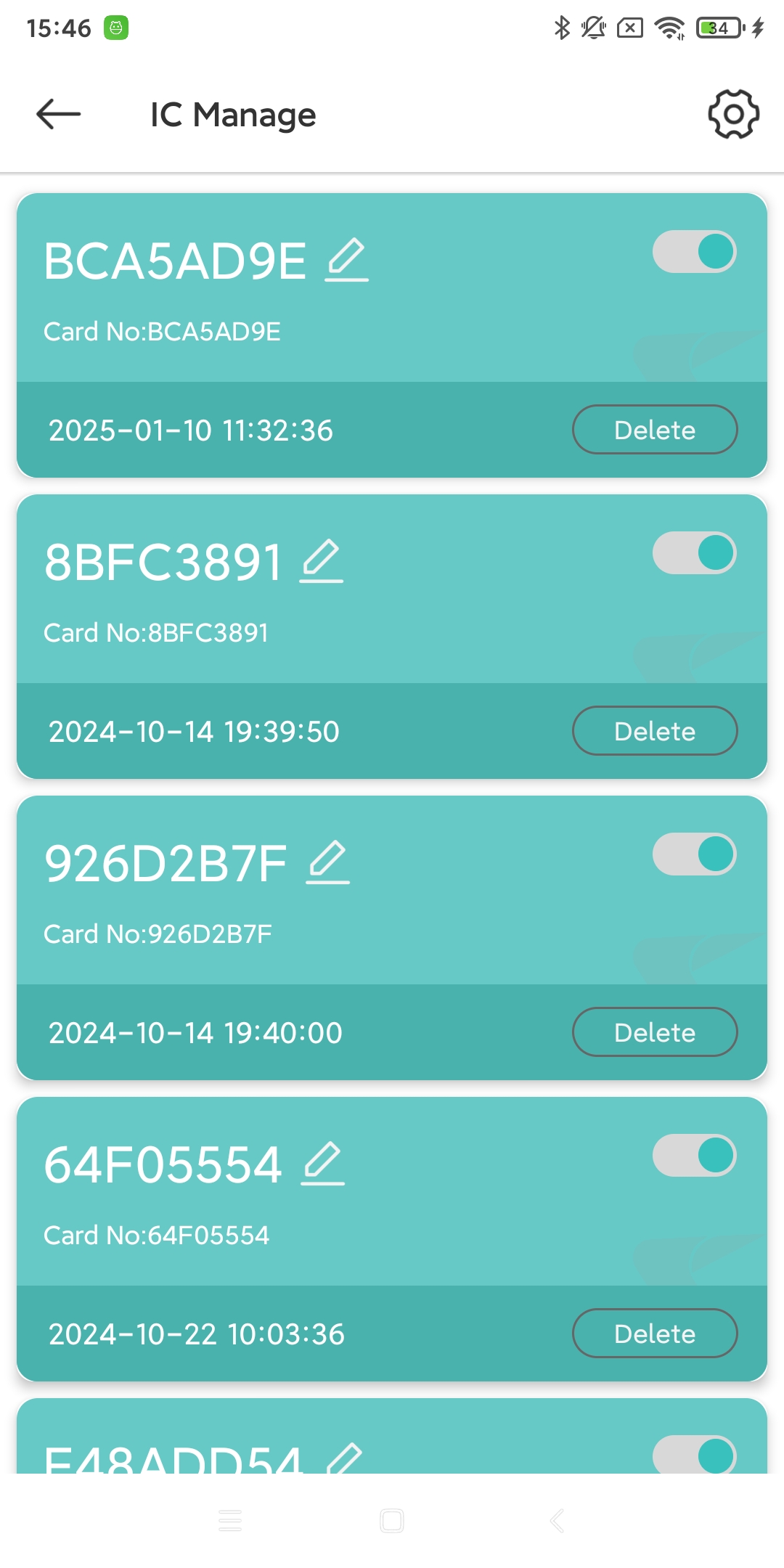
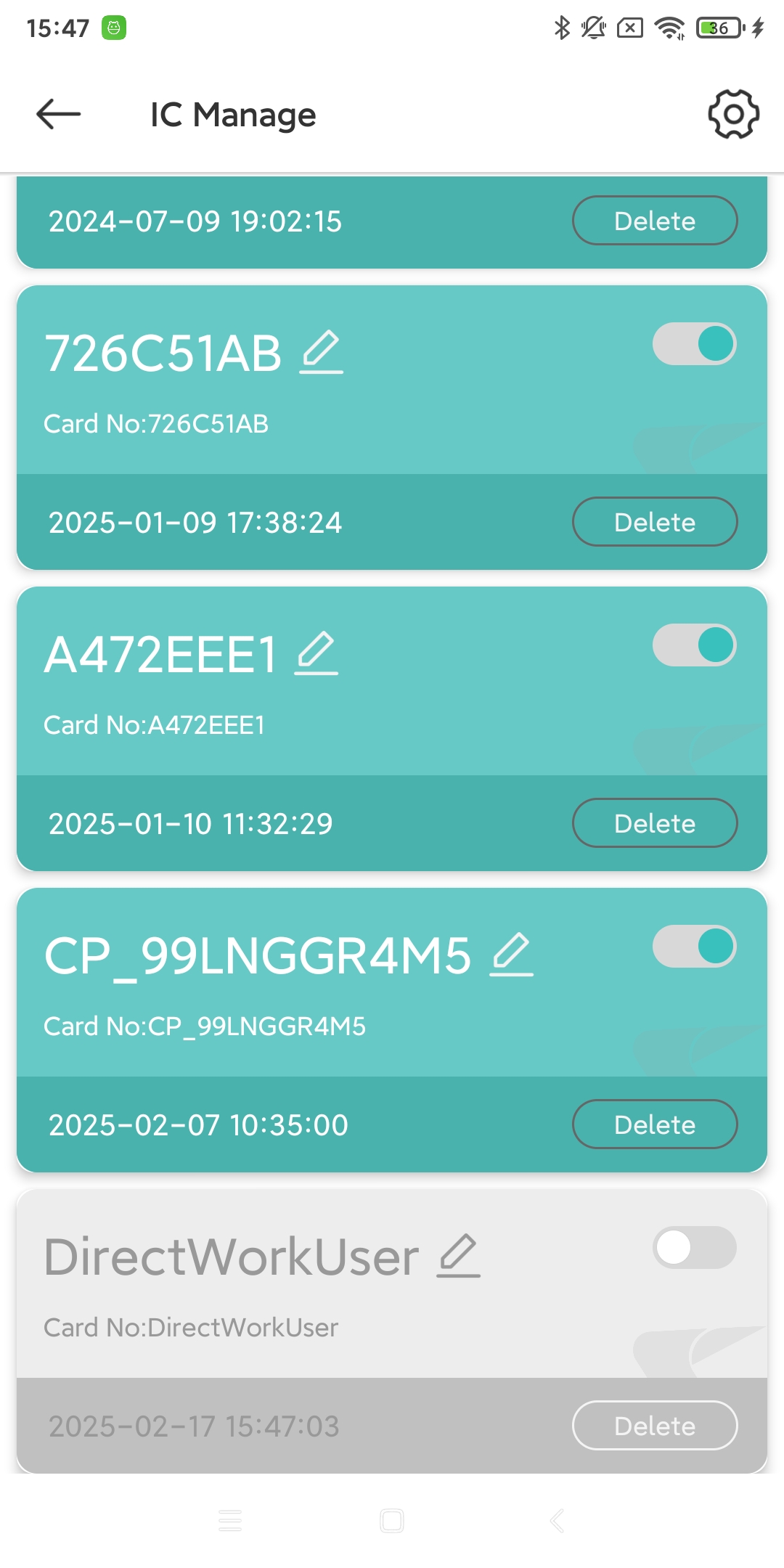
On the “Profile” page, click the IC tab. You can manage existing IC cards.
11.1. IC card settings
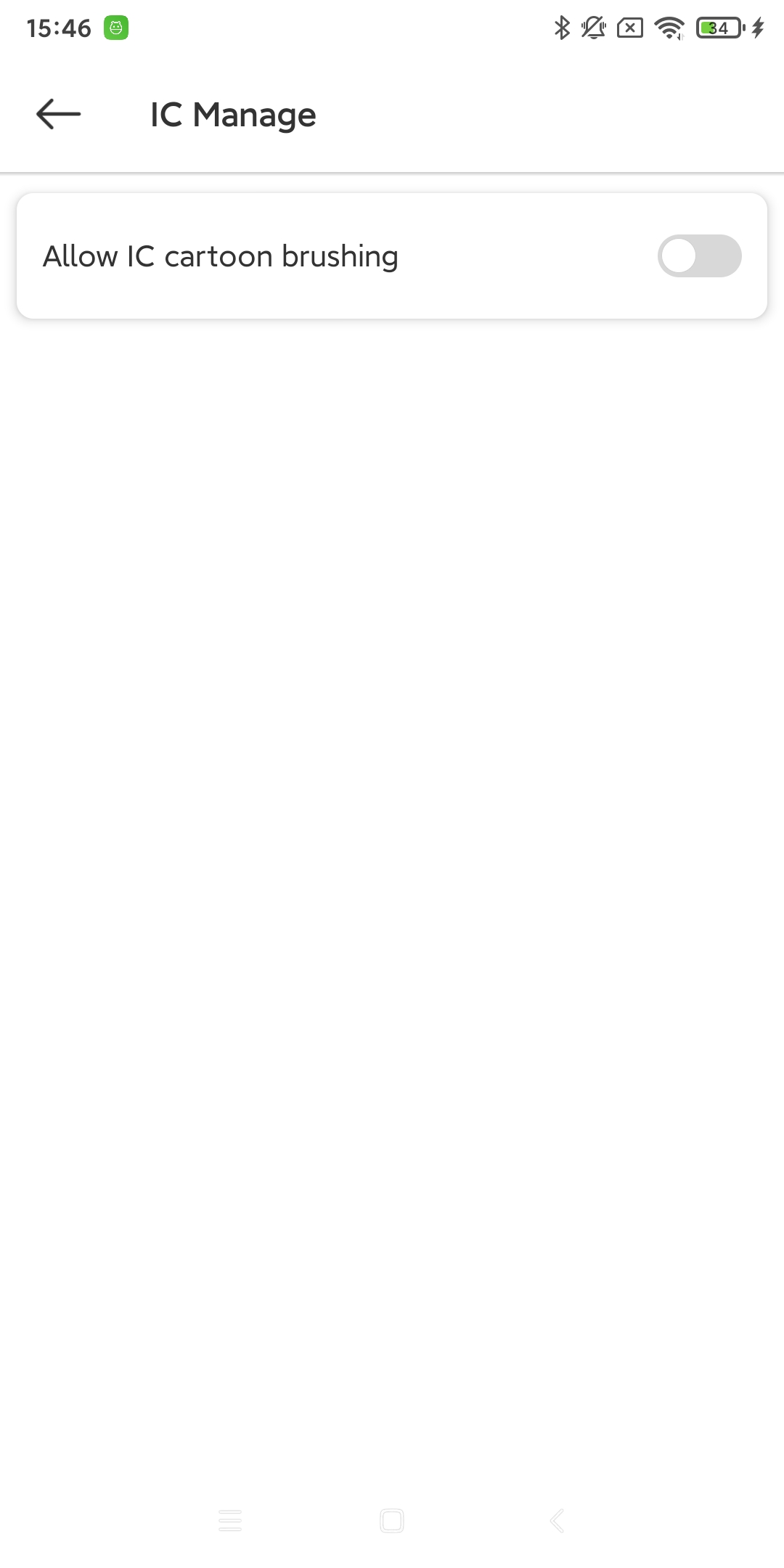
IC card brush switch. (For example: use card A to start and card B to end charging, you need to turn on this switch.)
11.2. IC card permission control
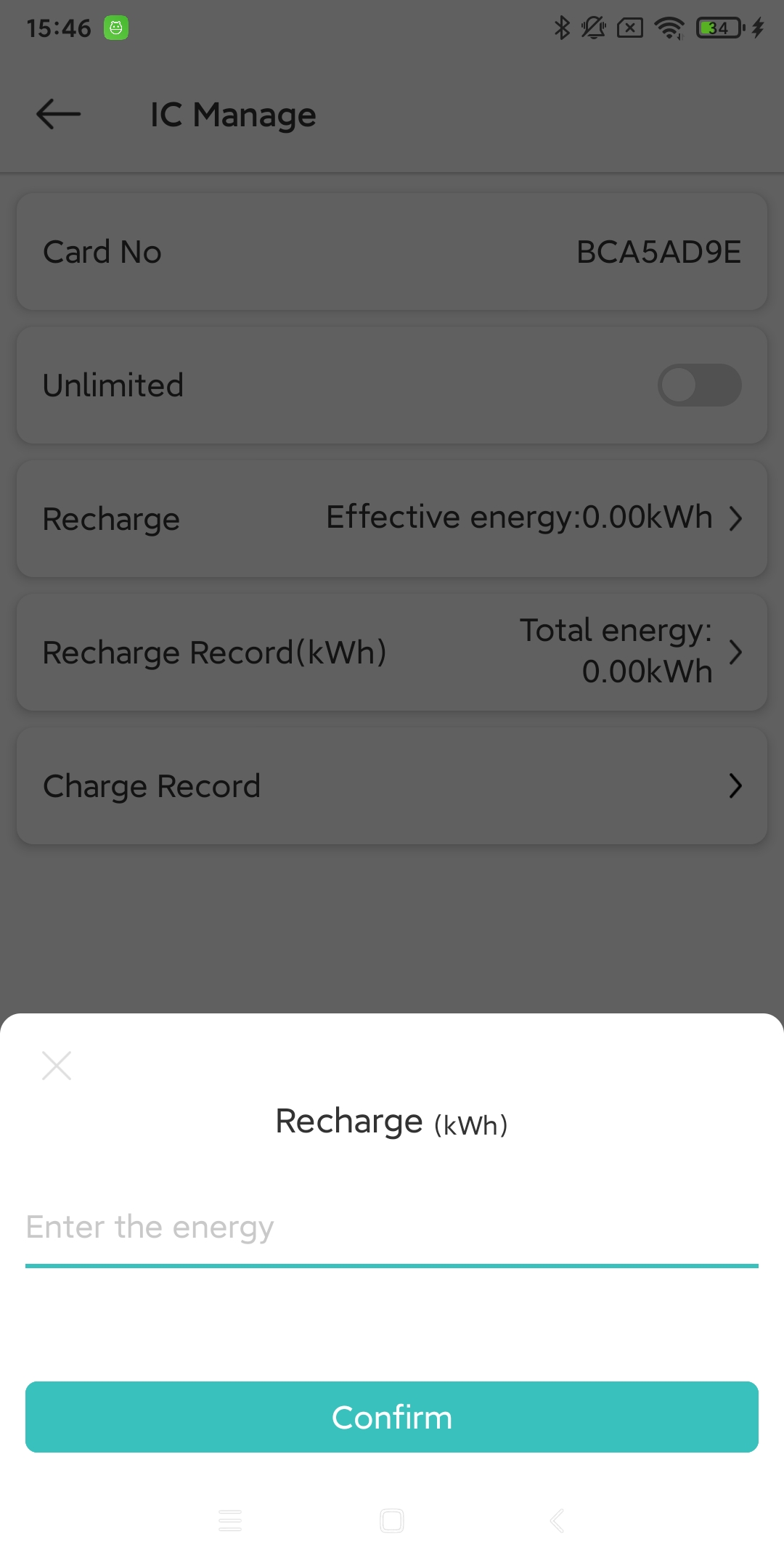
Click the IC tab, and you can control the permissions of this IC card, for example: how much kWh of electricity the device can consume with this IC card (if not entered, there is no power limit by default).
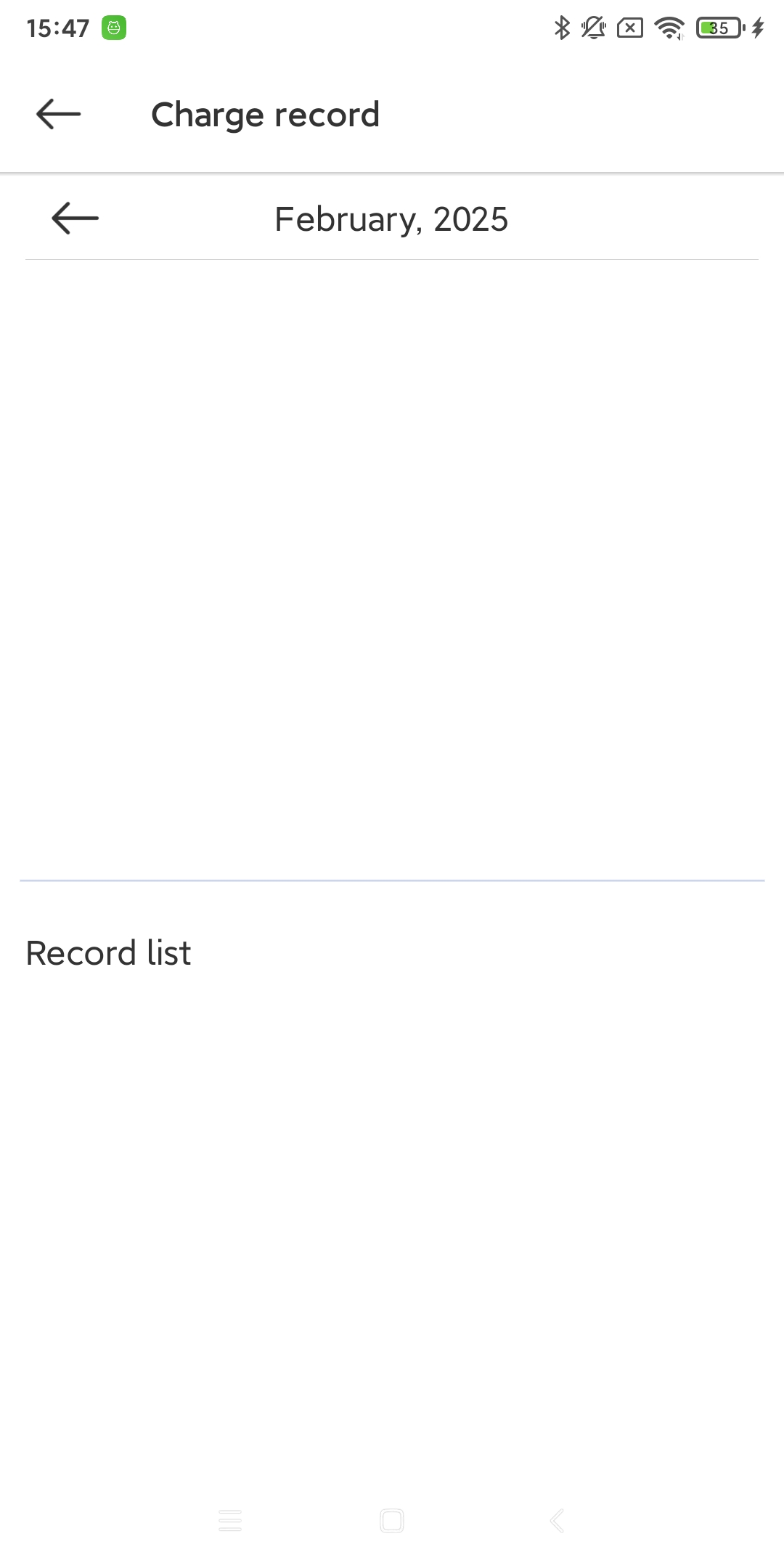
IC card for permission control and record viewing
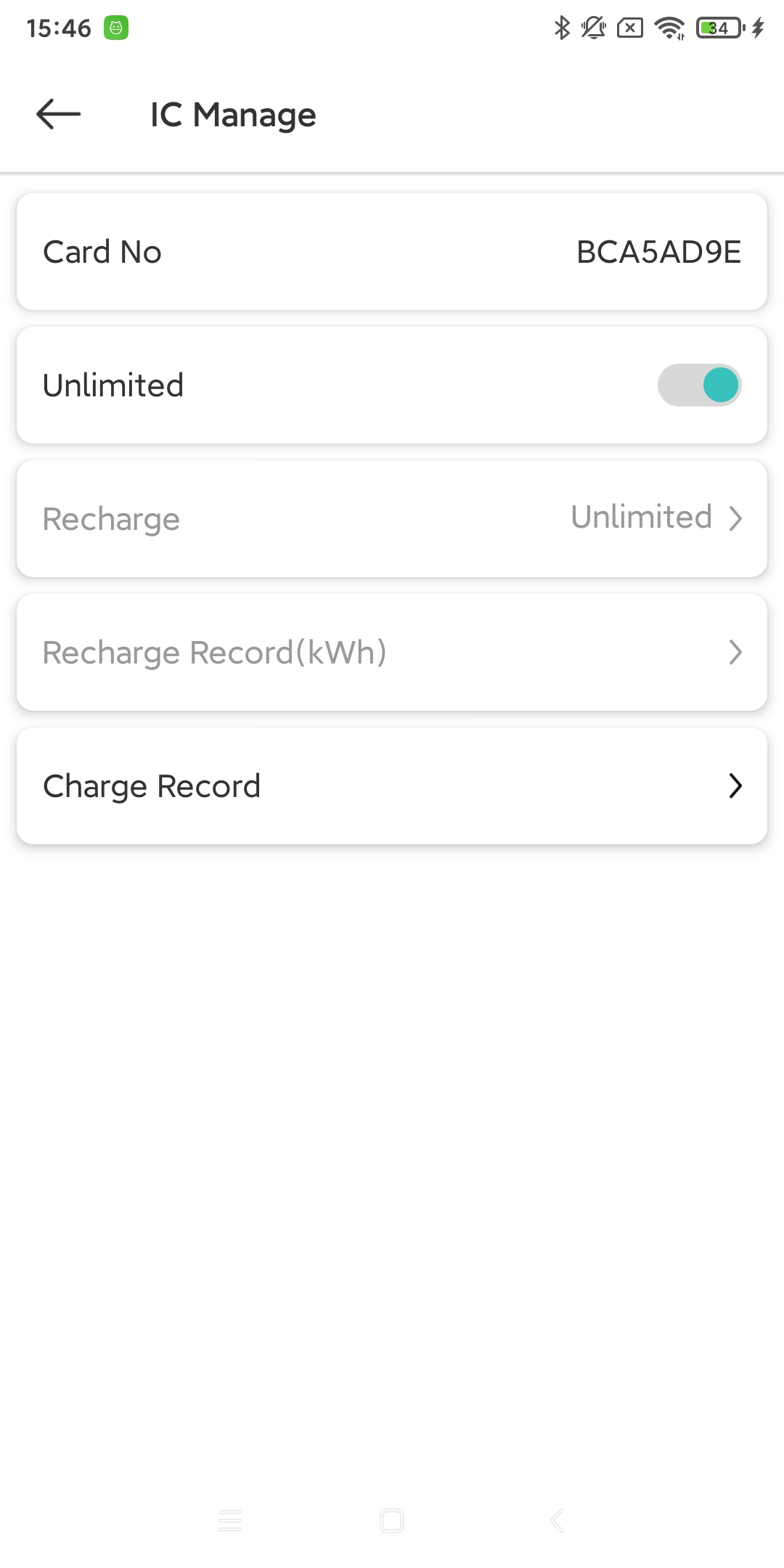
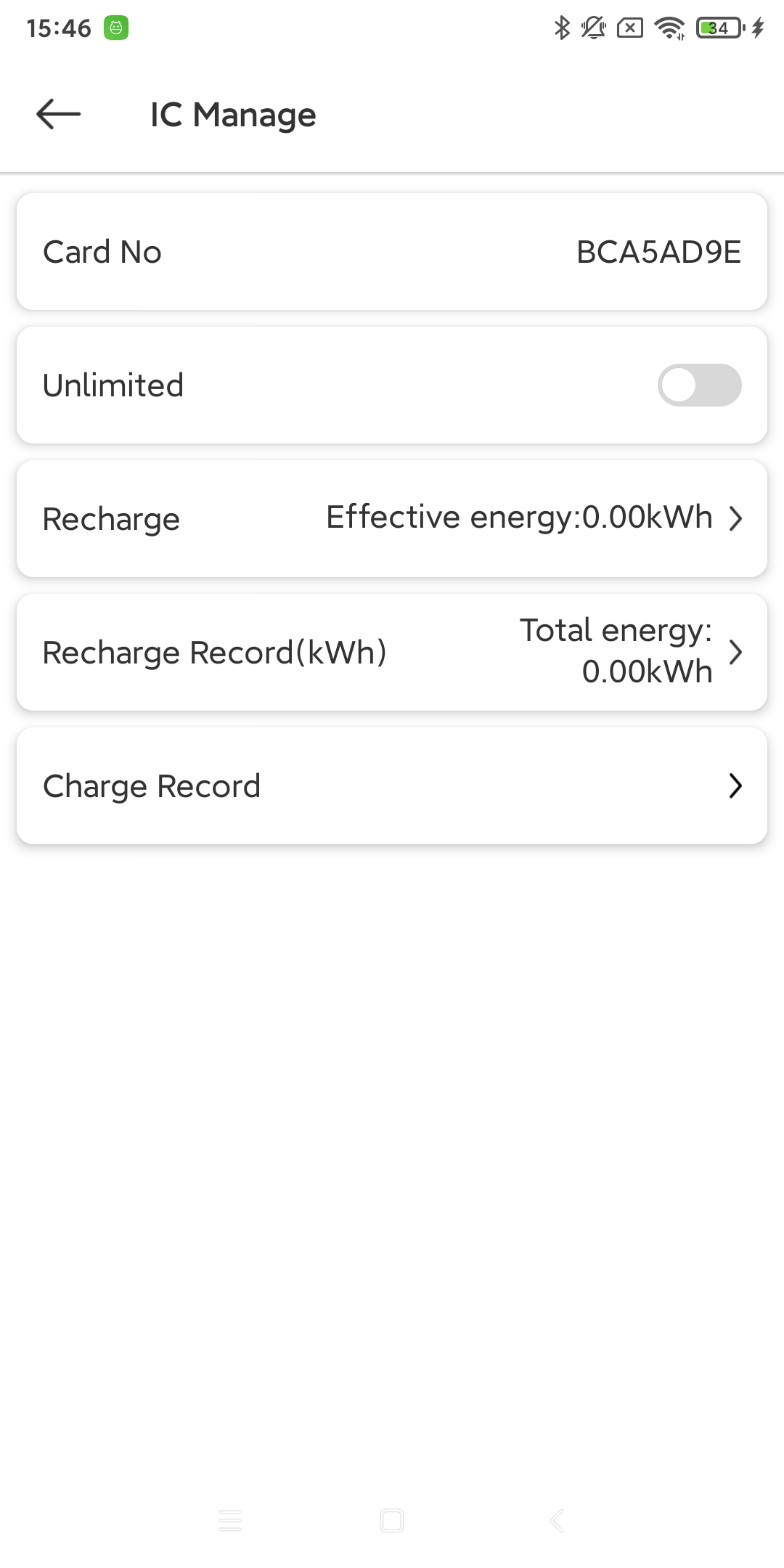
Permission Control - limit power usage (kWh) and view recharge power records
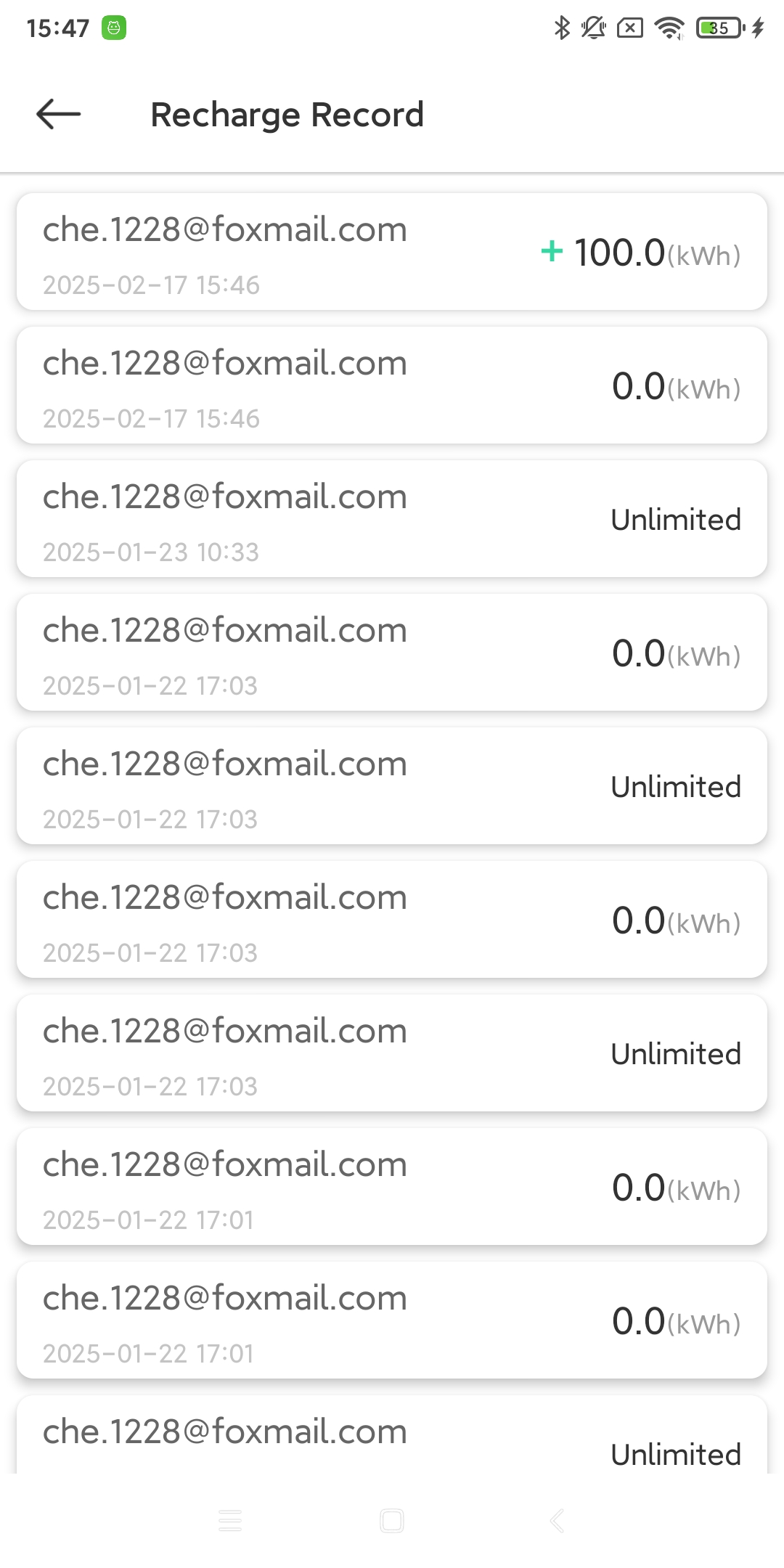
View the charging records of target users