13. Sched Box
For this function, you need to use Bluetooth to connect the charging station and Schedule Box respectively, and set them up separately so that the Schedule Box can take effect according to the correct schedule.
13.1. Charging pile side settings
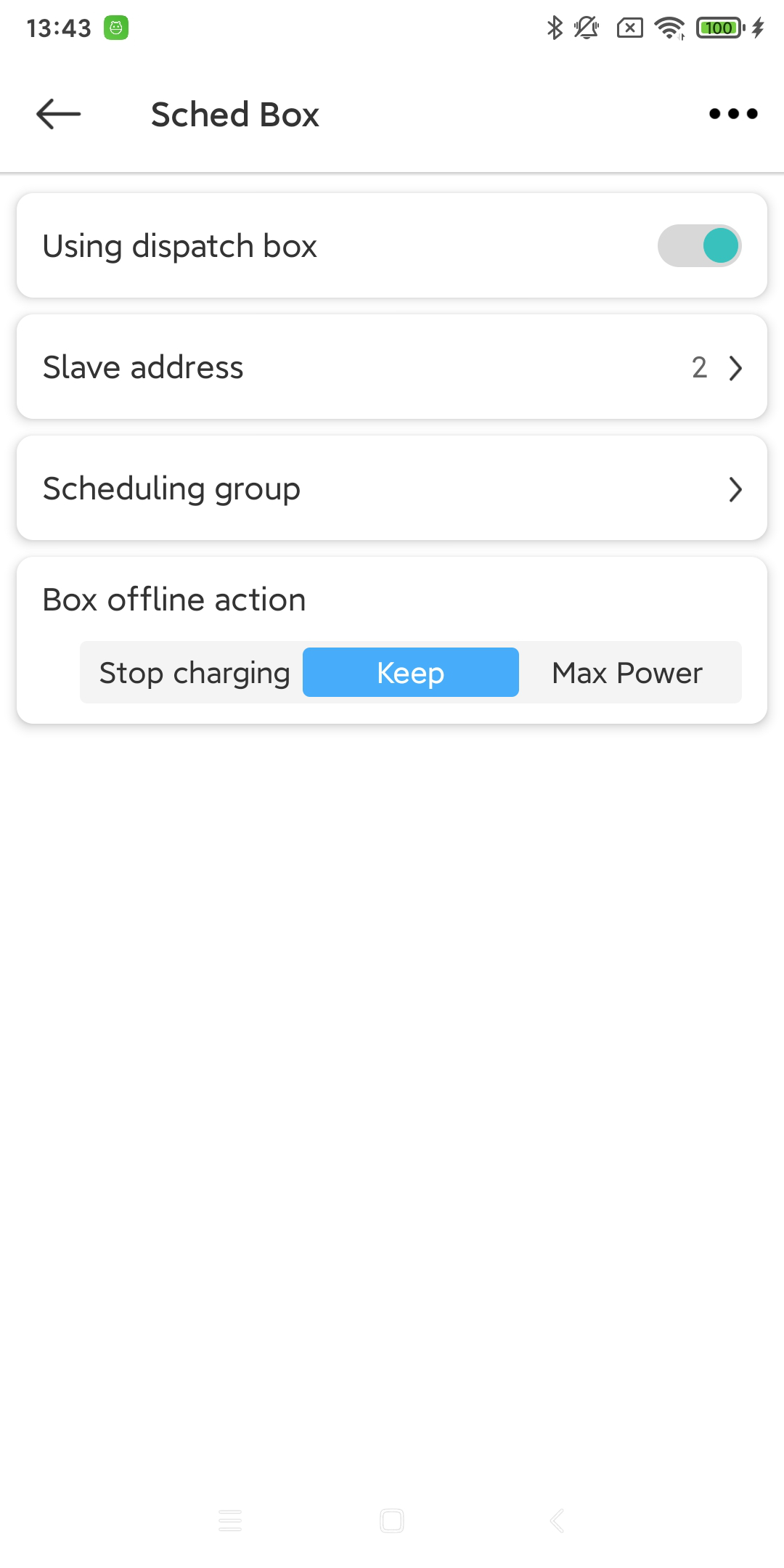
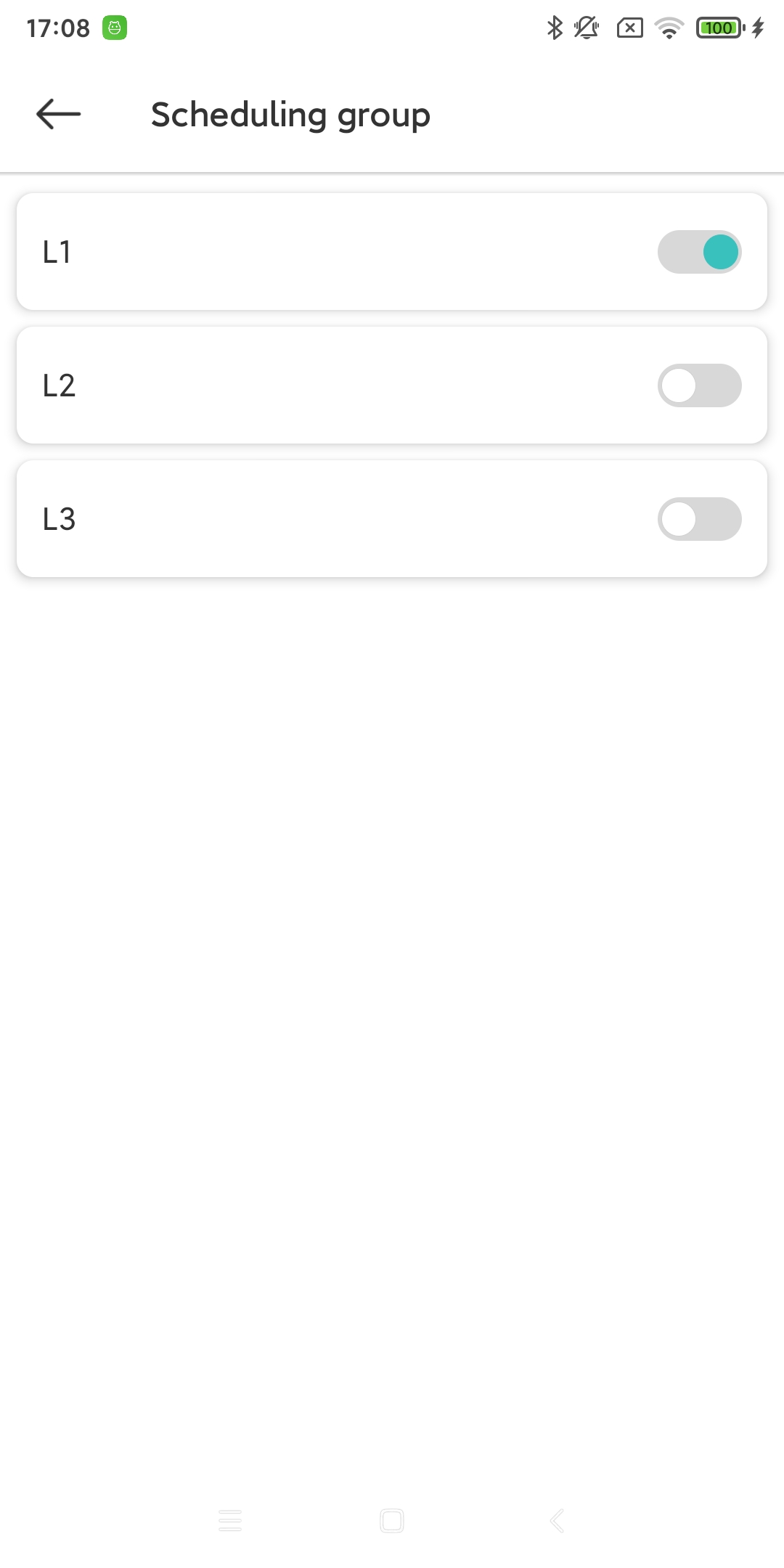
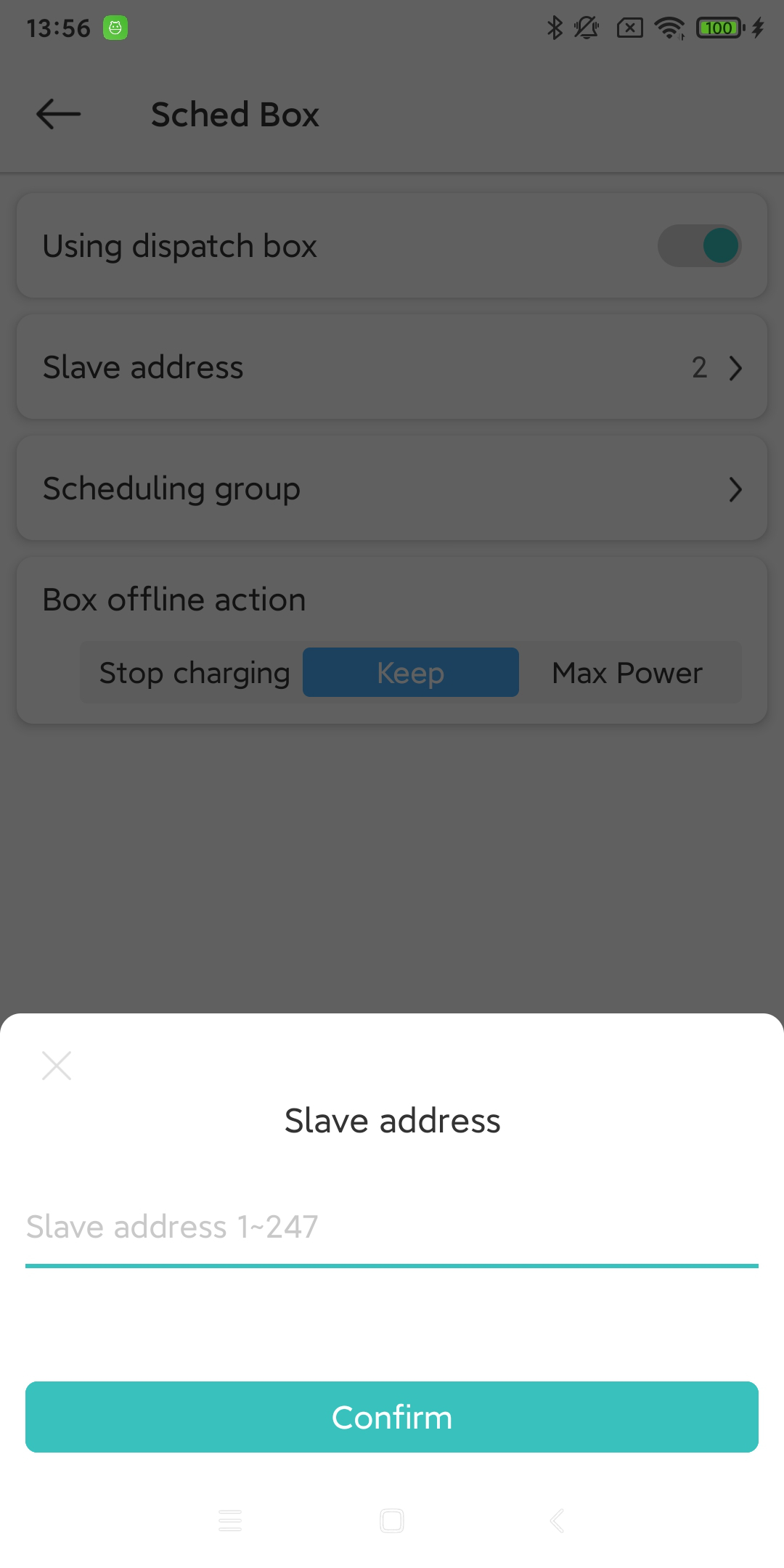
在 “更多” 页面中,您可以点击“Sched Box”选项卡,进入此功能页面。您需要开启此功能,并设置此 充电桩设备 的从机地址、相位(多选)、以及Sched Box离线后,此 充电桩设备 的行为。
13.2. Sched Box Side Settings
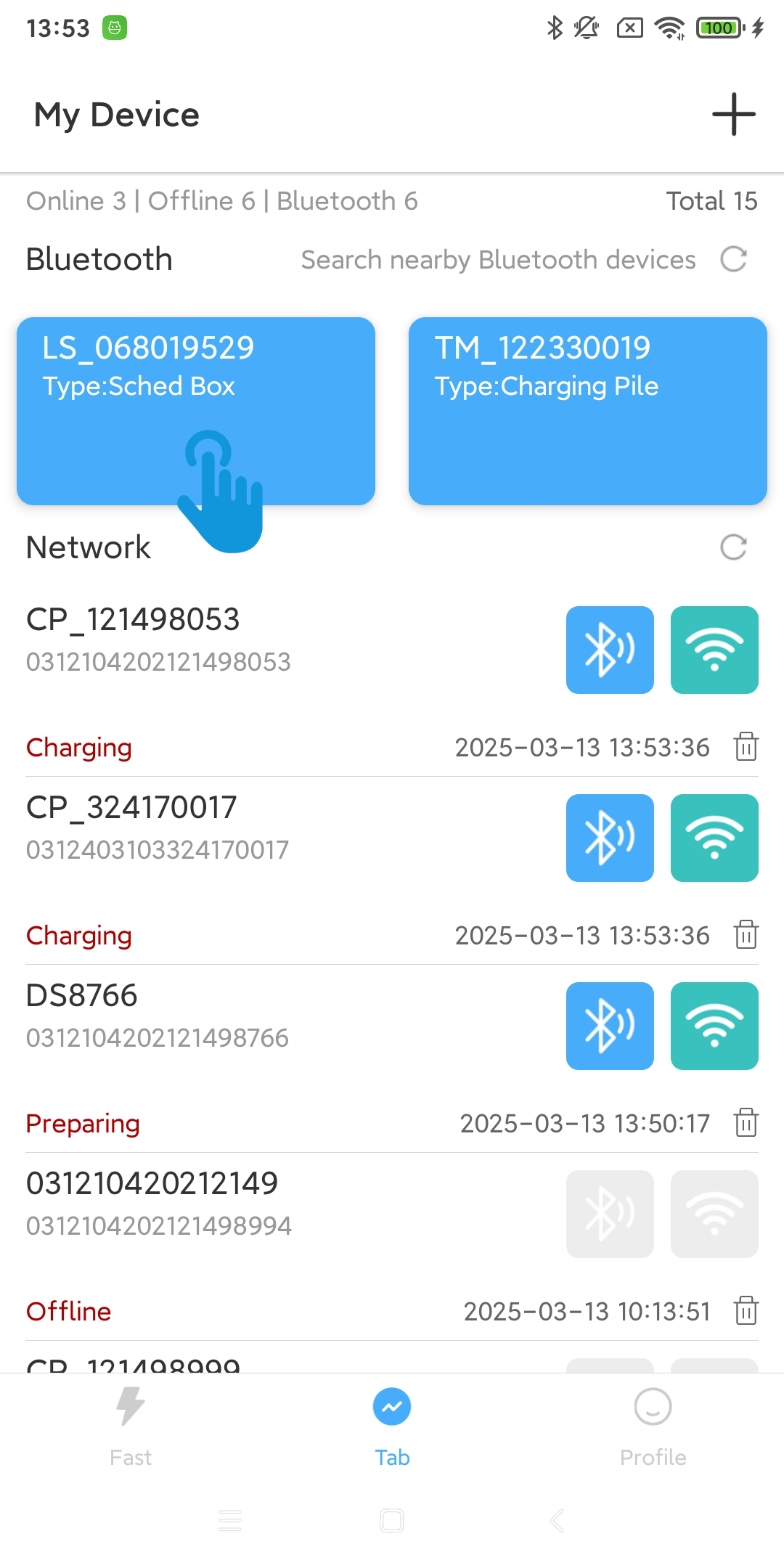
13.2.1. Connect to Sched Box using Bluetooth
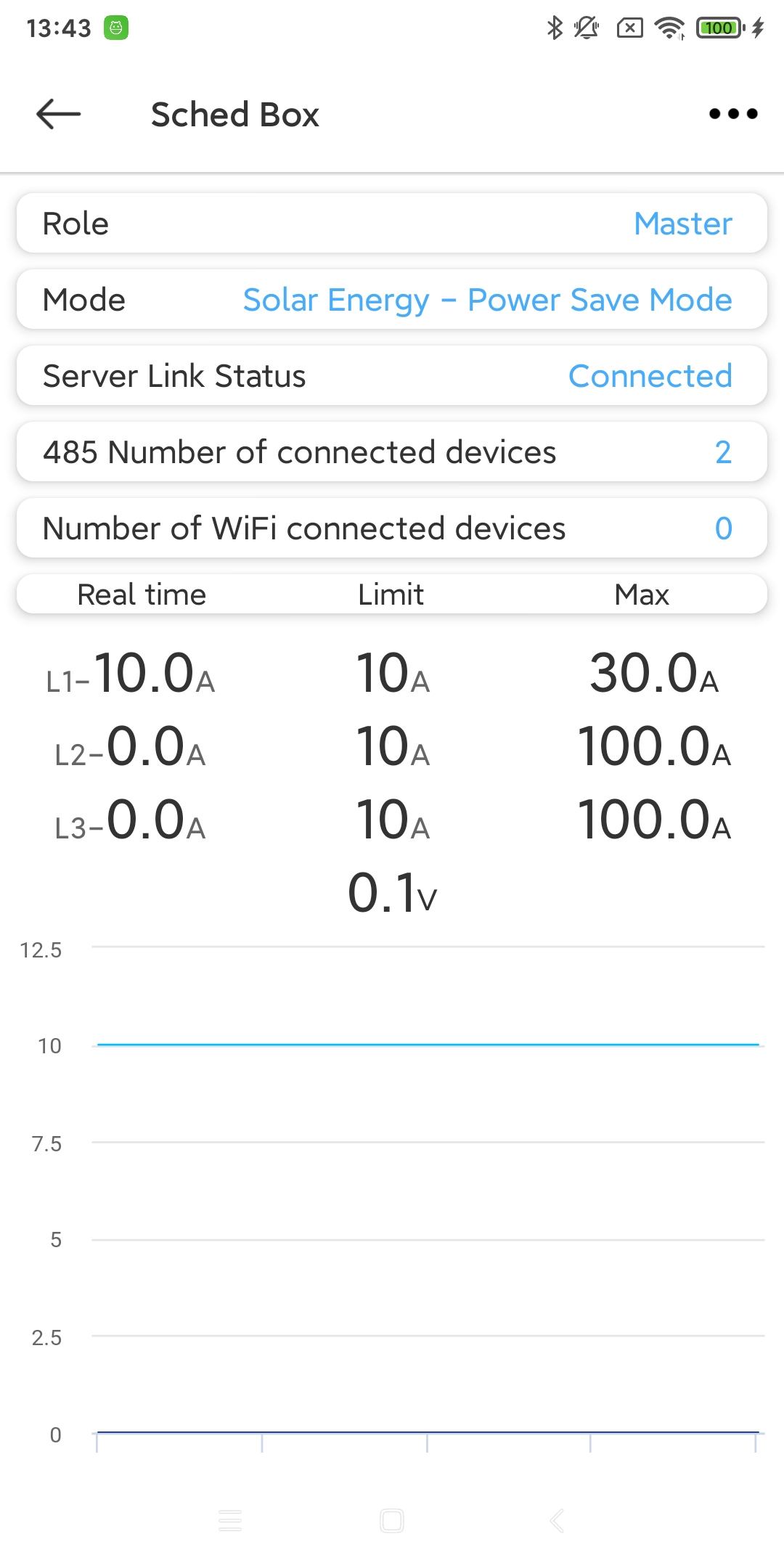
After connecting the Schedule Box, you can see the basic information and current curve of the Schedule Box. You can click the “More” icon button in the upper right corner to enter the Schedule Box function page.
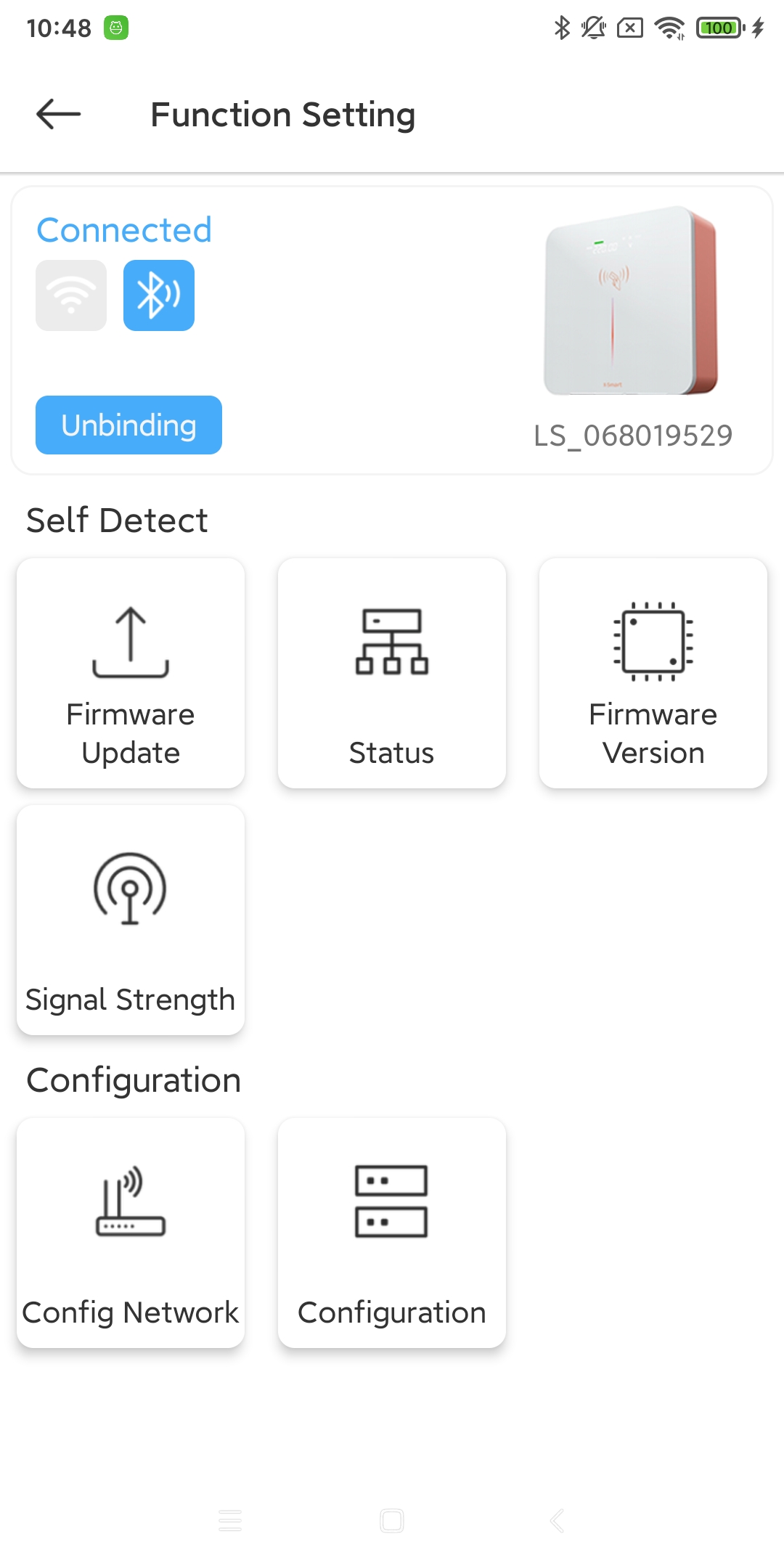
- Firmware Update:
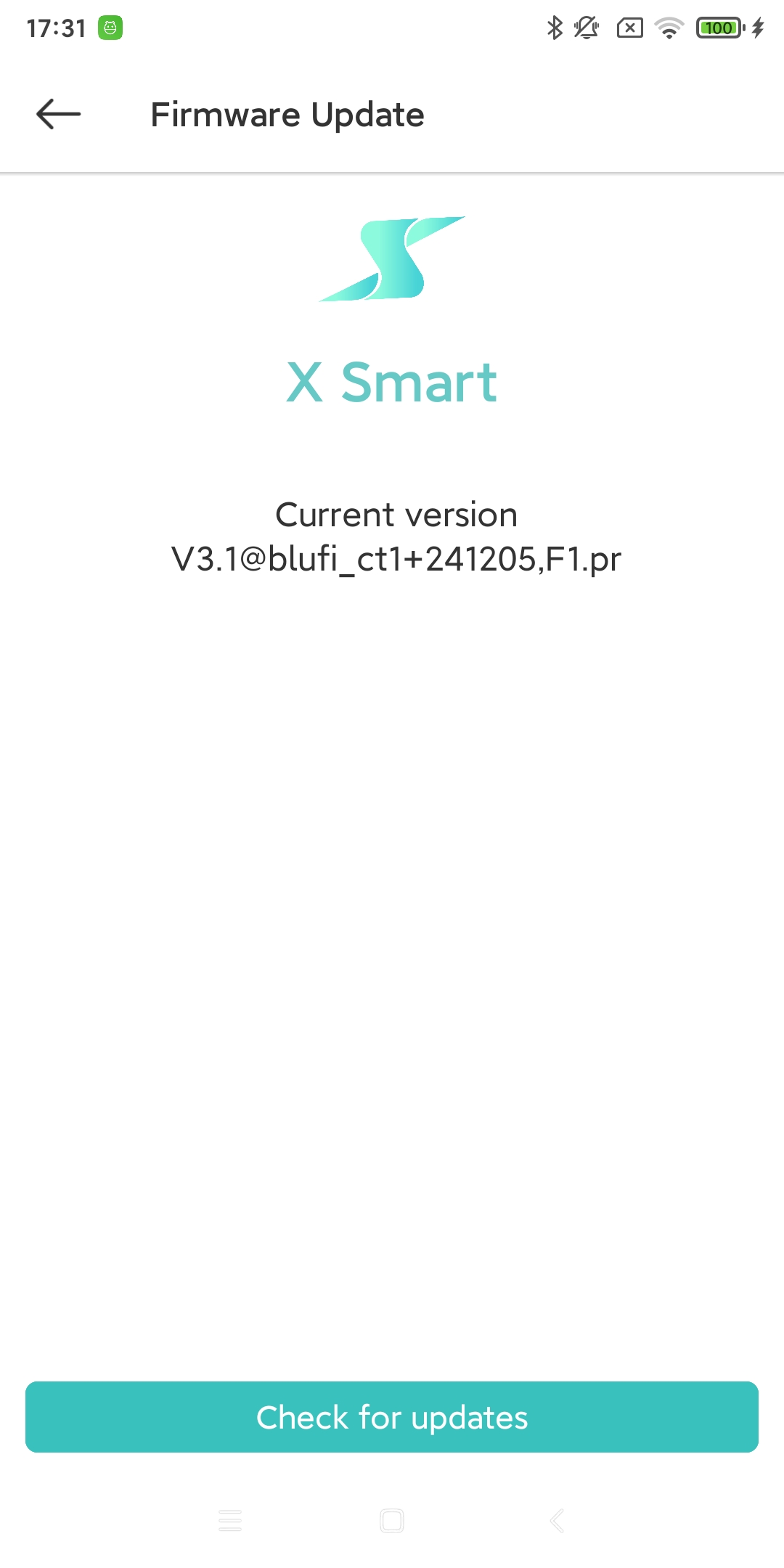
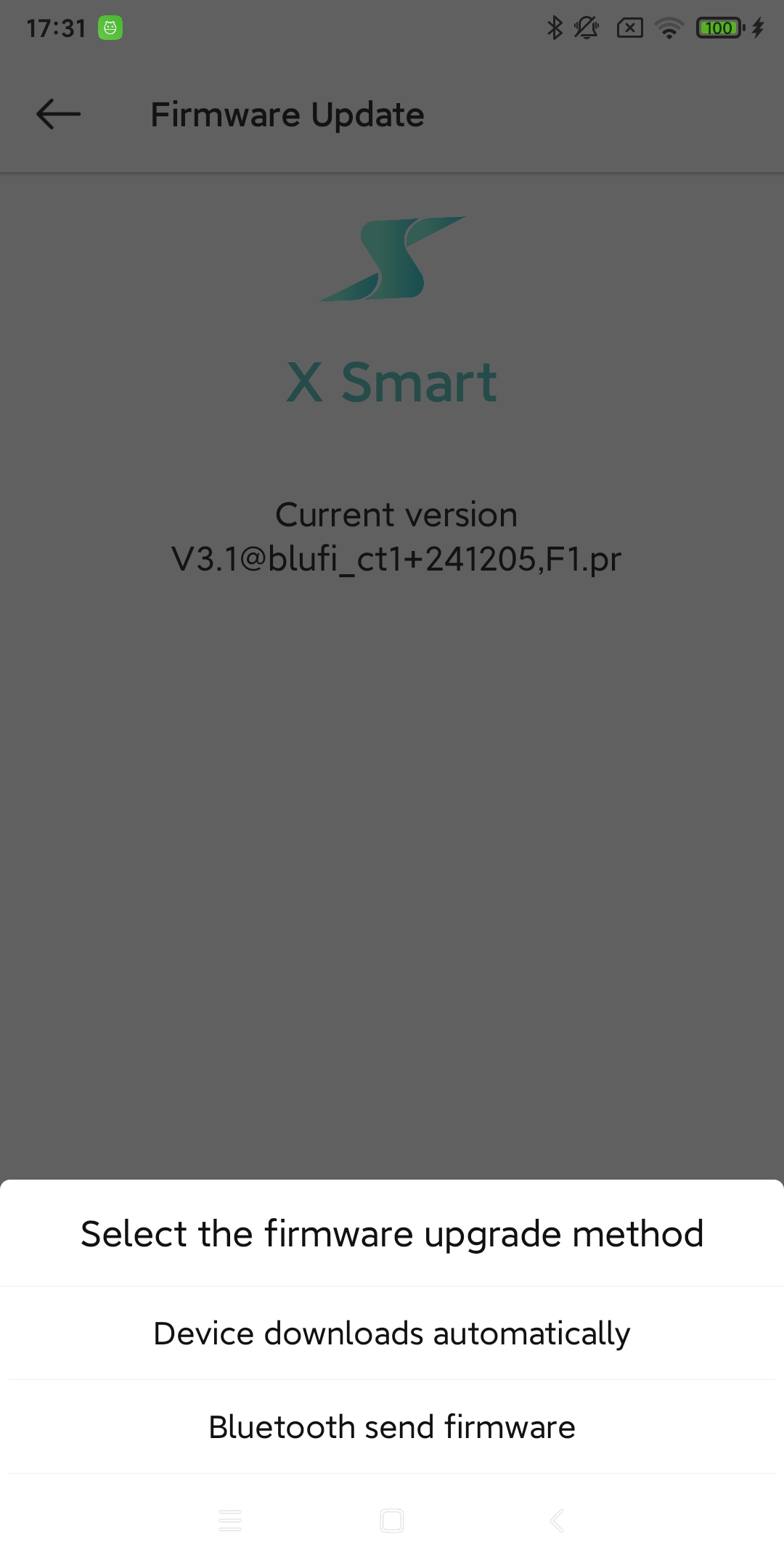
Check and update the firmware version of the current Sched Box device. [1]
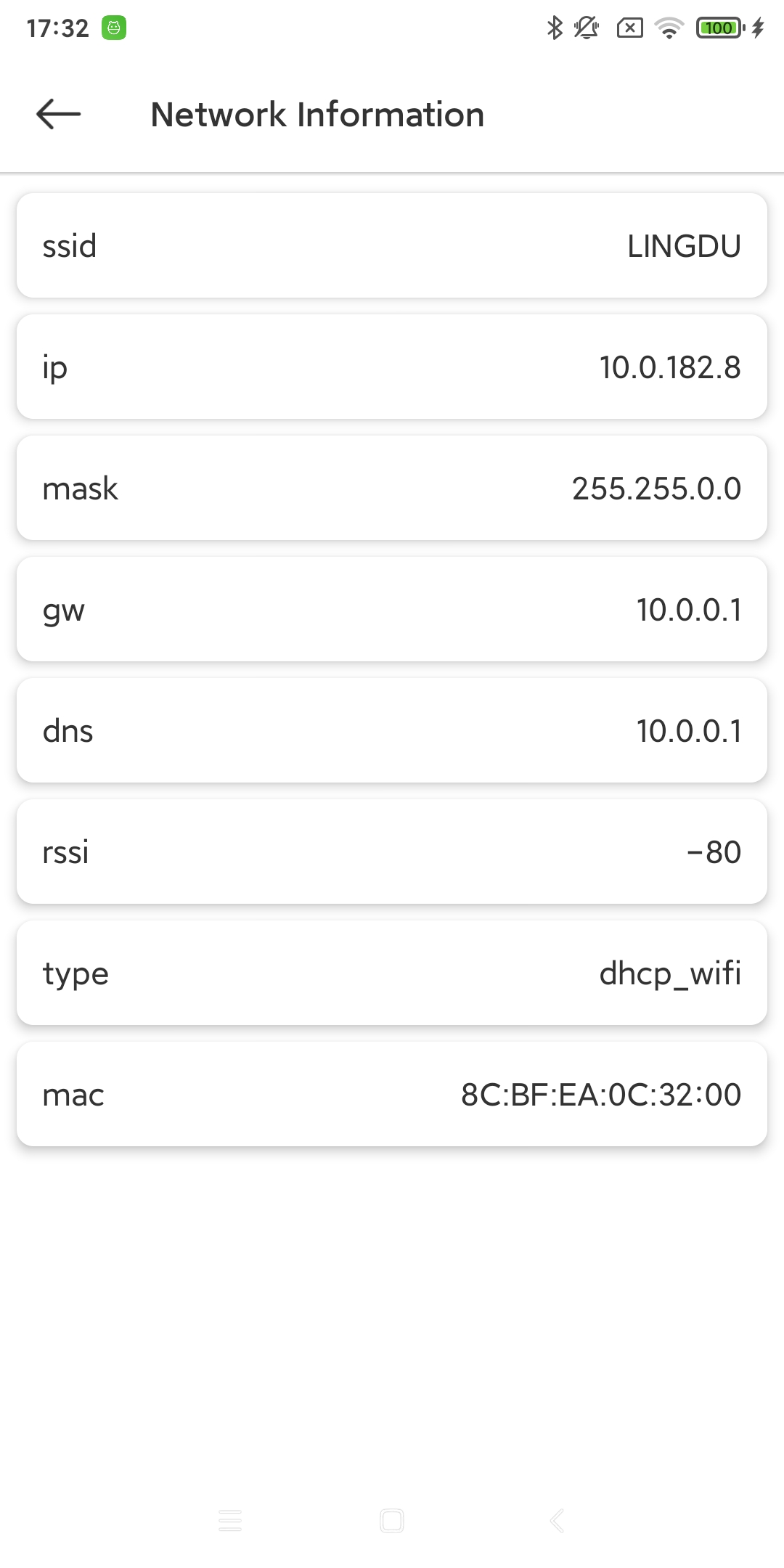
- Status:
Check the current network status of the Sched Box device. [2]
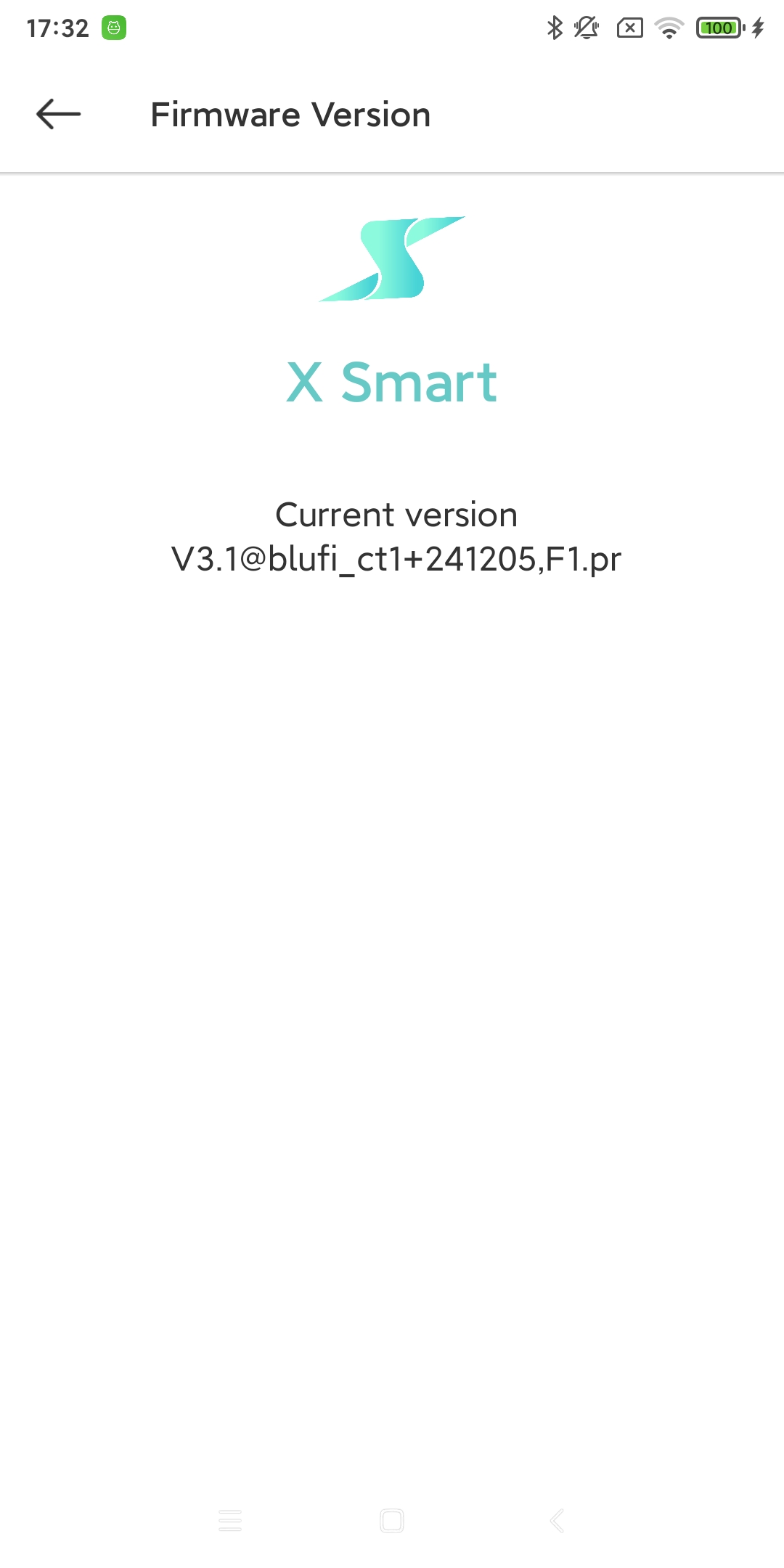
- Firmware Version:
Check the current firmware version of the Sched Box device. [3]
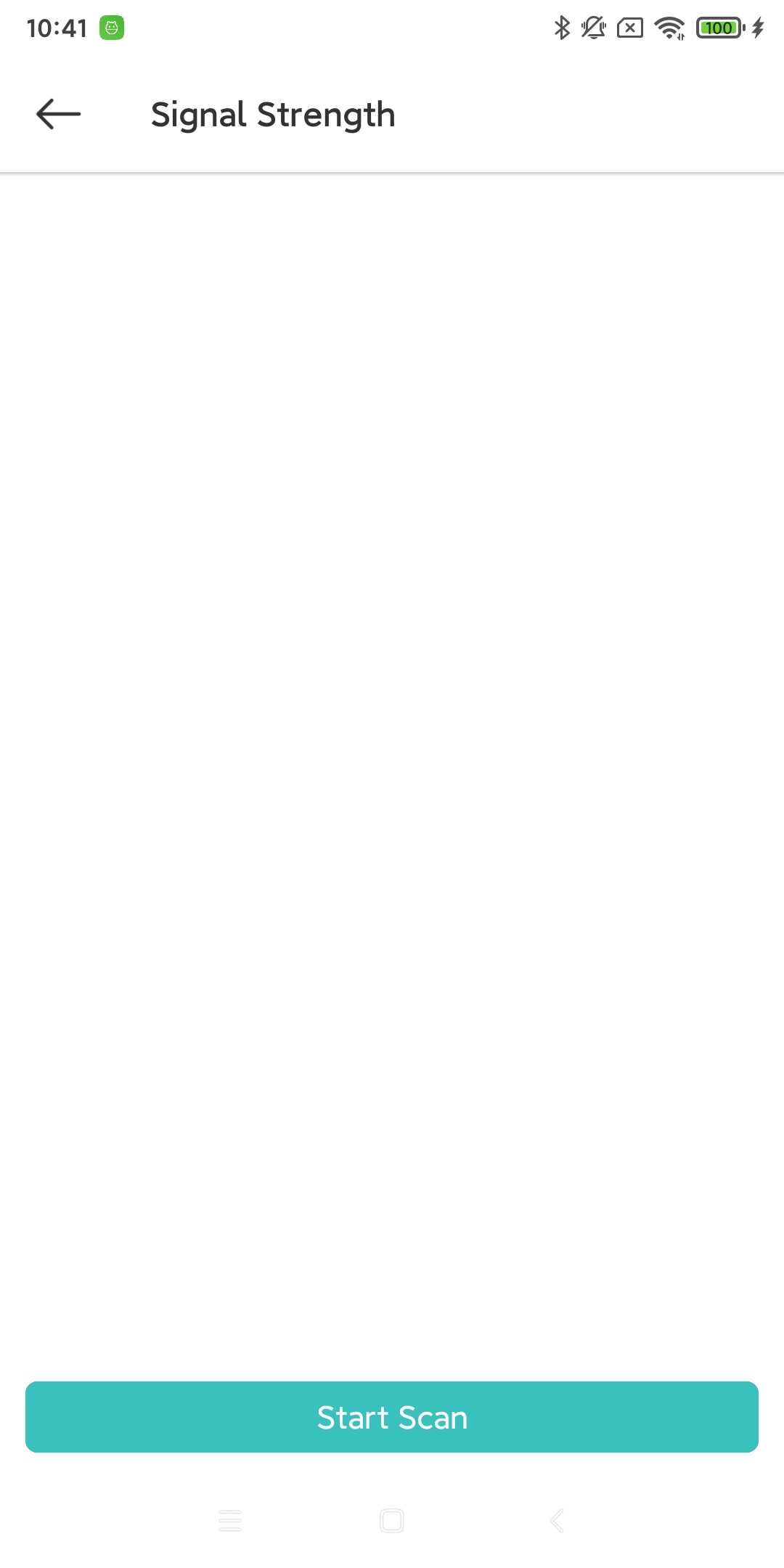
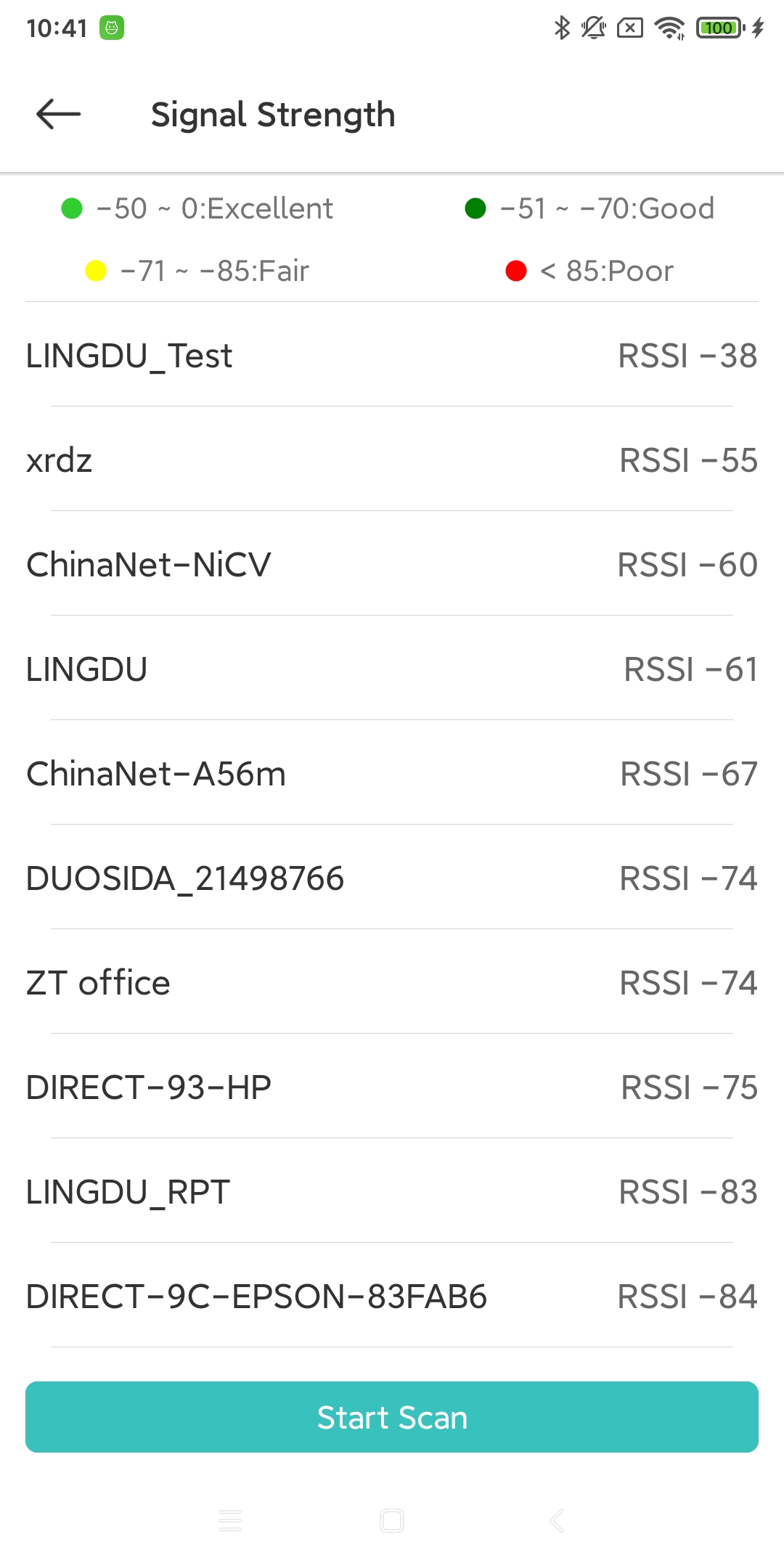
- Signal Strength:
The Sched Box scans nearby Wi-Fi and displays the signal strength. [15]
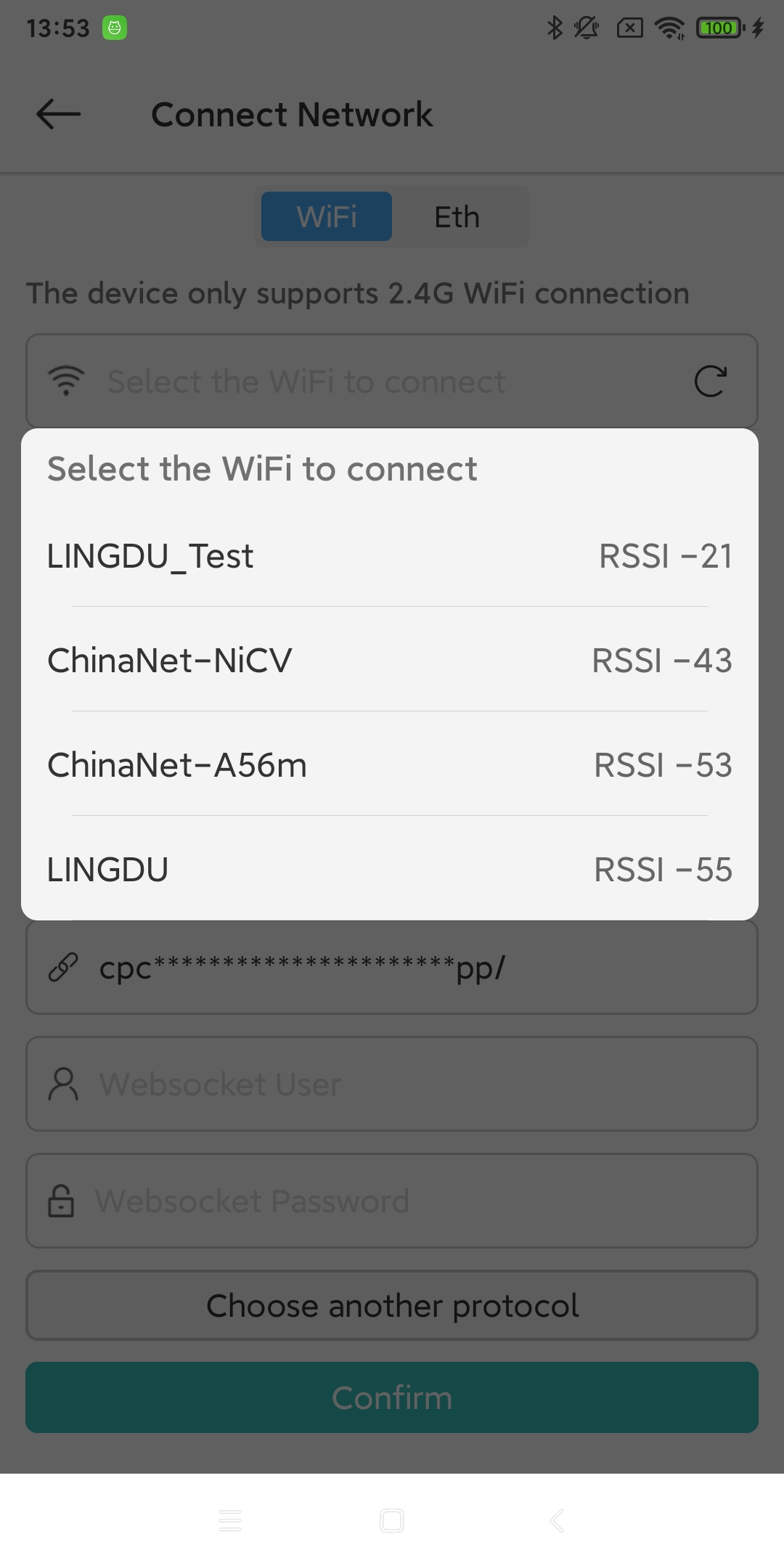
- Config Network:
Configure the network for the current Sched Box device. [4]
- Configuration:
Configure parameters for the current Schedule Box device. [5]

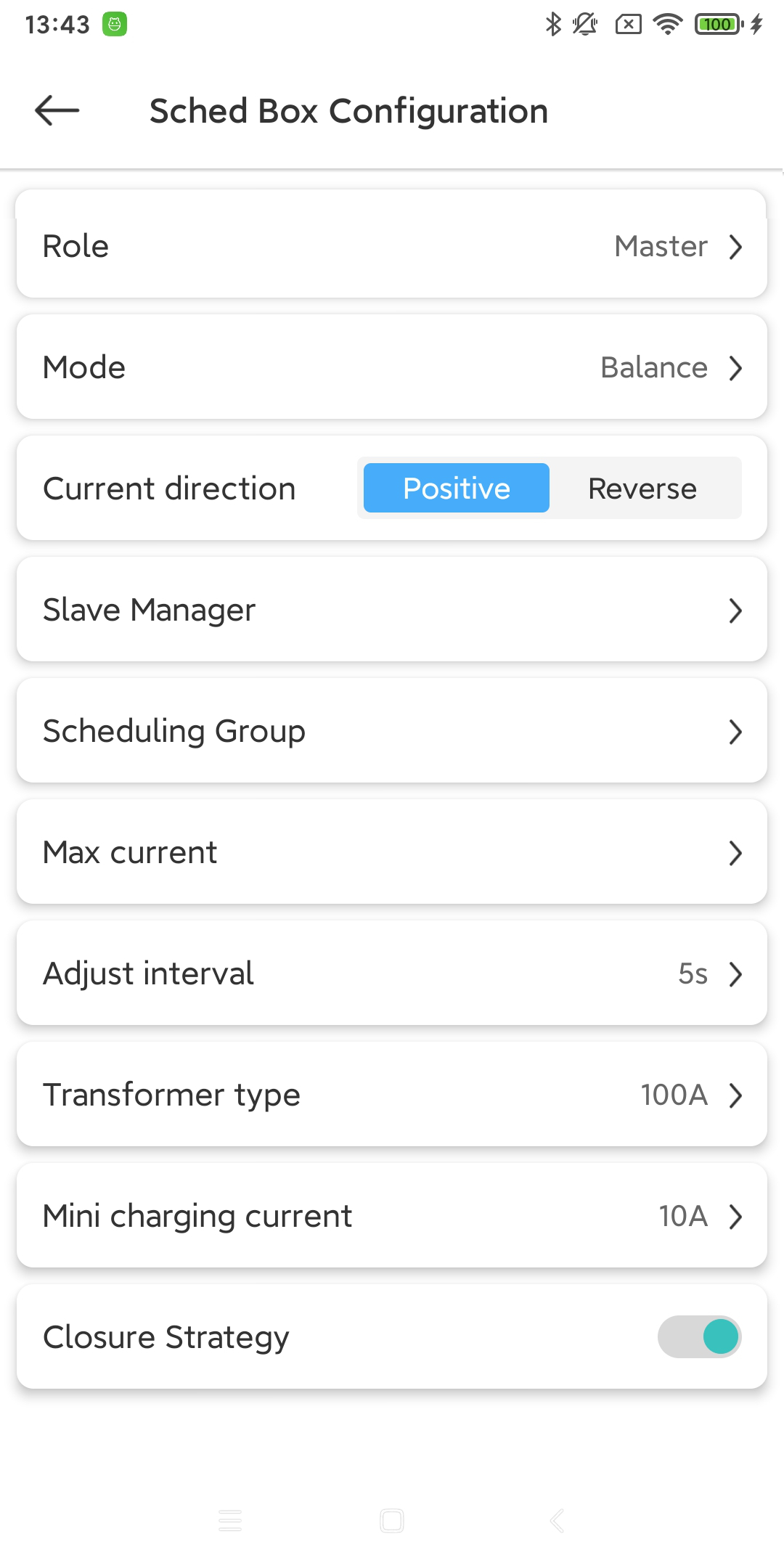
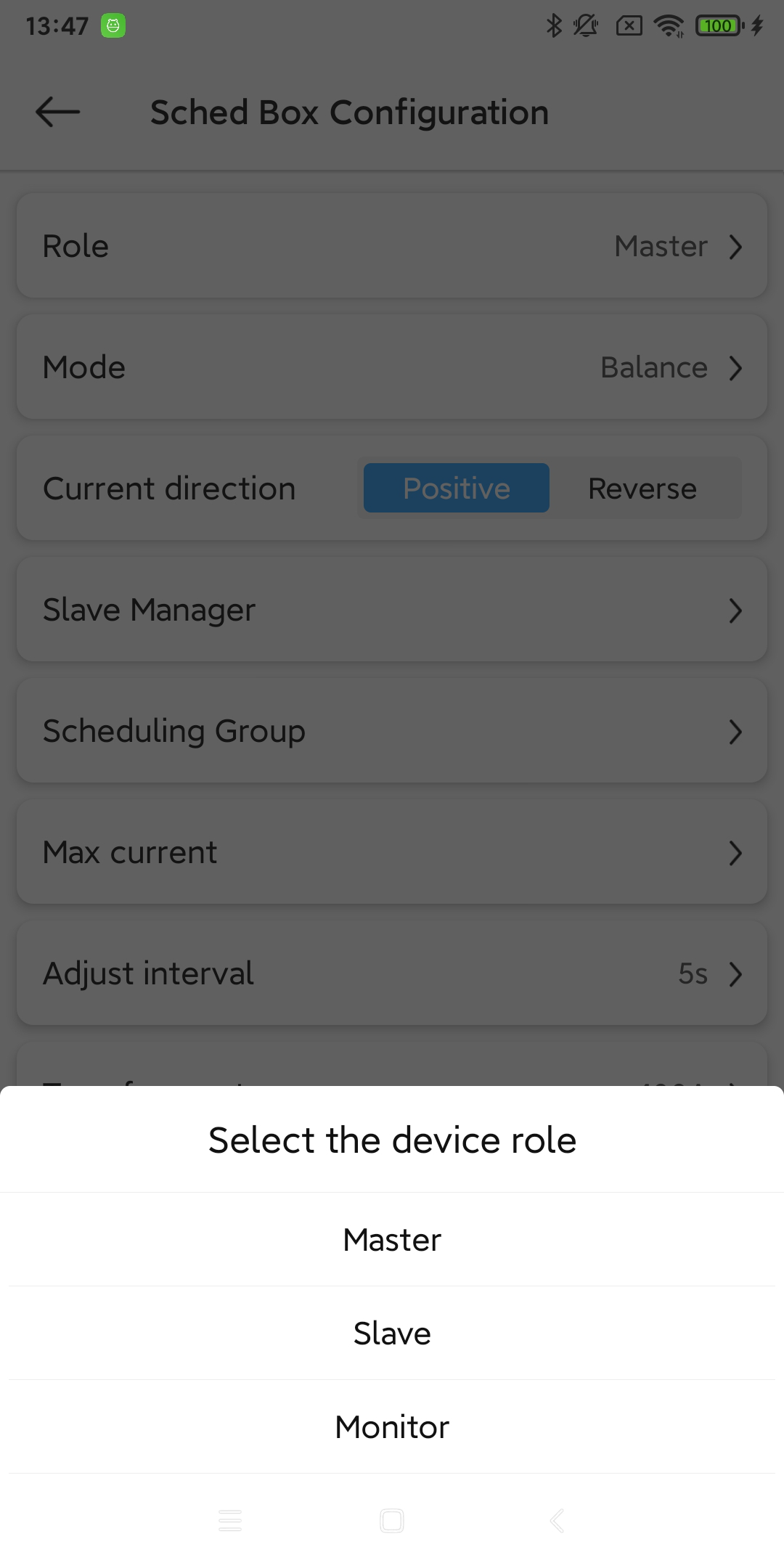
- Role:
The roles currently required by Sched Box. [6]
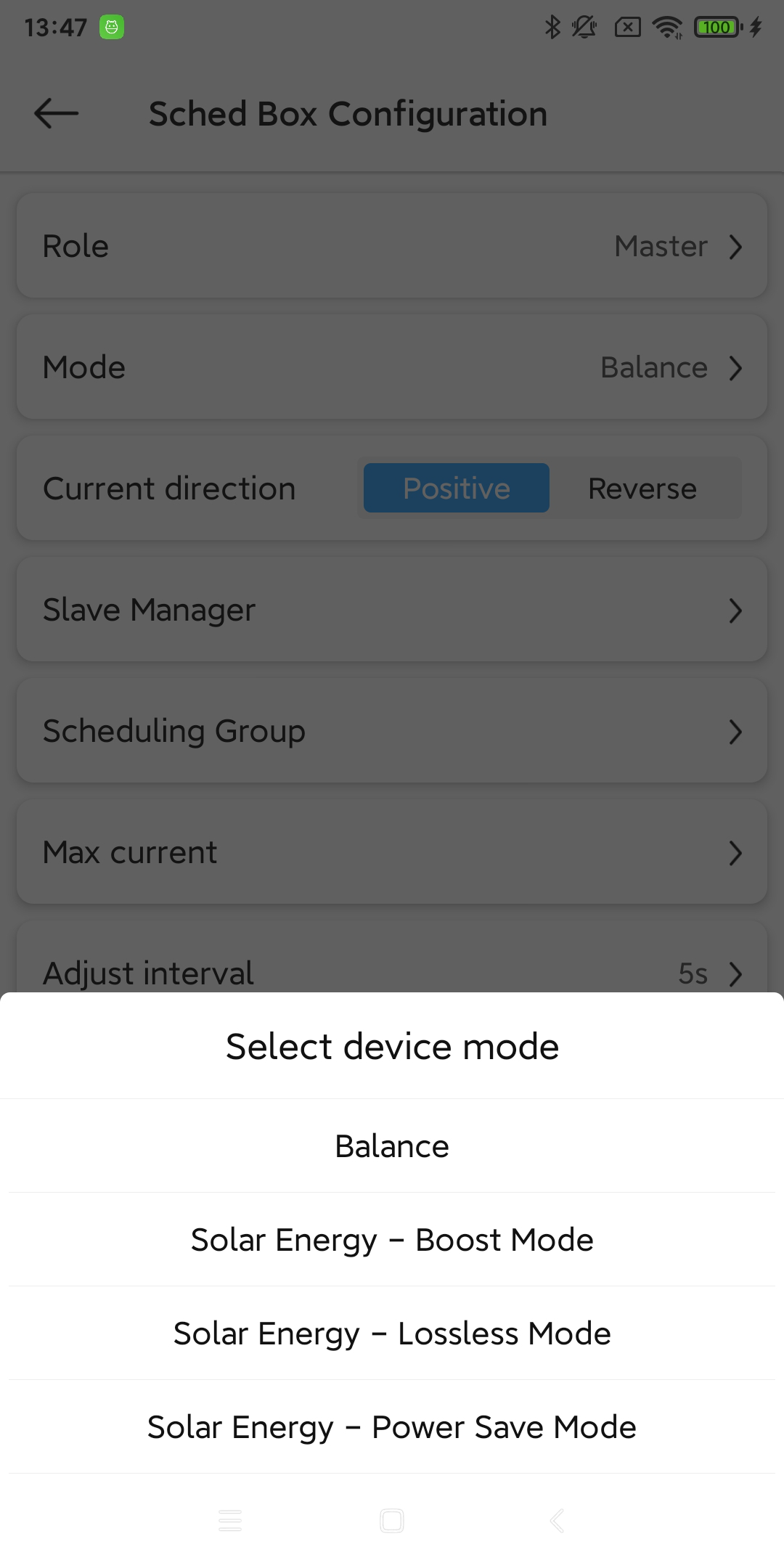
- Mode:
The current required mode of Sched Box. [7]
- Current direction:
The direction of the current connected to the Sched Box. The options are “forward” and “reverse”.
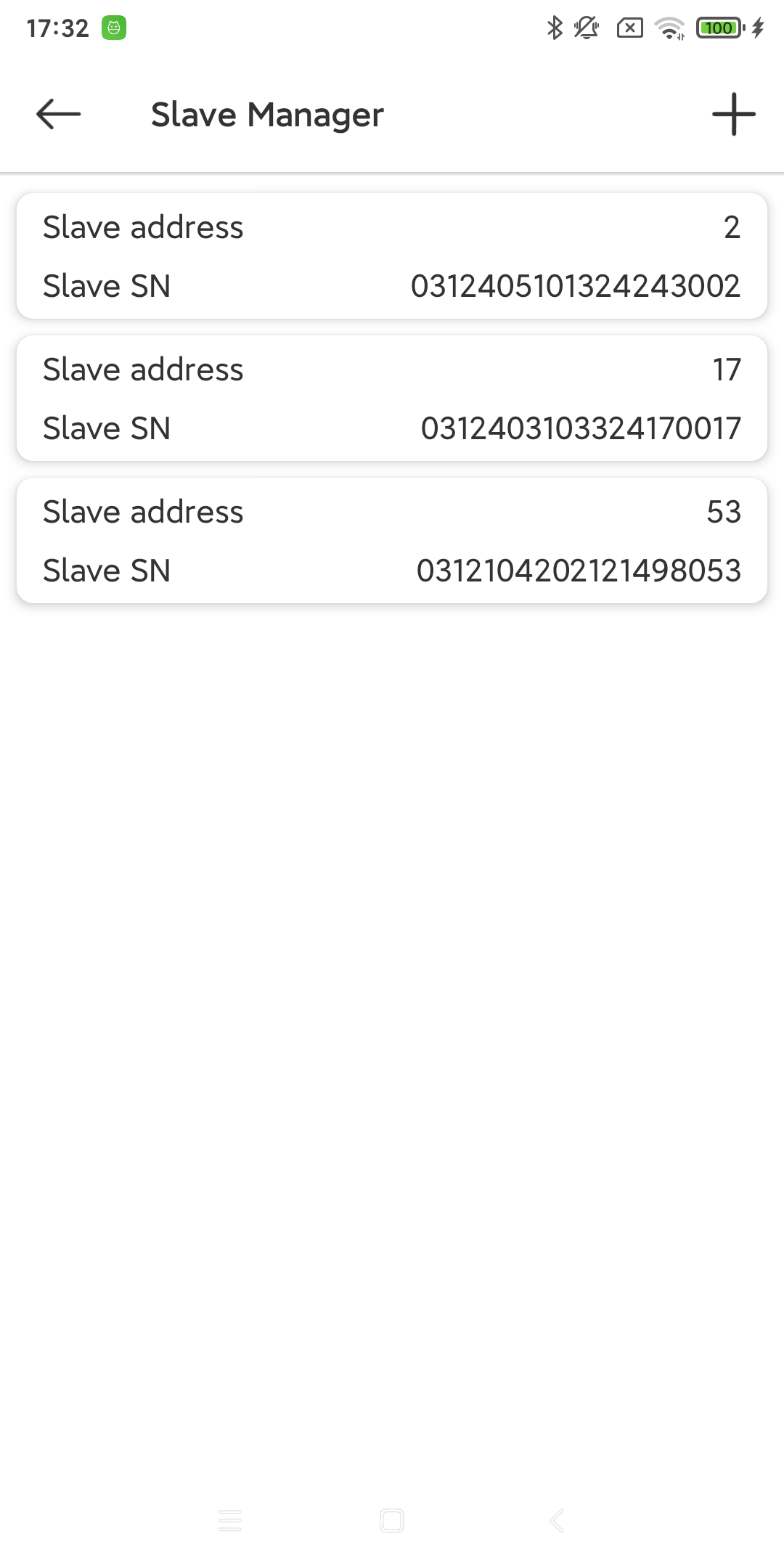
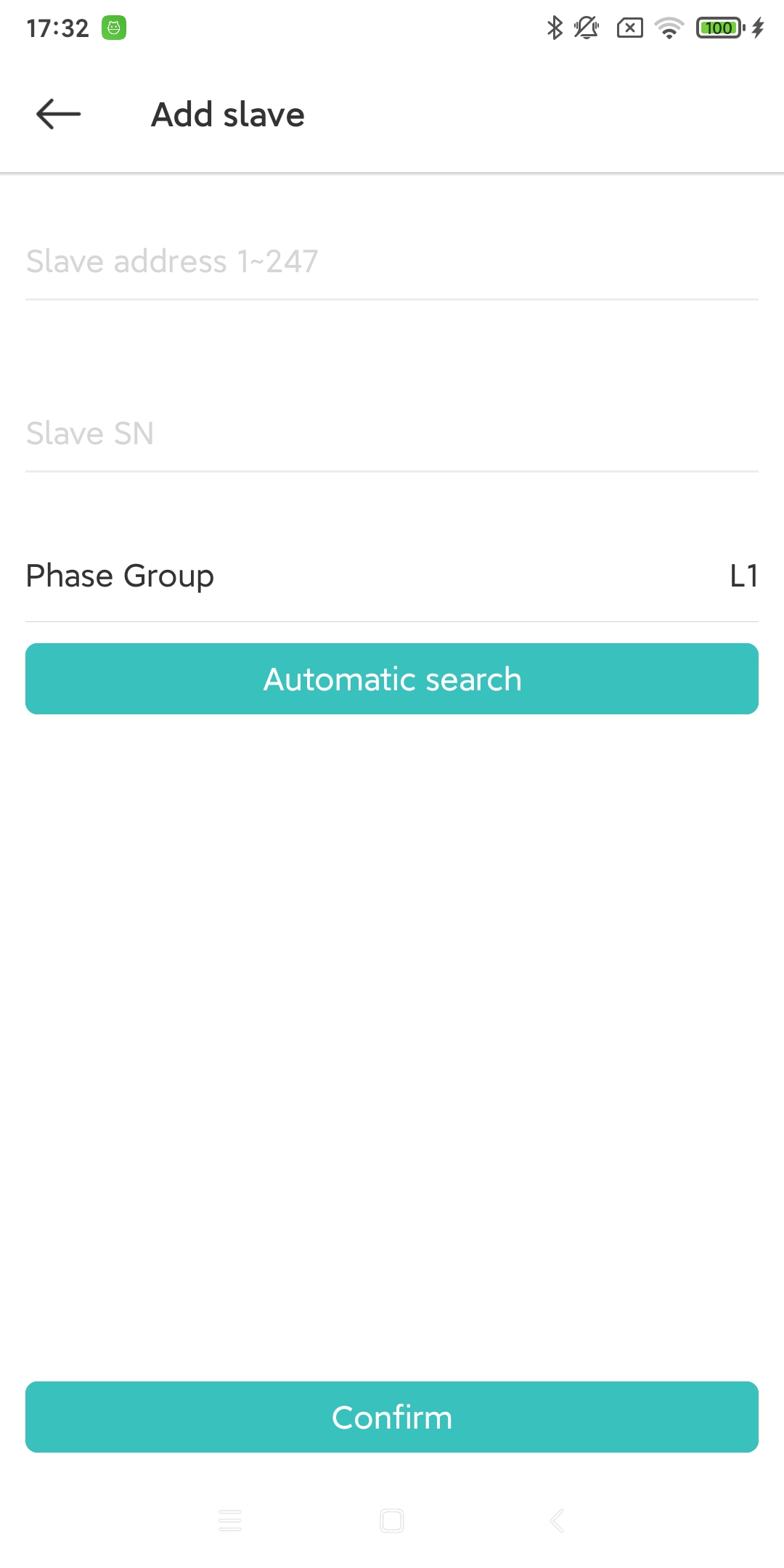
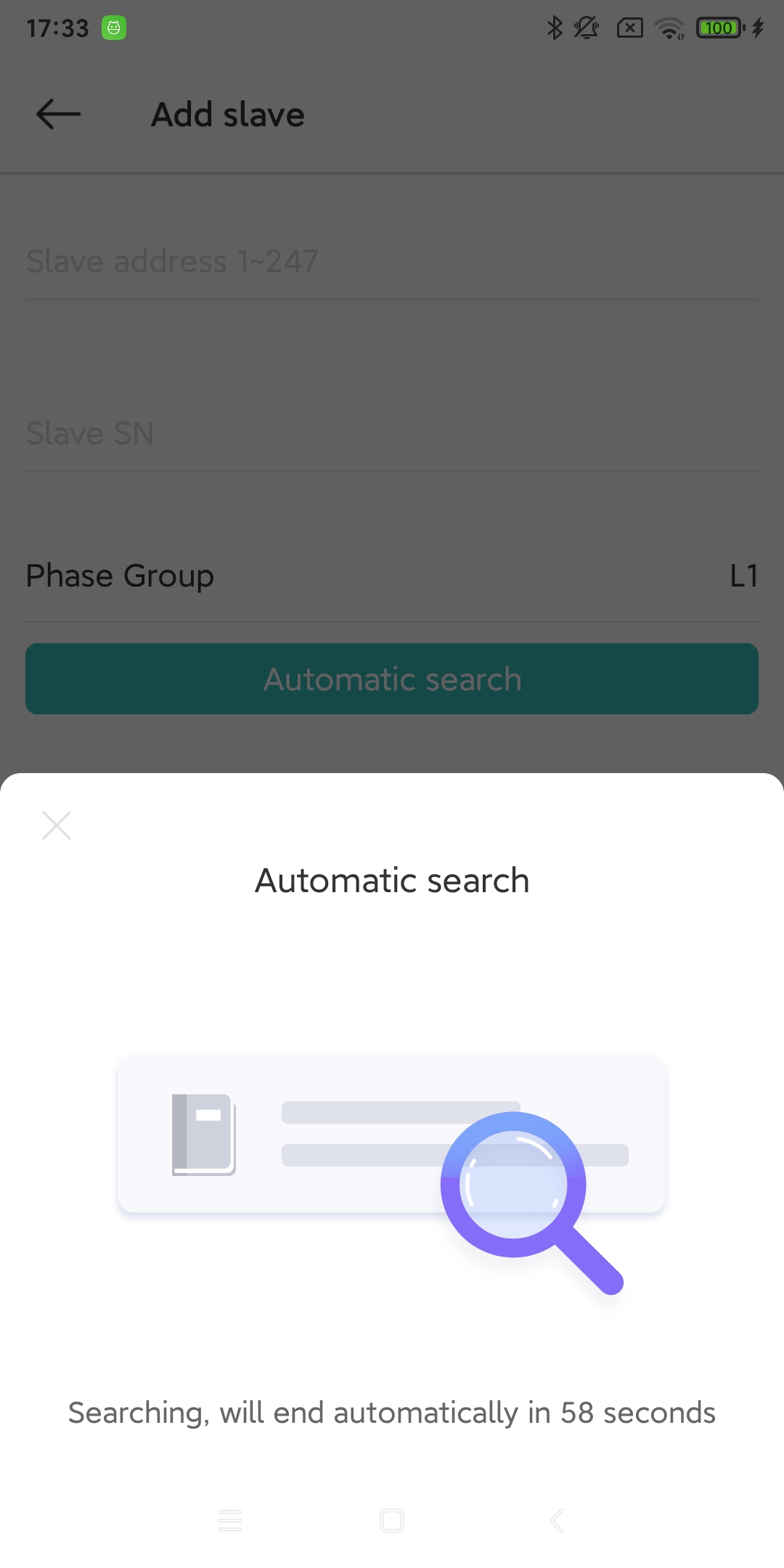
- Slave Manager:
Slave management of Sched Box. (Generally, the charging station is set as a slave.) [8]
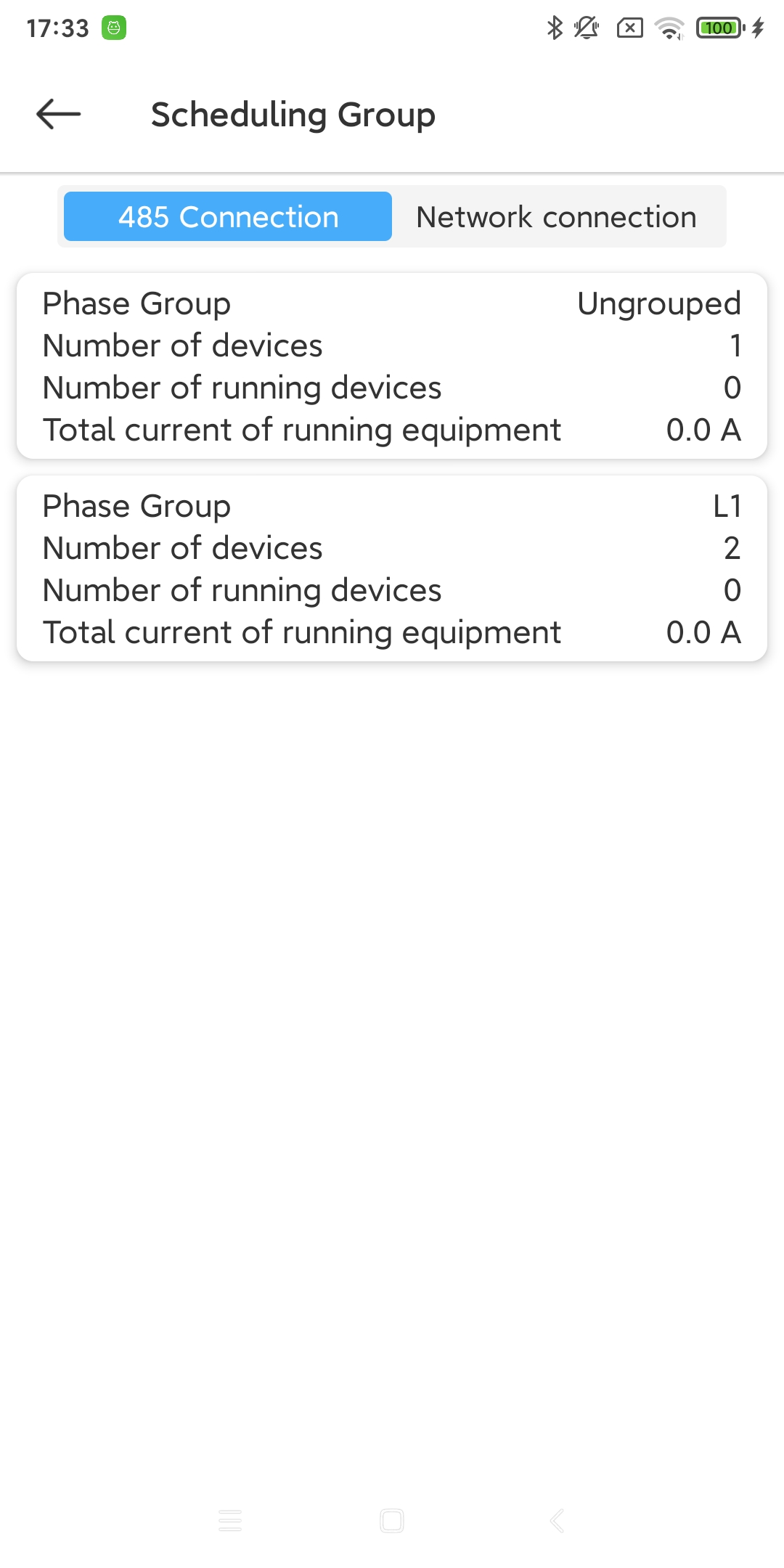
- Scheduling Group:
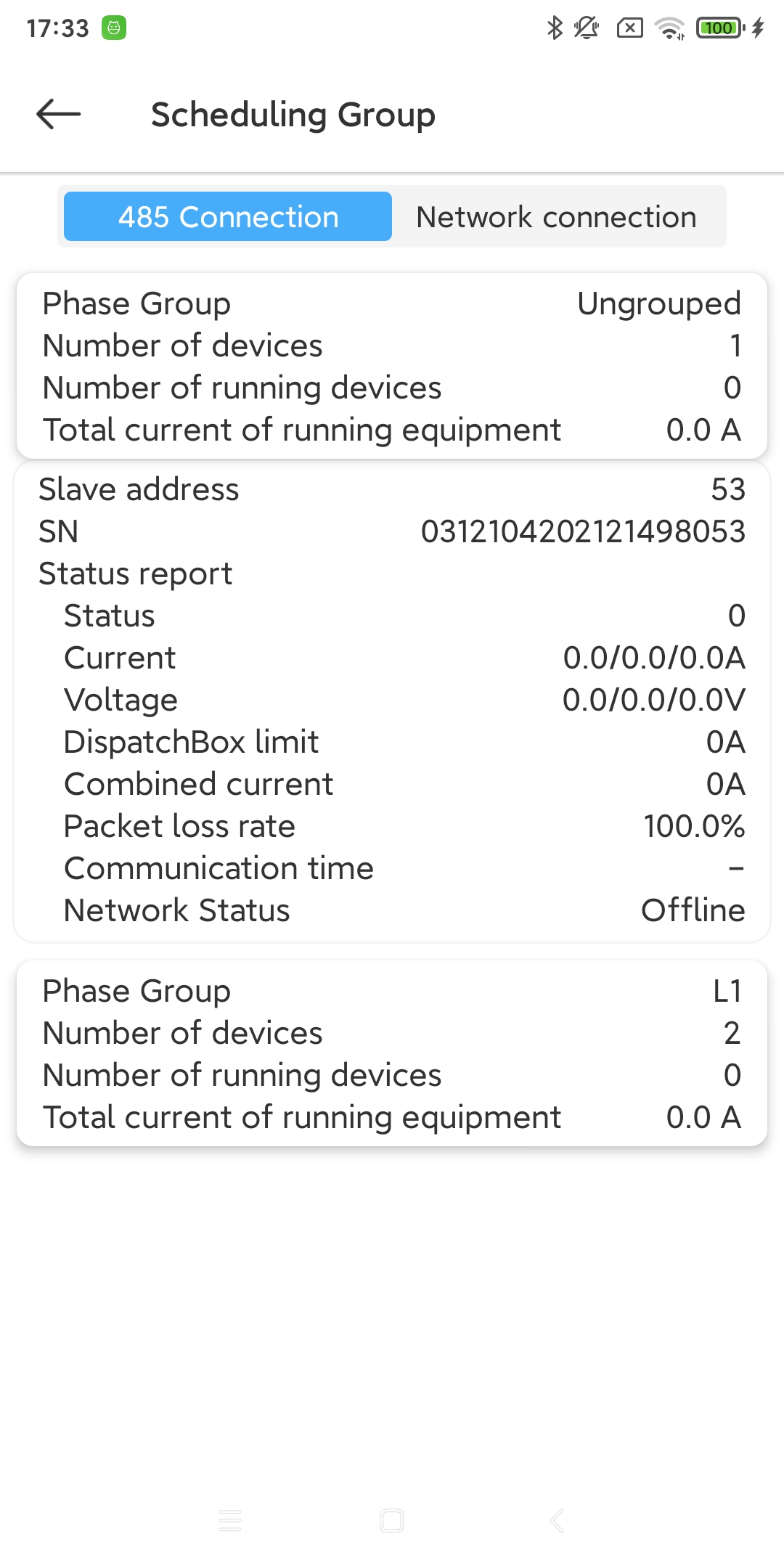
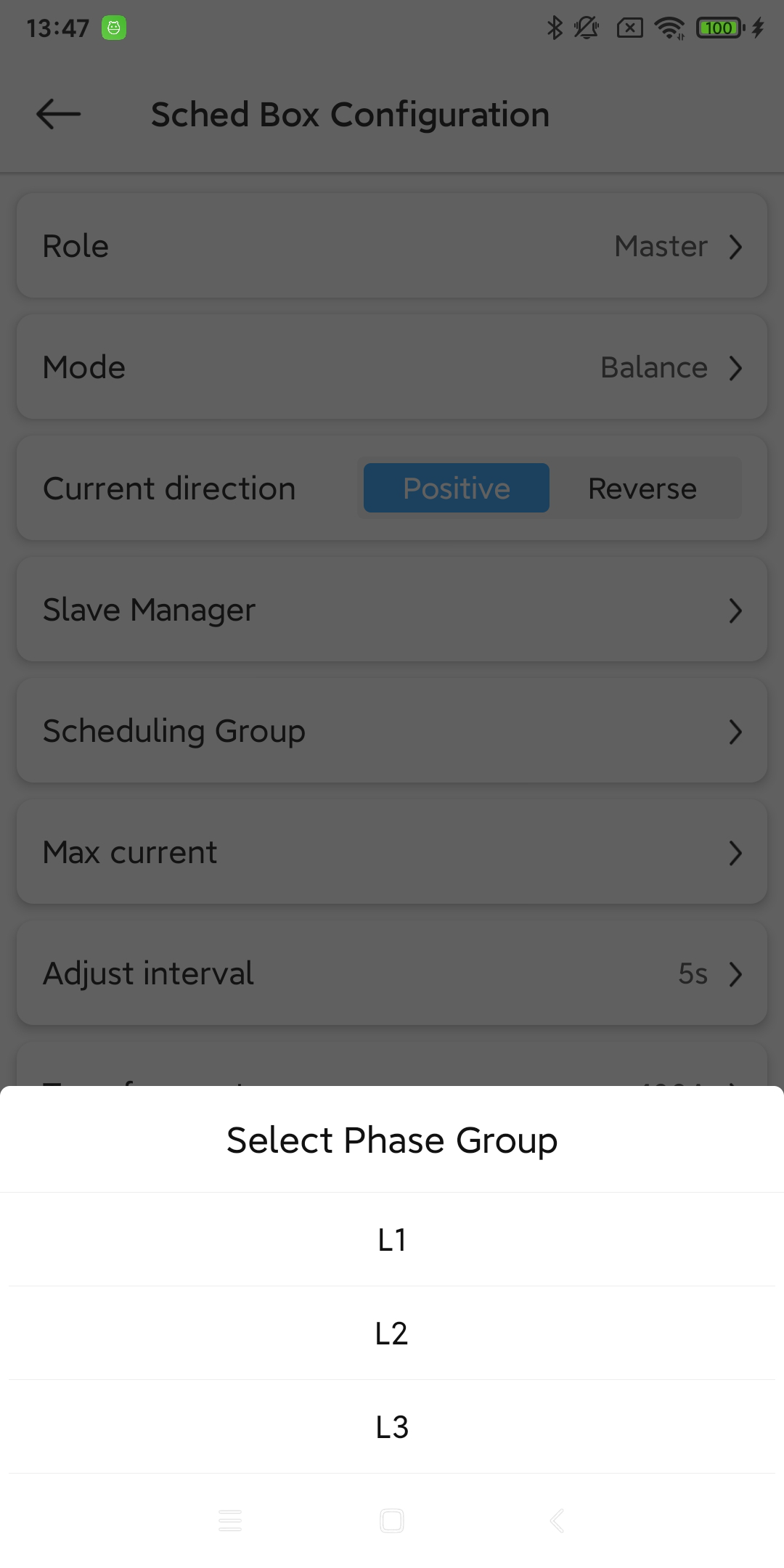
Dispatch group management. [9]
- Max current:
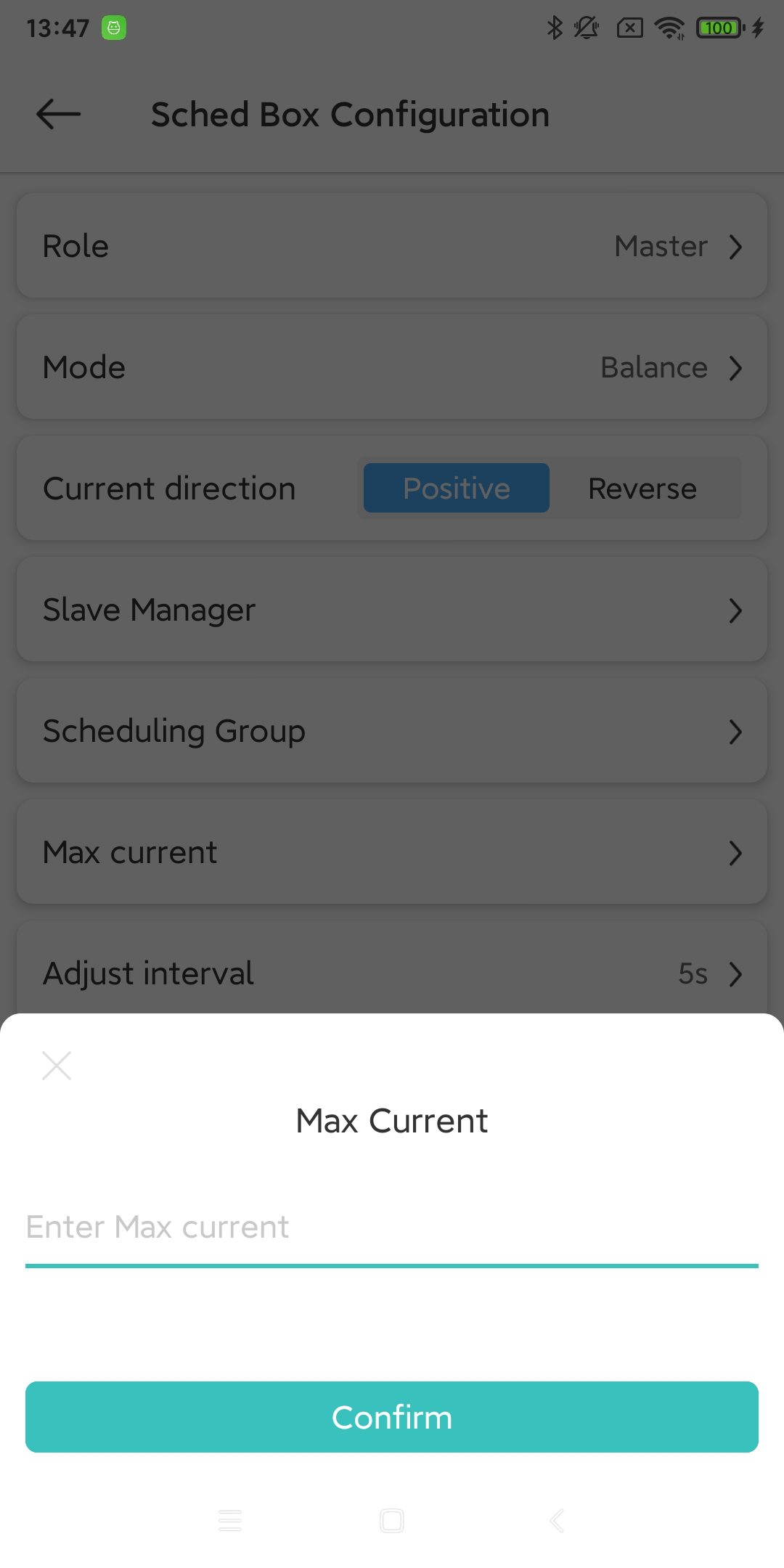
The maximum current of the phase group can be set separately for L1, L2, and L3 phase groups. [10]
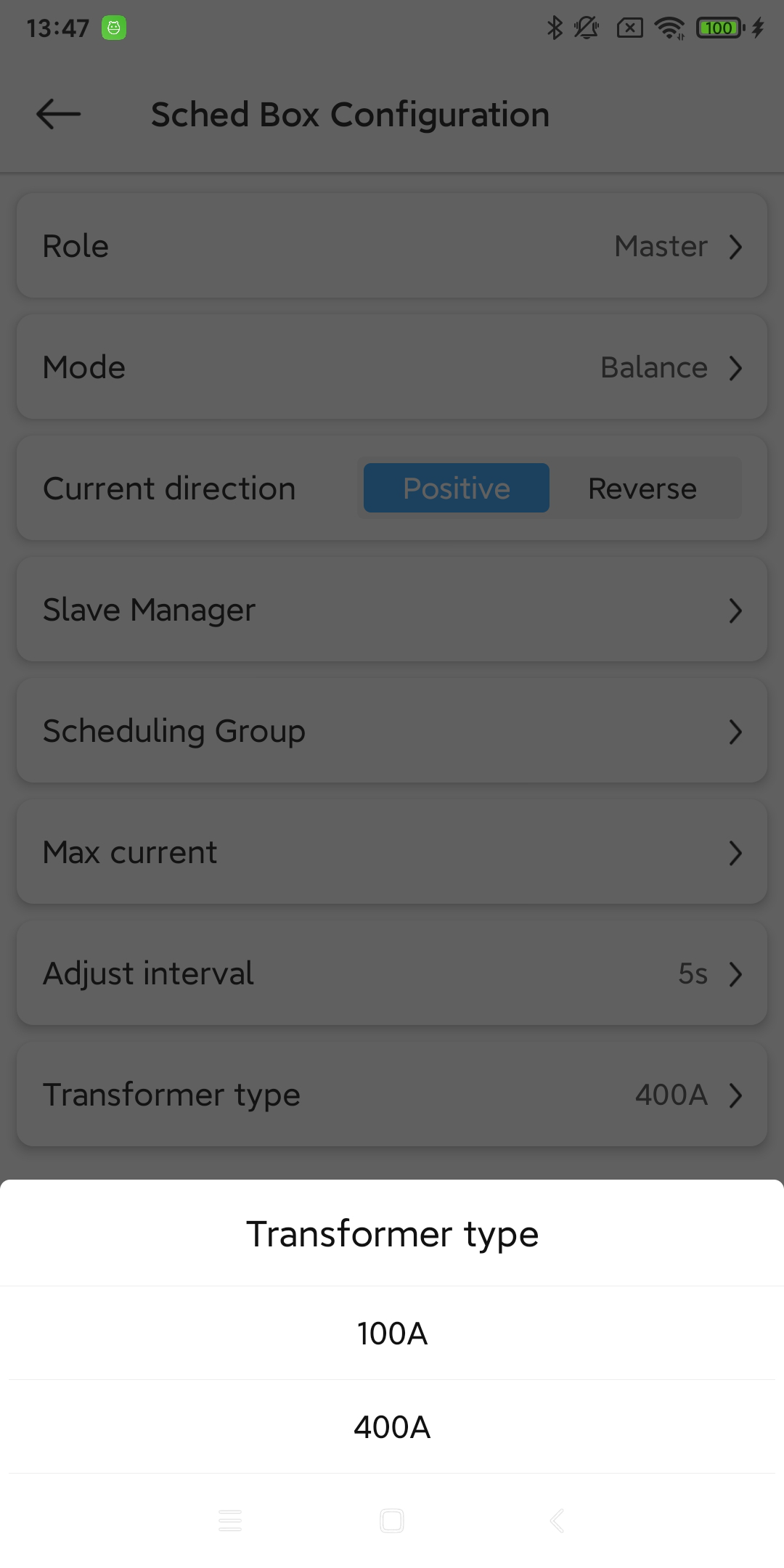
- Adjust interval:
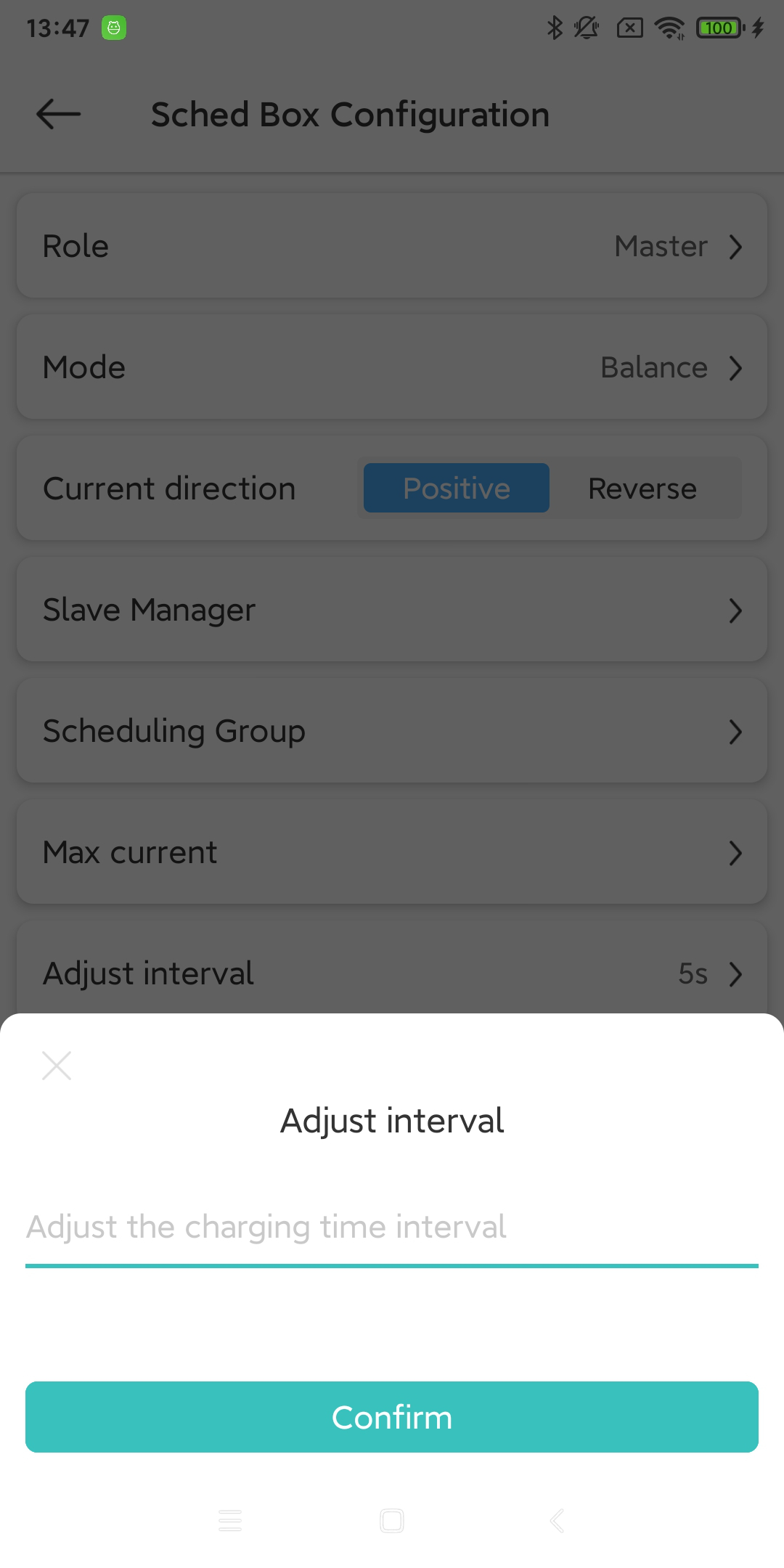
The time interval between each adjustment of the charging pile equipment current. [11]
- Transformer type:
Transformer type. [12]
- Mini charging current:
Minimum charging current. [13]
- Closure Strategy:
Whether to use the shutdown strategy. [14]
13.2.2. Sched Box Configuration
Range |
1-400(A) |
Range |
1-60(s) |
Range |
7-16(A) |