8. Load Balancing
Definition of terms
name |
Definition |
|---|---|
CSMS |
Backstage management system |
CT Box |
Dispatch Box (First Generation) |
8.1. CSMS Strategy
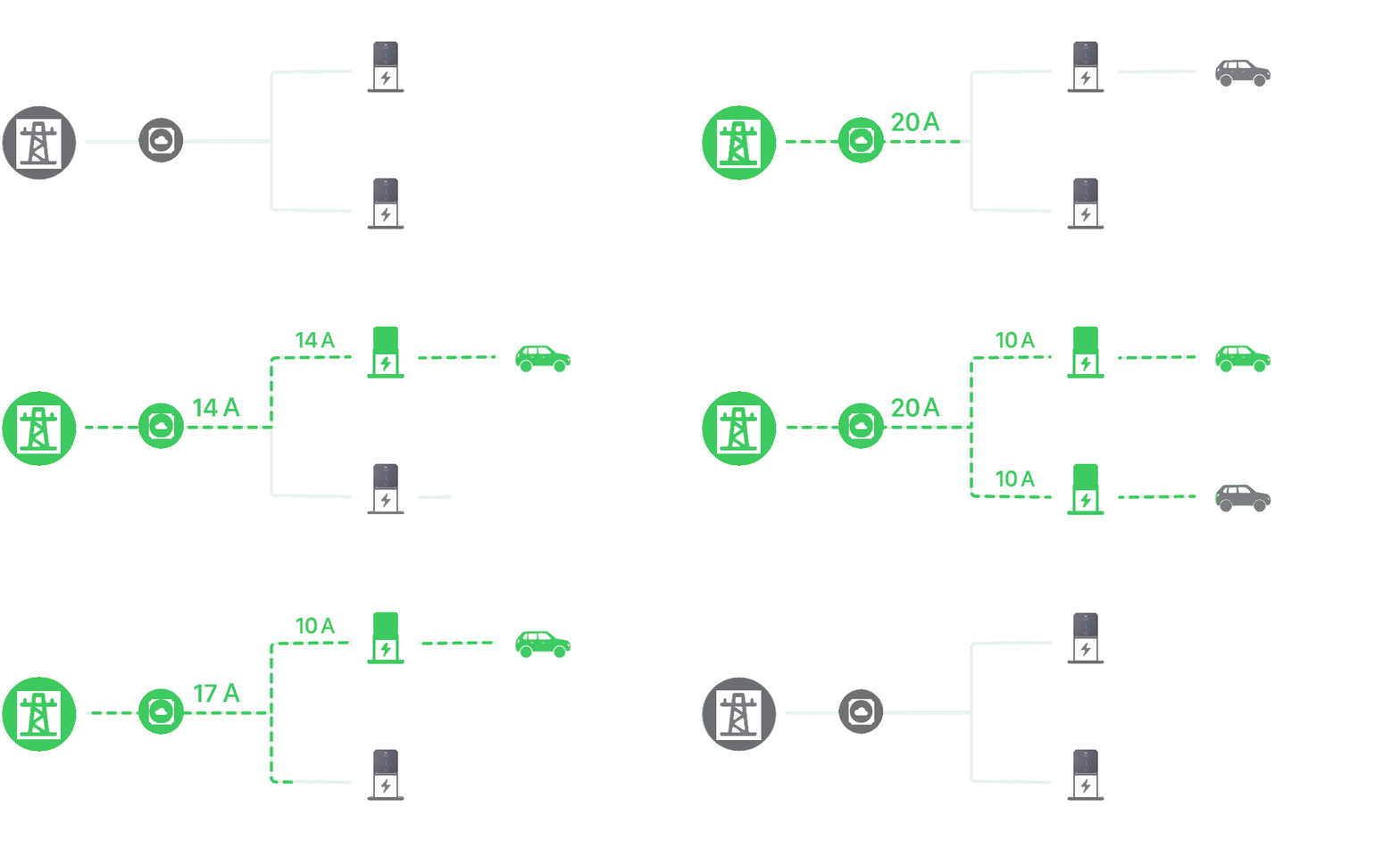
8.1.1. Setup Process
Connect the charging pile device to the network.
Create a load balance of type “Adaptive Power Sharing (Single Stake)”.
Select the charging pile equipment that requires load balancing.
Enter the load balancing name and maximum current.
Other matters
The number of power phases affects power distribution and power safety, so please confirm it accurately.
8.2. CT Box Strategy
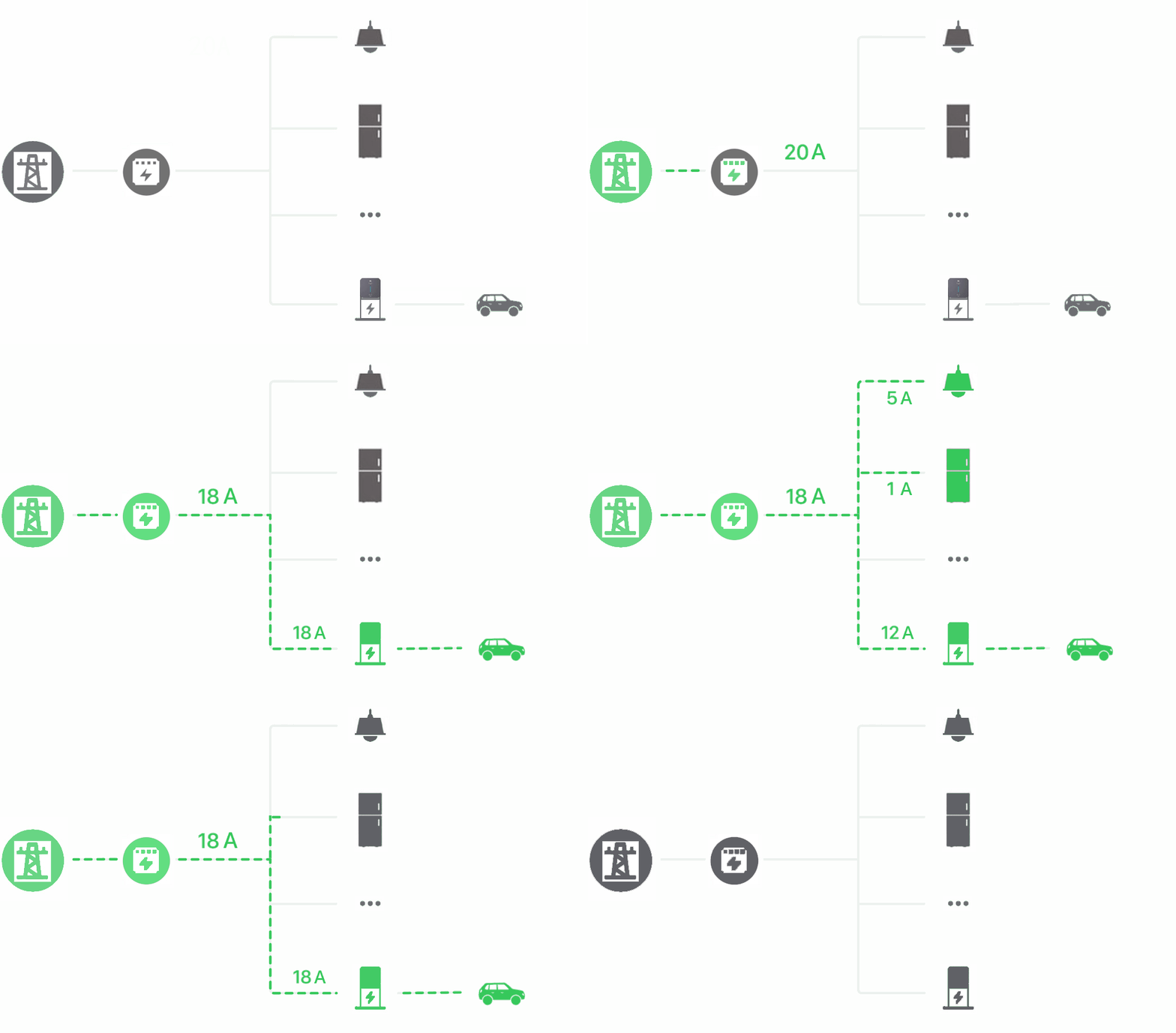
8.2.1. Setup Process
You need to use CT Box with charging pile equipment.
8.2.1.1. Household current setting
Set the online pile through the APP: Settings->Household current (the threshold should be at least 5A less than the circuit breaker).
8.2.1.2. Connection Settings (Select one of the following)
8.2.1.2.1. Connection method 1: (Wi-Fi connection)
Connect the CT Box device to the network.
Connect the charging station device to the network (using Wi-Fi pairing).
The CT Box device and the charging pile device must be connected to the same Wi-Fi (2.4GHz) network.
8.2.1.2.2. Connection method 2: (485 connection)
Use 485 cable to connect the main board and CT Box (A-A, B-B, PE connection is optional).
Other matters
The number of power phases affects power distribution and power safety, so please confirm it accurately.
For Wi-Fi connections, ensure signal strength.