10. Device Network
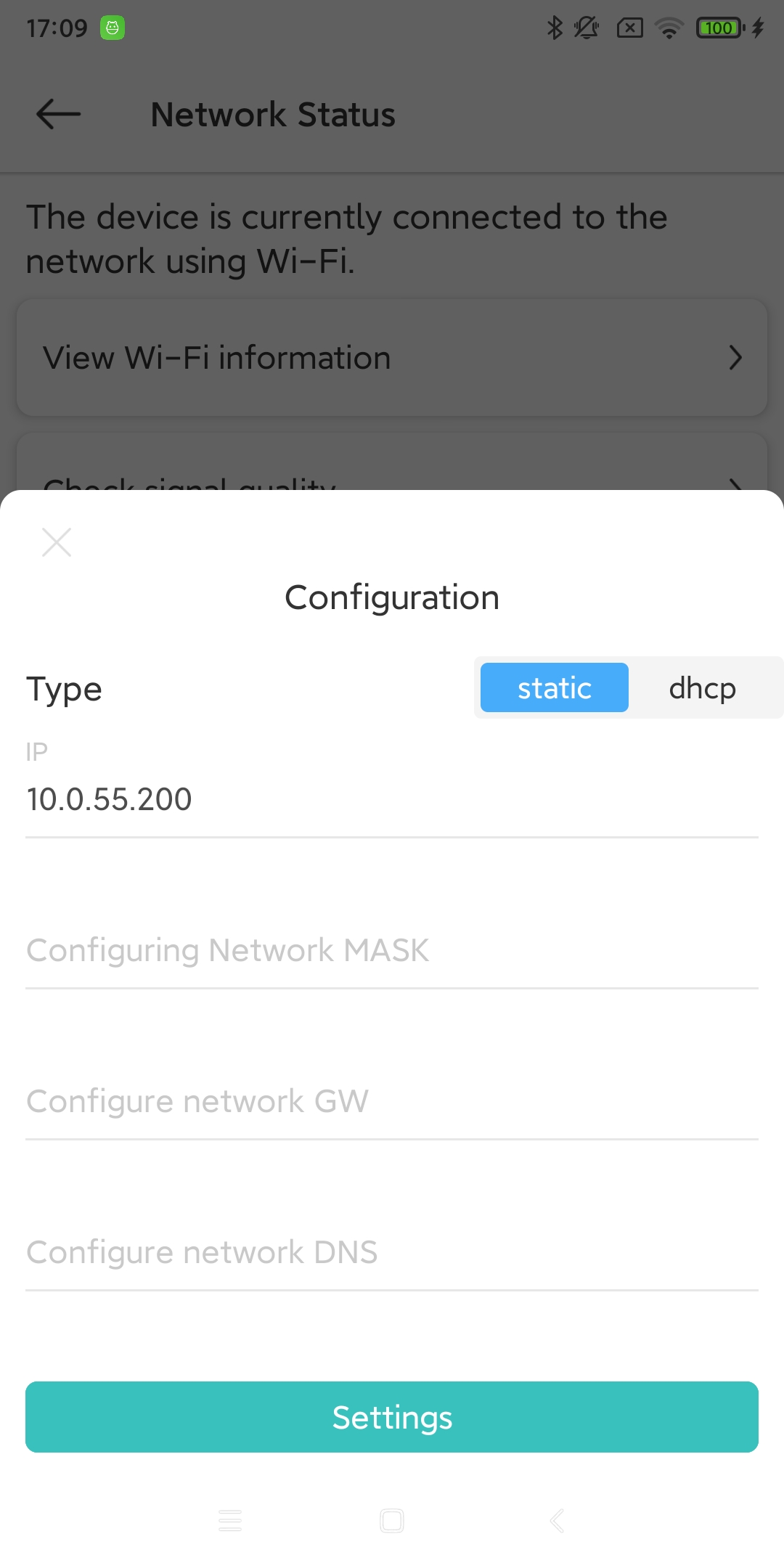
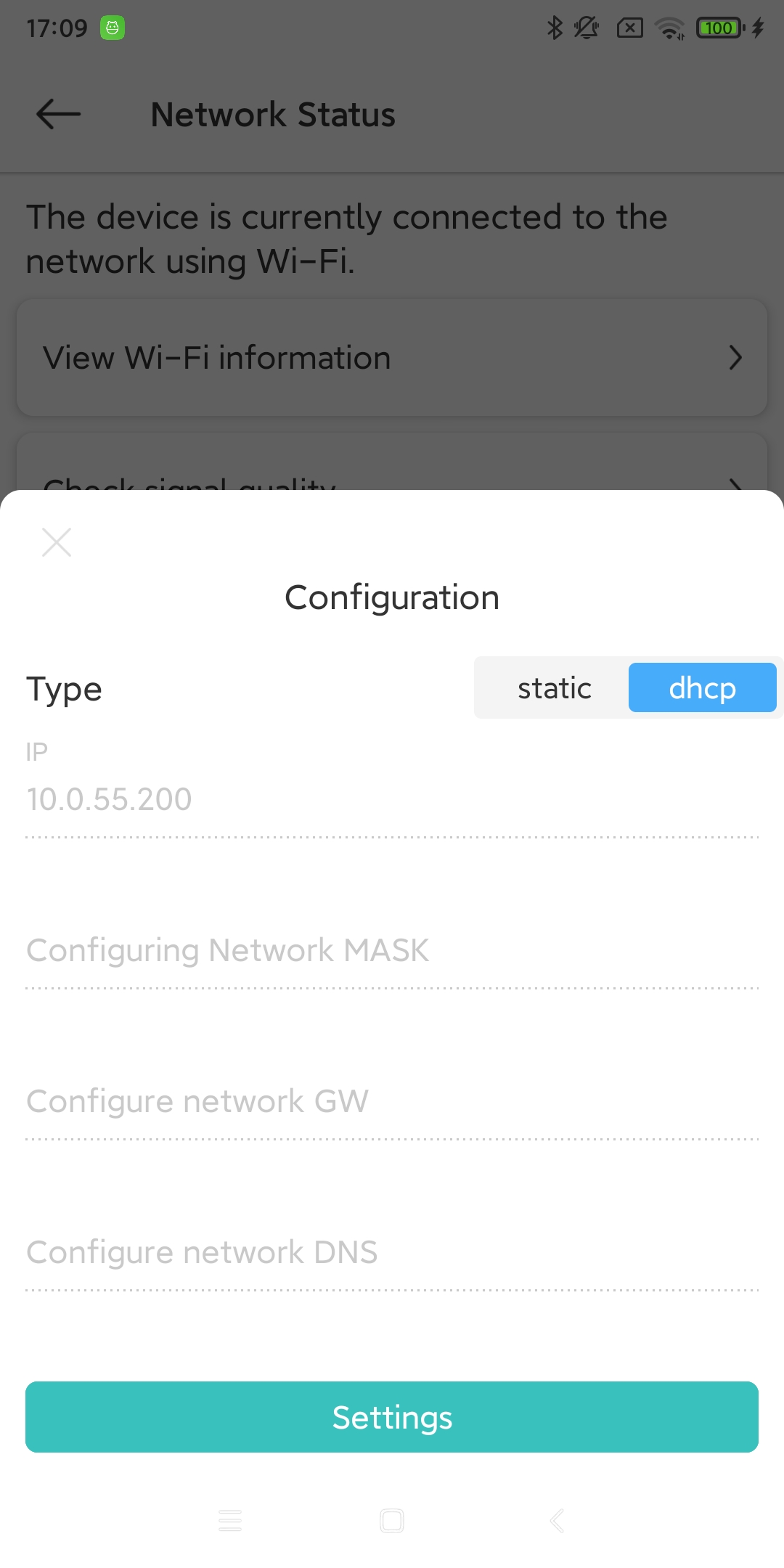
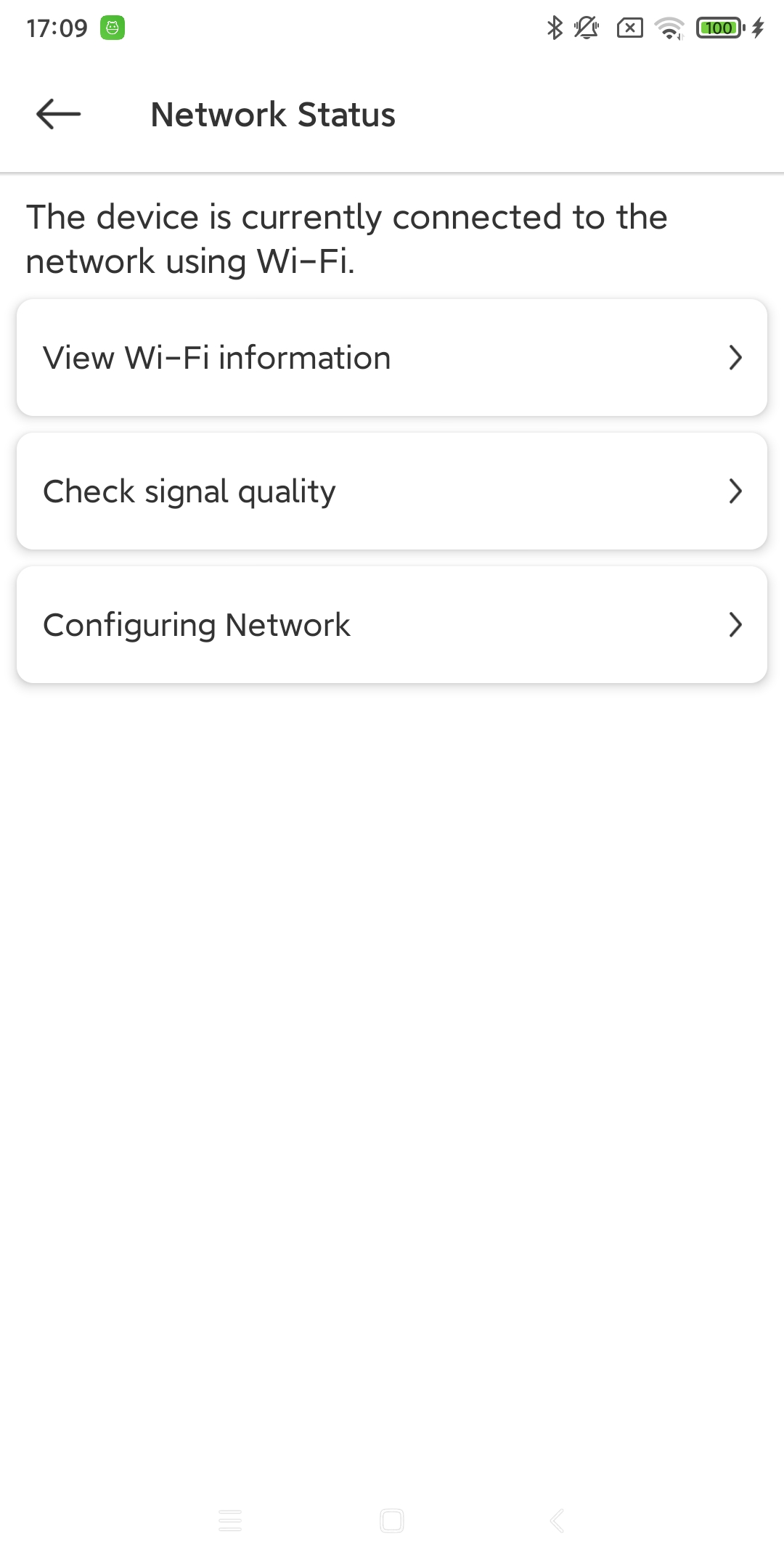
Device Network can help you analyze the signal status of the device and set the device to access the Internet in STATIC/DHCP mode. (Only available when the device is connected to the network using Wi-Fi)
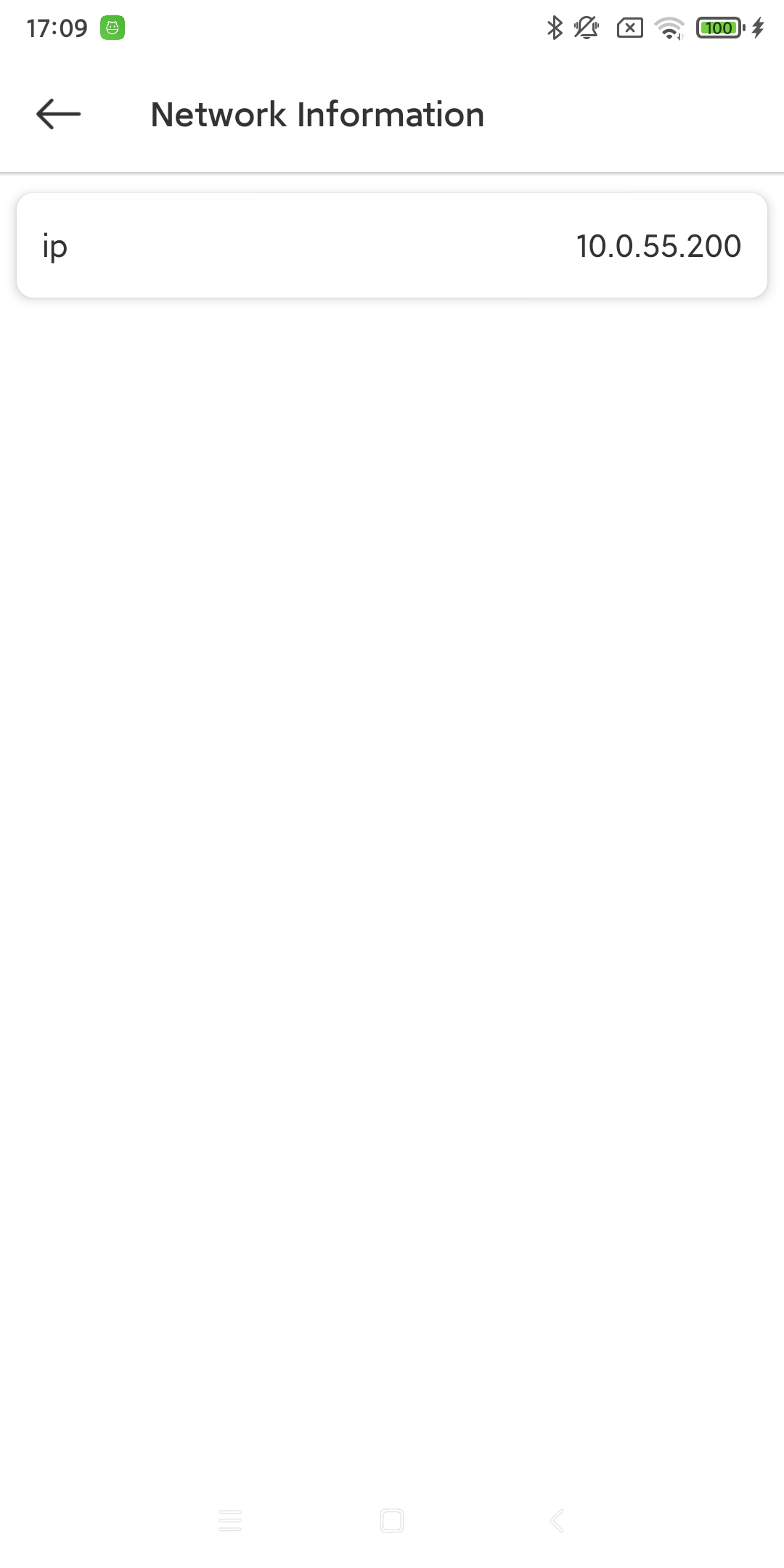
10.1. View Wi-Fi/4G/Ethernet information
10.2. Check signal strength (only available for Wi-Fi)
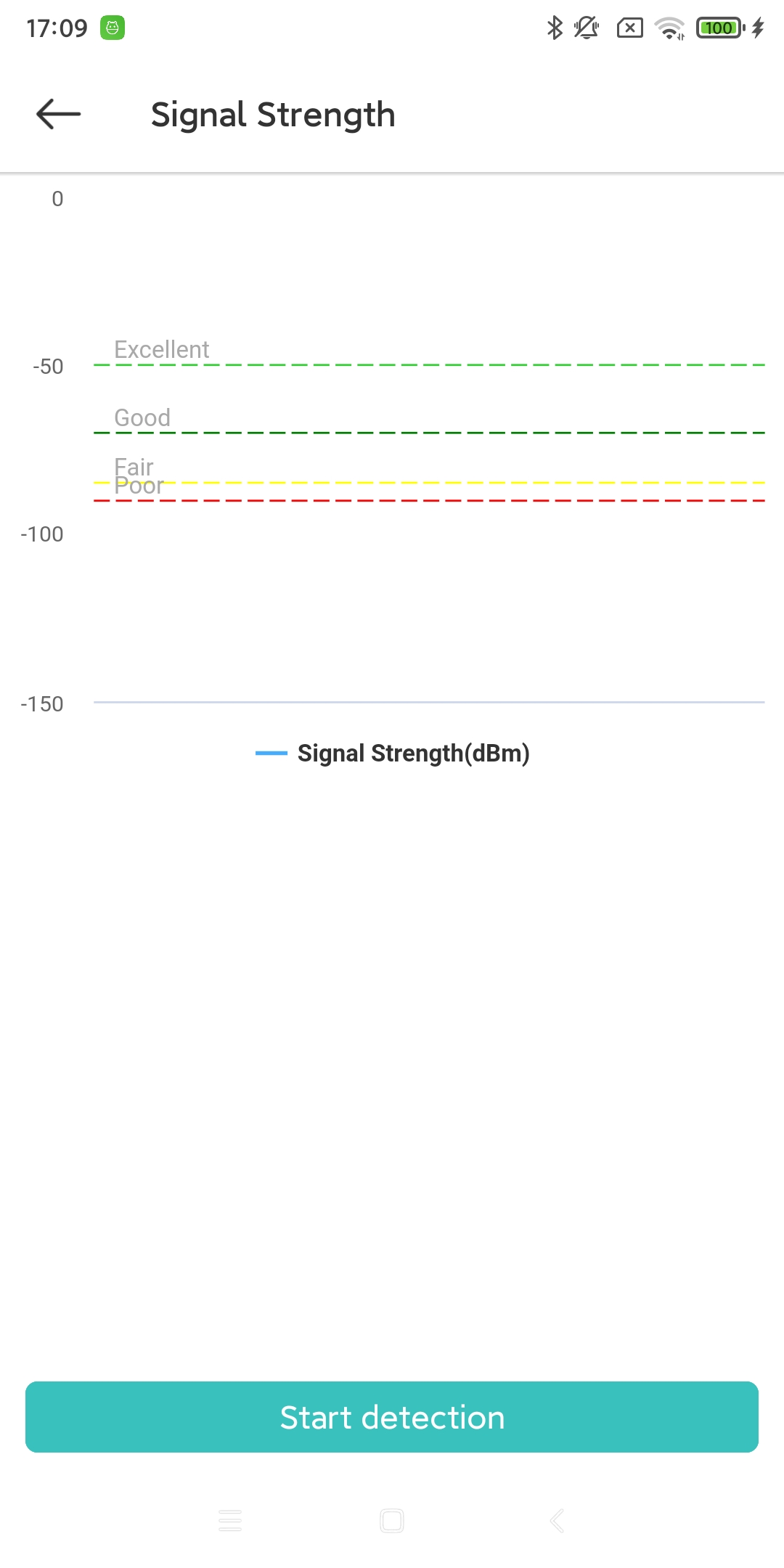
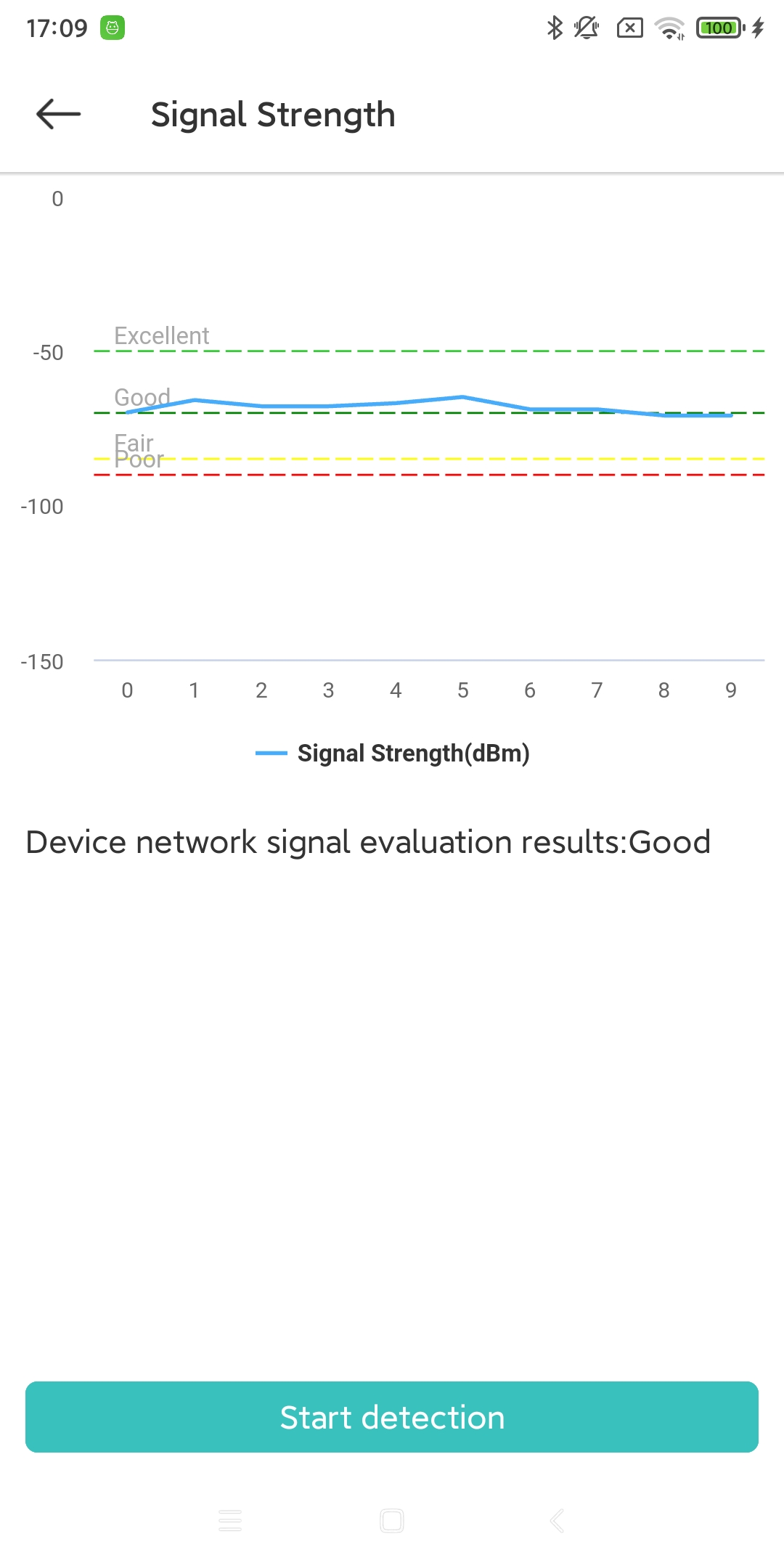
The example picture shows the comparison before and after detecting the Wi-Fi signal strength. The signal strength range is marked.
10.3. Configure STATIC/DHCP (only available for Wi-Fi)
The example picture shows the settings in STATIC/DHCP mode. (IP, MASK, GW, DNS information can only be edited in STATIC mode)