15. Charging station fee
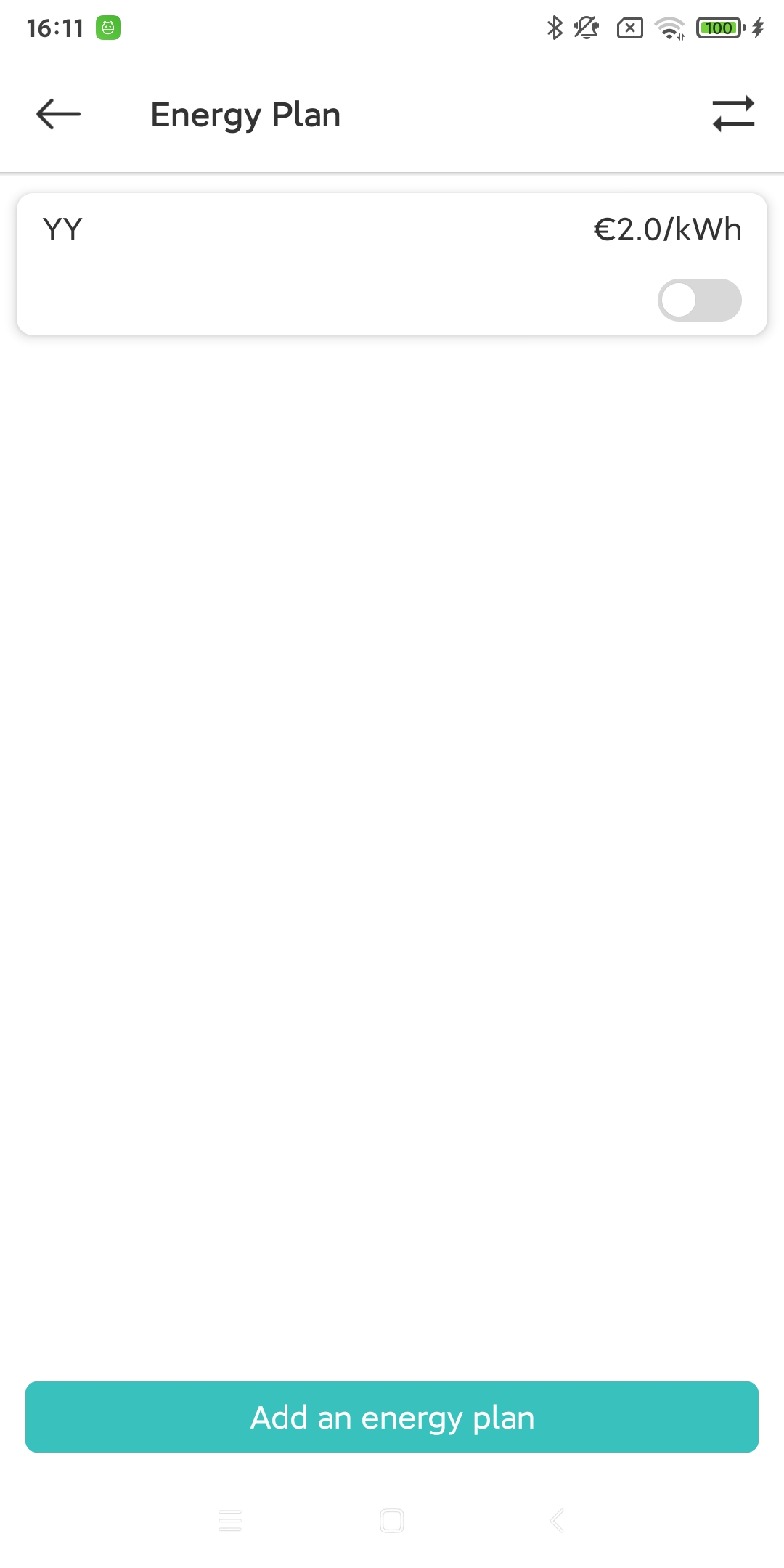
On the ‘More’ page, you can click the ‘Energy Plan’ tab to set the energy plan (cost) for this charging pile device.
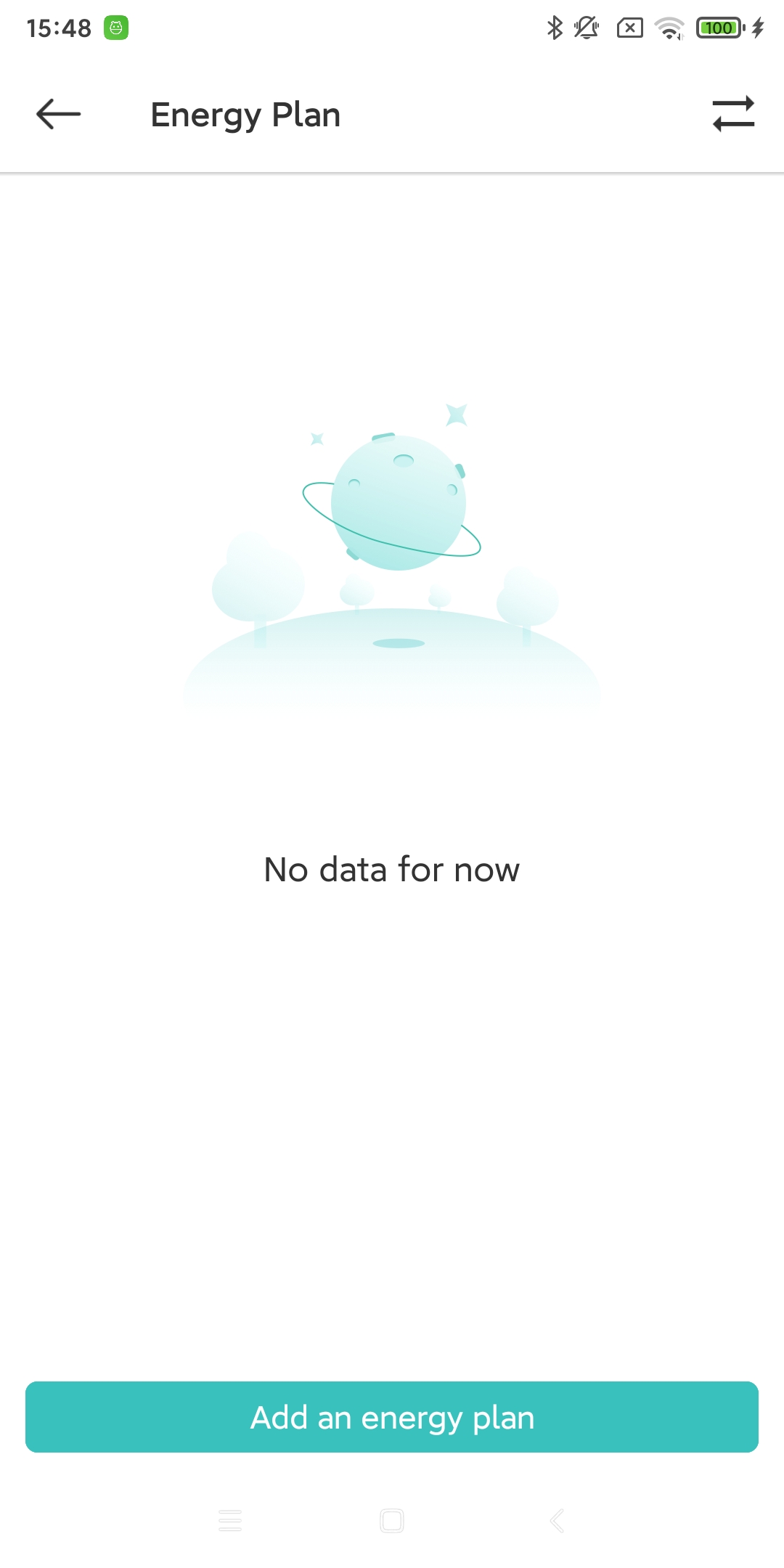
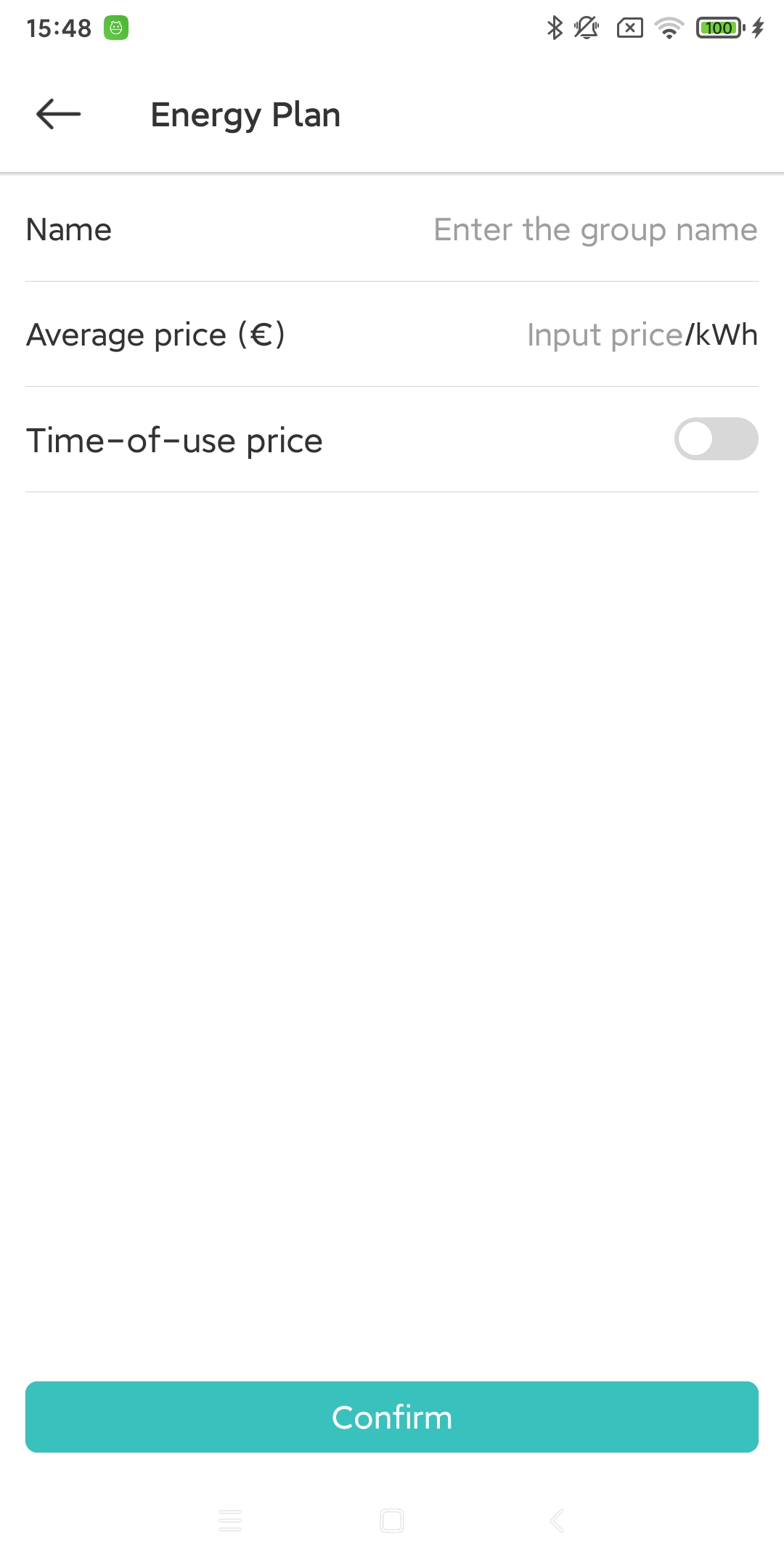
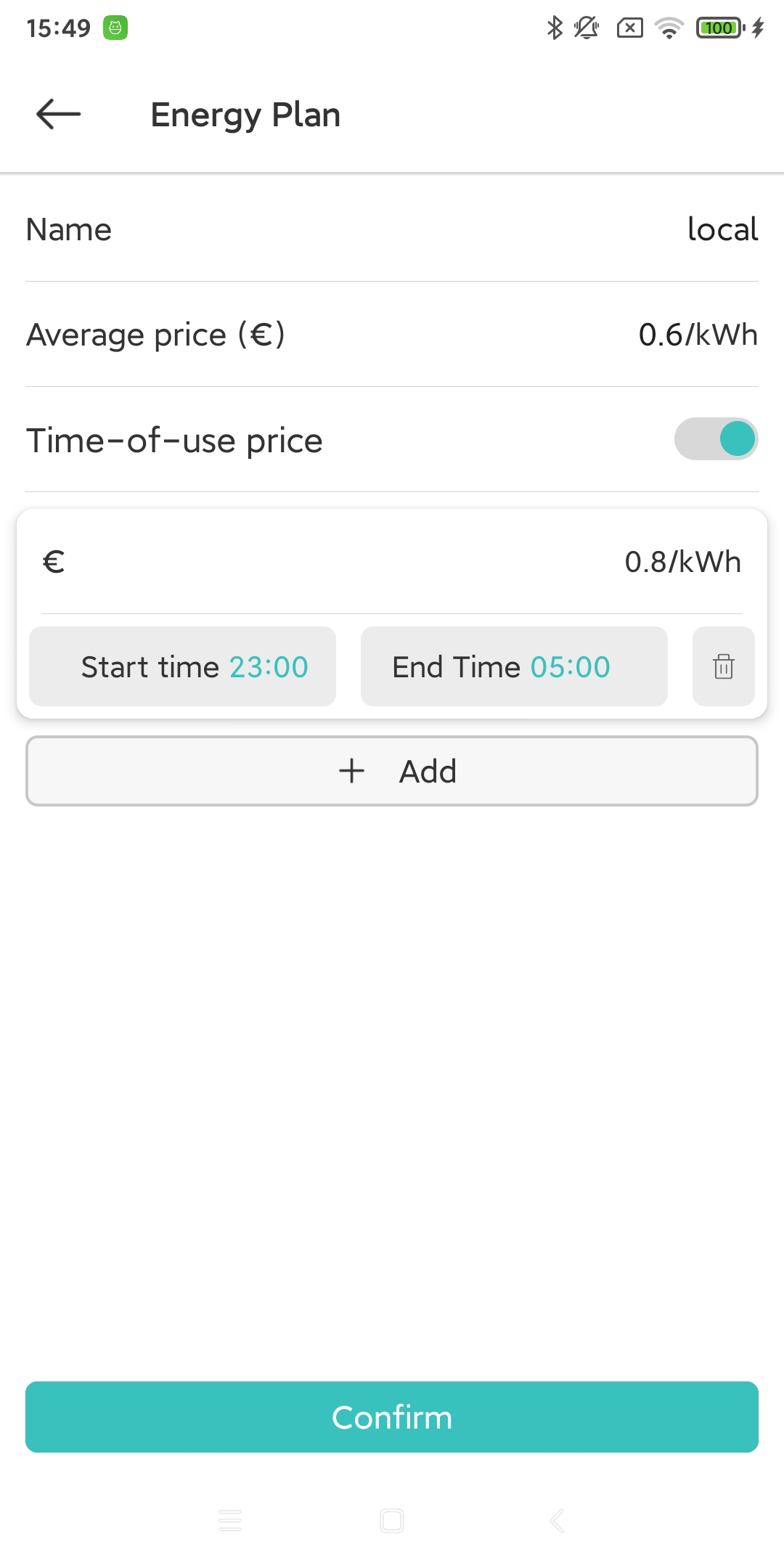
Click the “Add” button on the “Energy Plan” page. If your area implements peak and valley charges, you can turn on the “Time of Day Charge” switch to set different charges for different times.
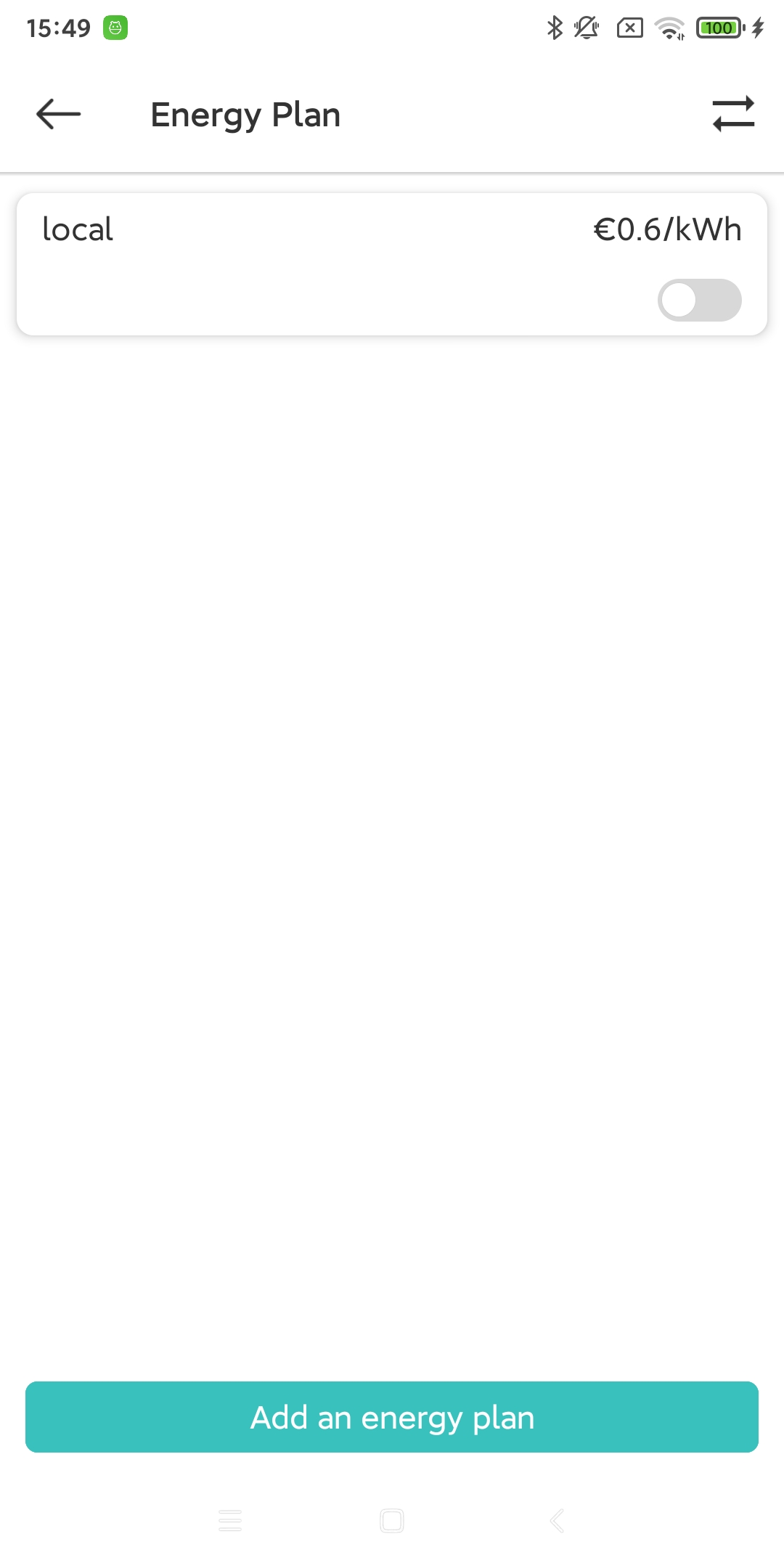
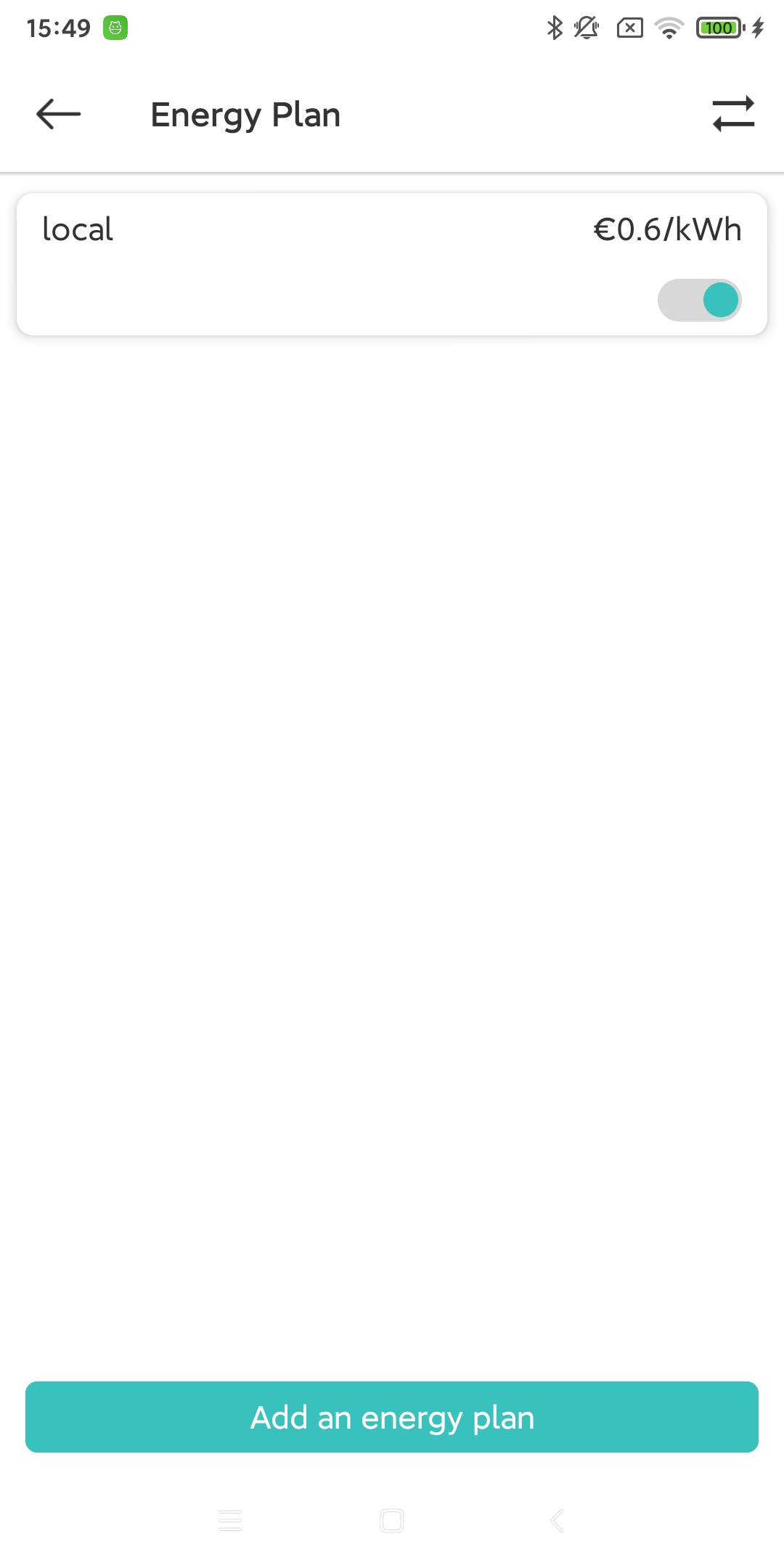
After the settings are completed, you need to click the “Start” button to confirm the use of this plan. (If you have added multiple energy plans, you can only start one at a time)
15.1. Synchronize energy plans with other charging station devices
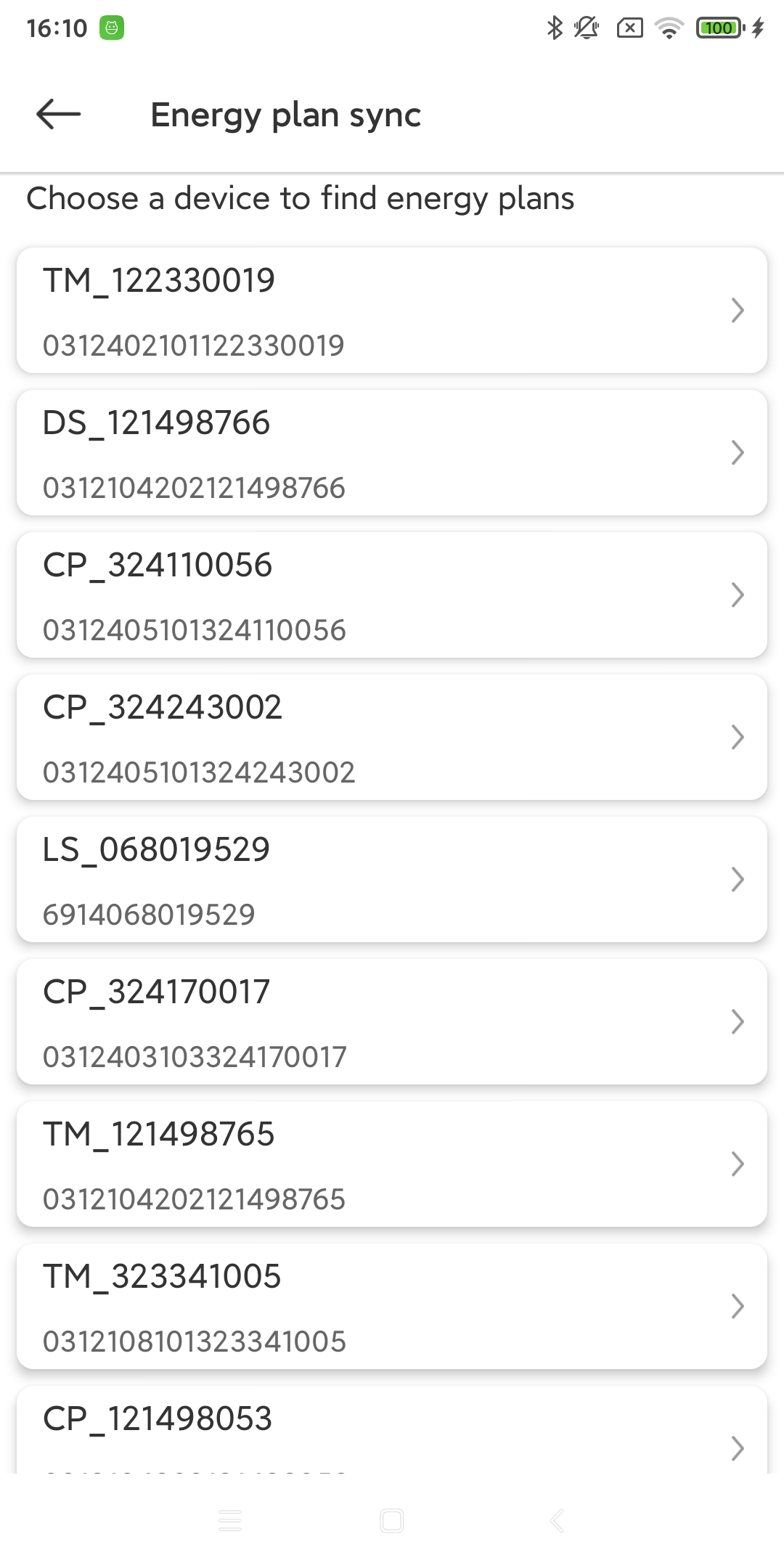
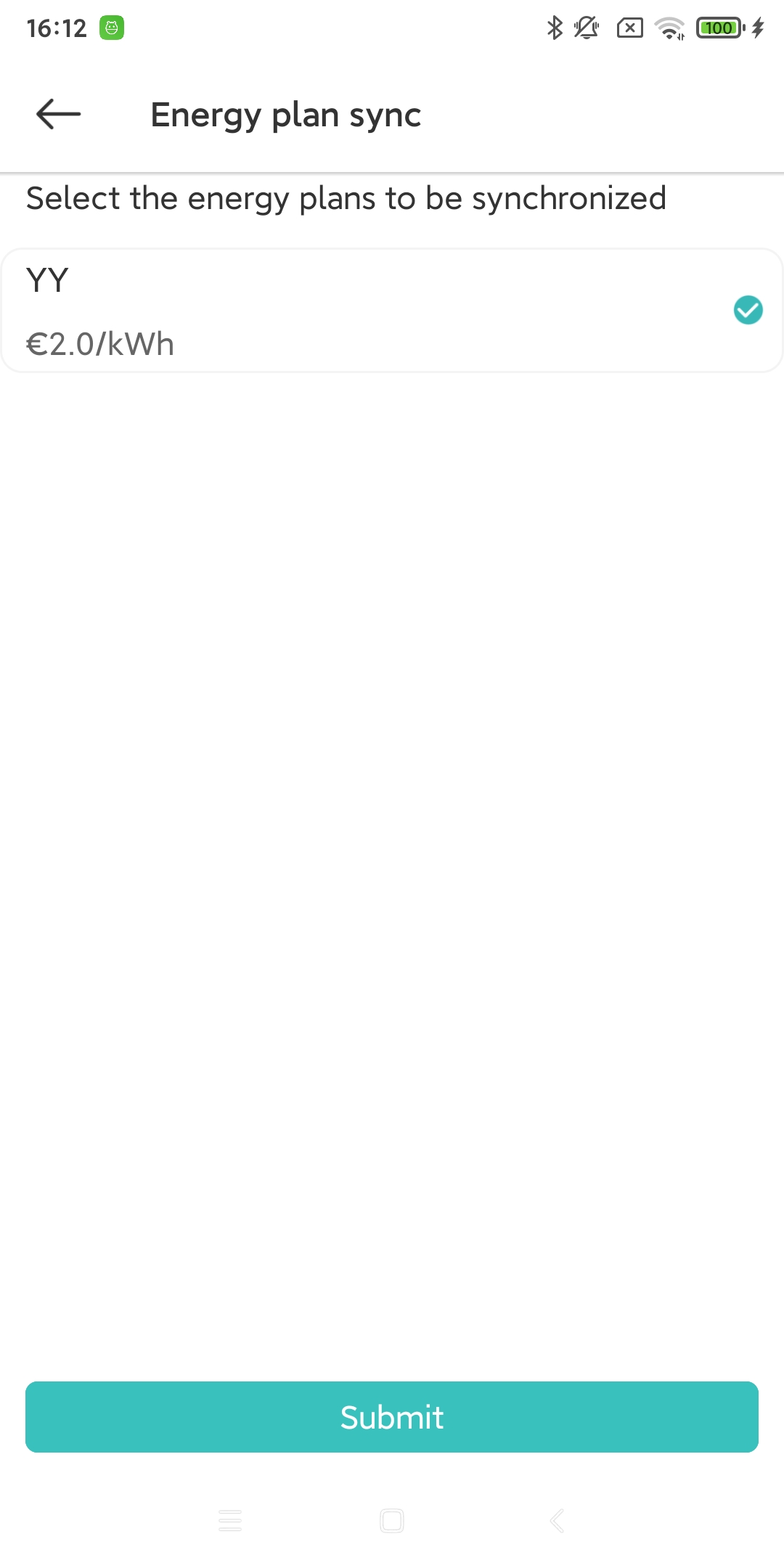
In the upper right corner of the “Energy Plan” page, you can click the “Synchronize” icon button to directly obtain the energy plan of other charging pile devices. (If you have multiple charging pile devices and they are all in the same area, you can reduce your operations).