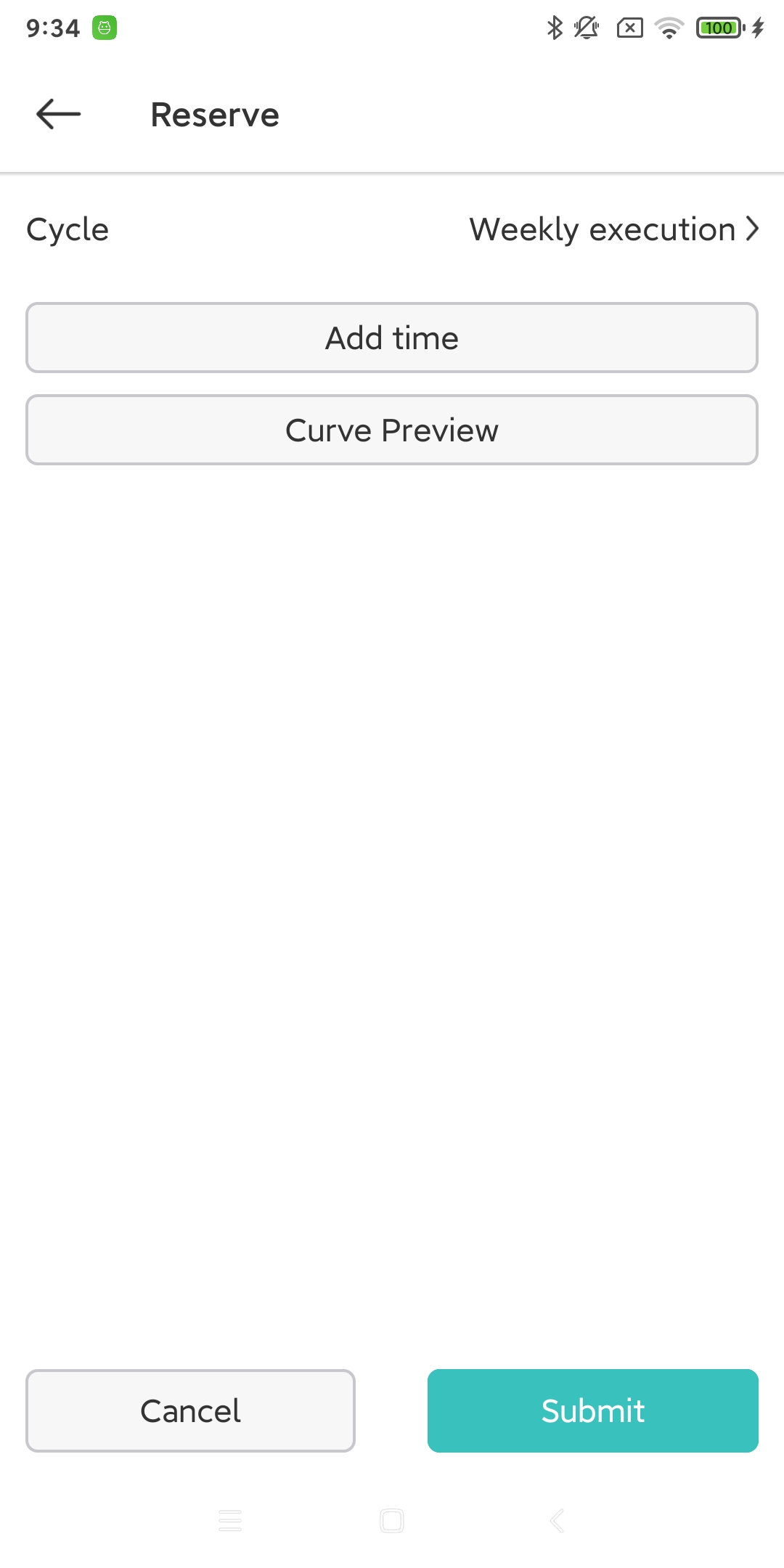
5. Schedule charging
5.1. Single appointment charging (old)
When performing scheduled charging once, the start time must be greater than 10 minutes after the current time, and the working time must be greater than 1 minute.
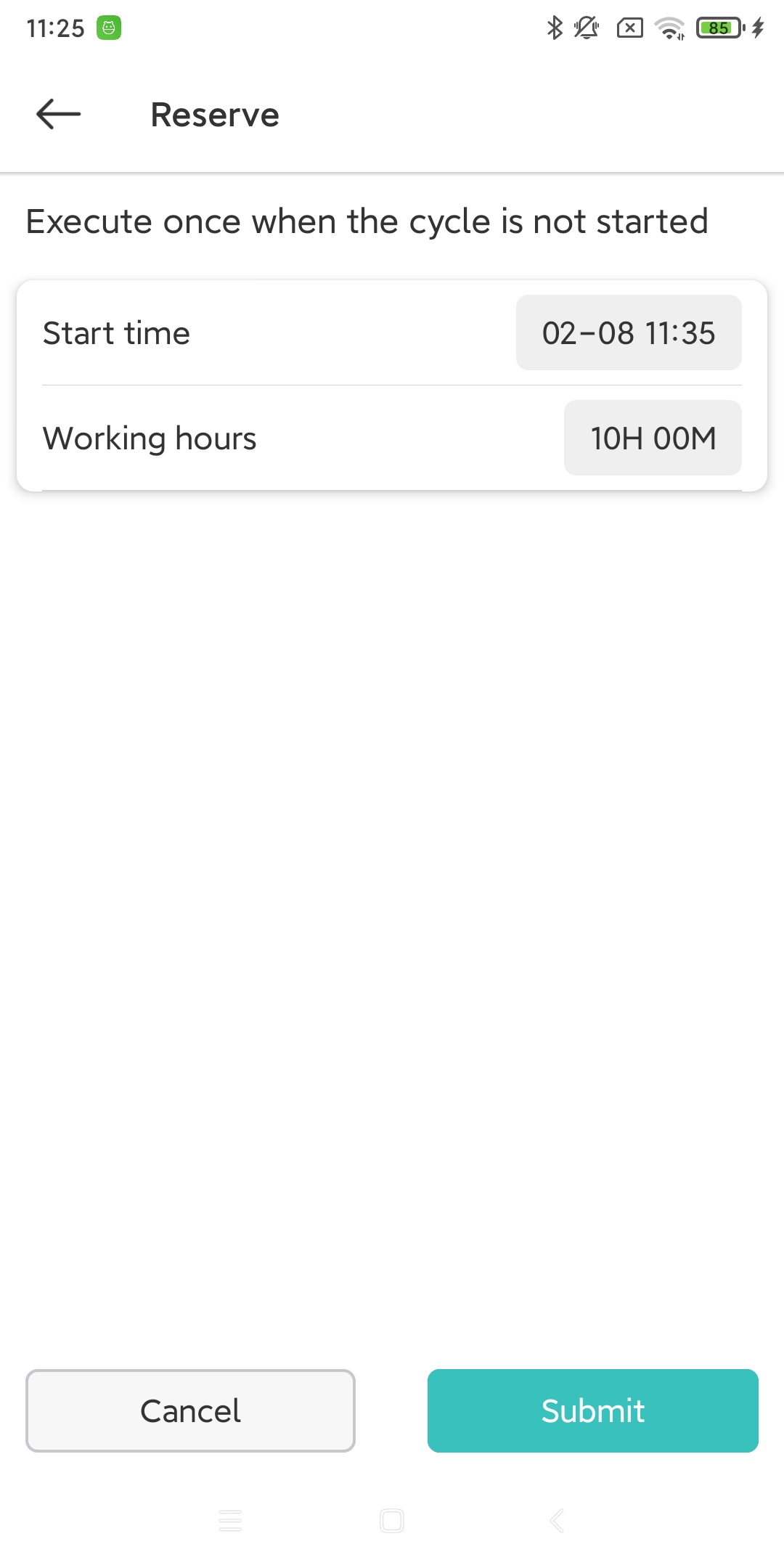
5.2. Scheduling Appointment Charging (New)
Under any execution type, multiple time periods can be set.
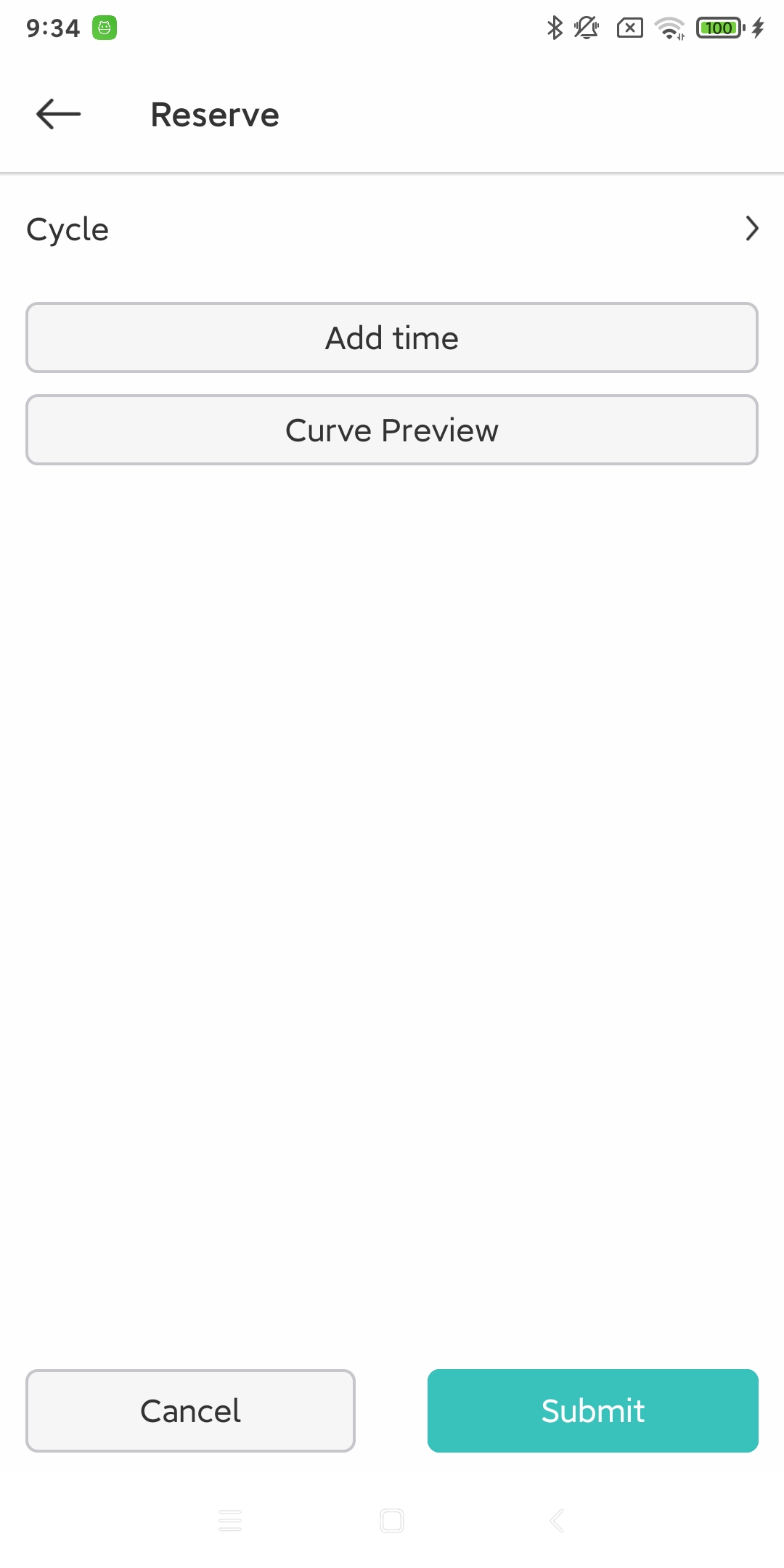
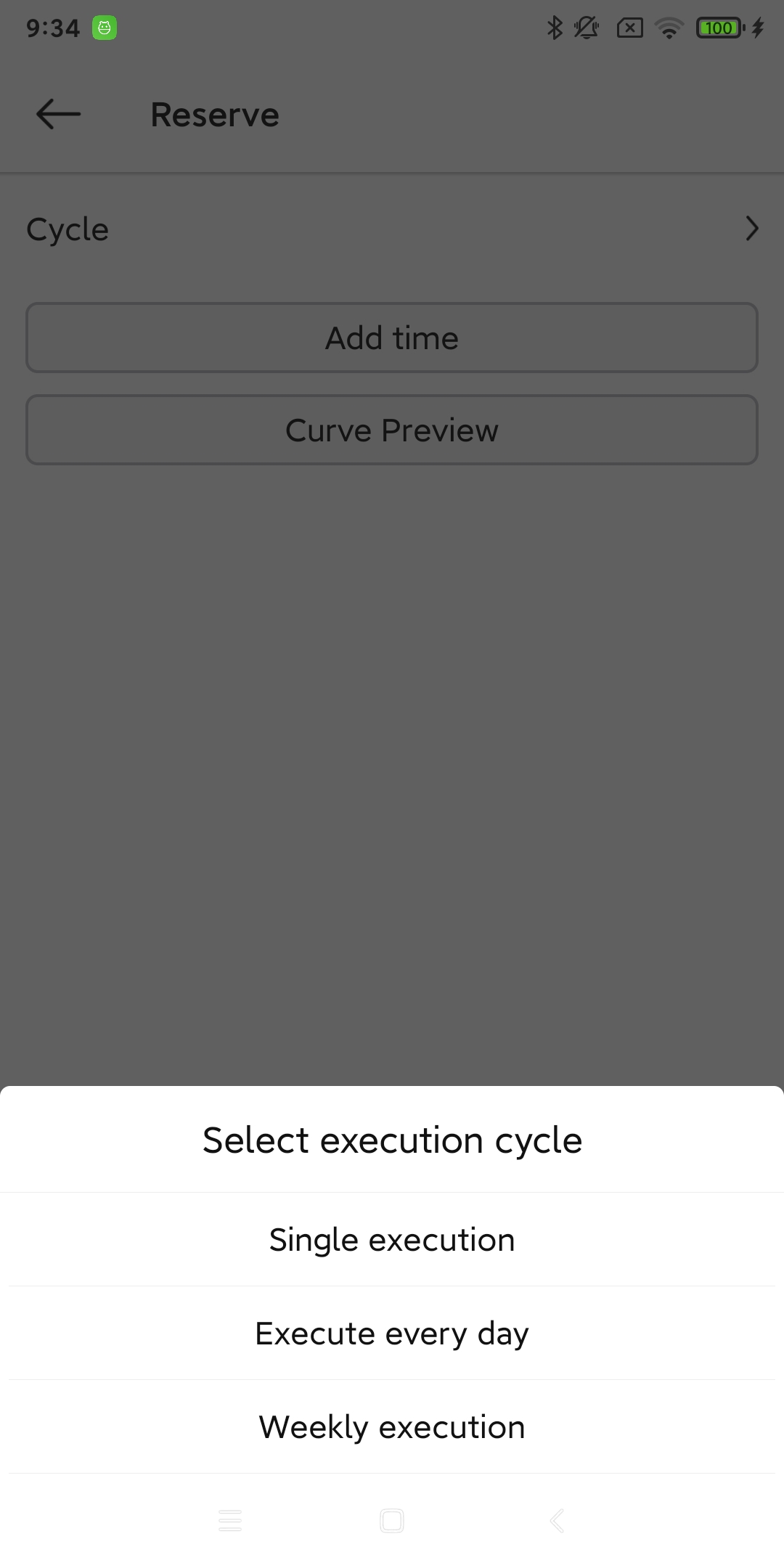
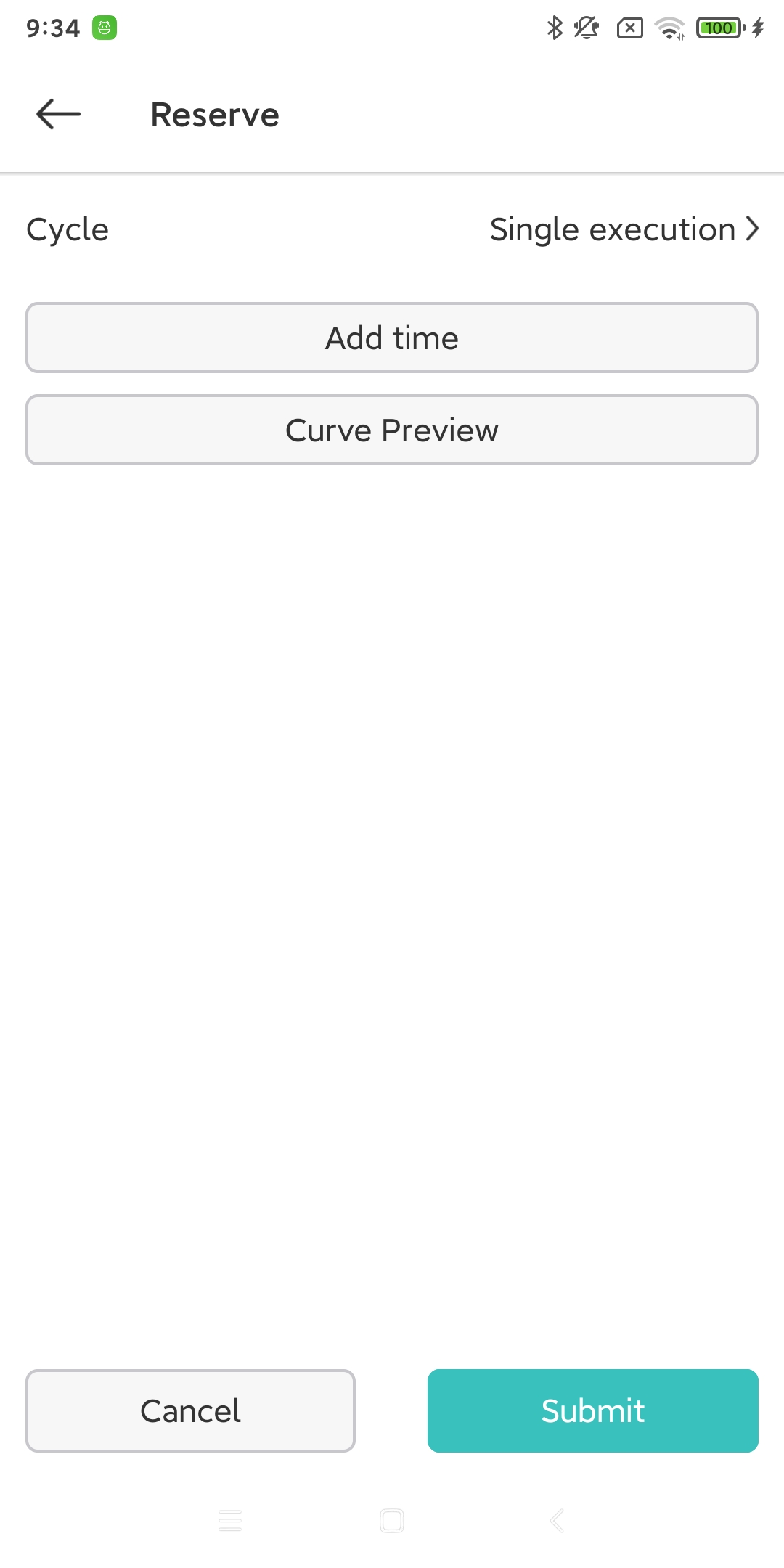
5.2.1. Single execution
When you perform a scheduled charging, you need to set the start time and end time. Here is an explanation of the set start time and end time:
The time is a 24-hour format, from 0:00 to 23:59
If the start time is greater than the current time, then it is considered to be the start time of today.
If the end time is greater than the start time, then it is considered that the end time also ends today.
If the end time is less than the start time, then the end time is considered to be tomorrow.
If the start time is less than the current time, then it is considered to end tomorrow.
The end time must be greater than the start time, and the end time must be tomorrow.
5.2.2. Daily loop execution
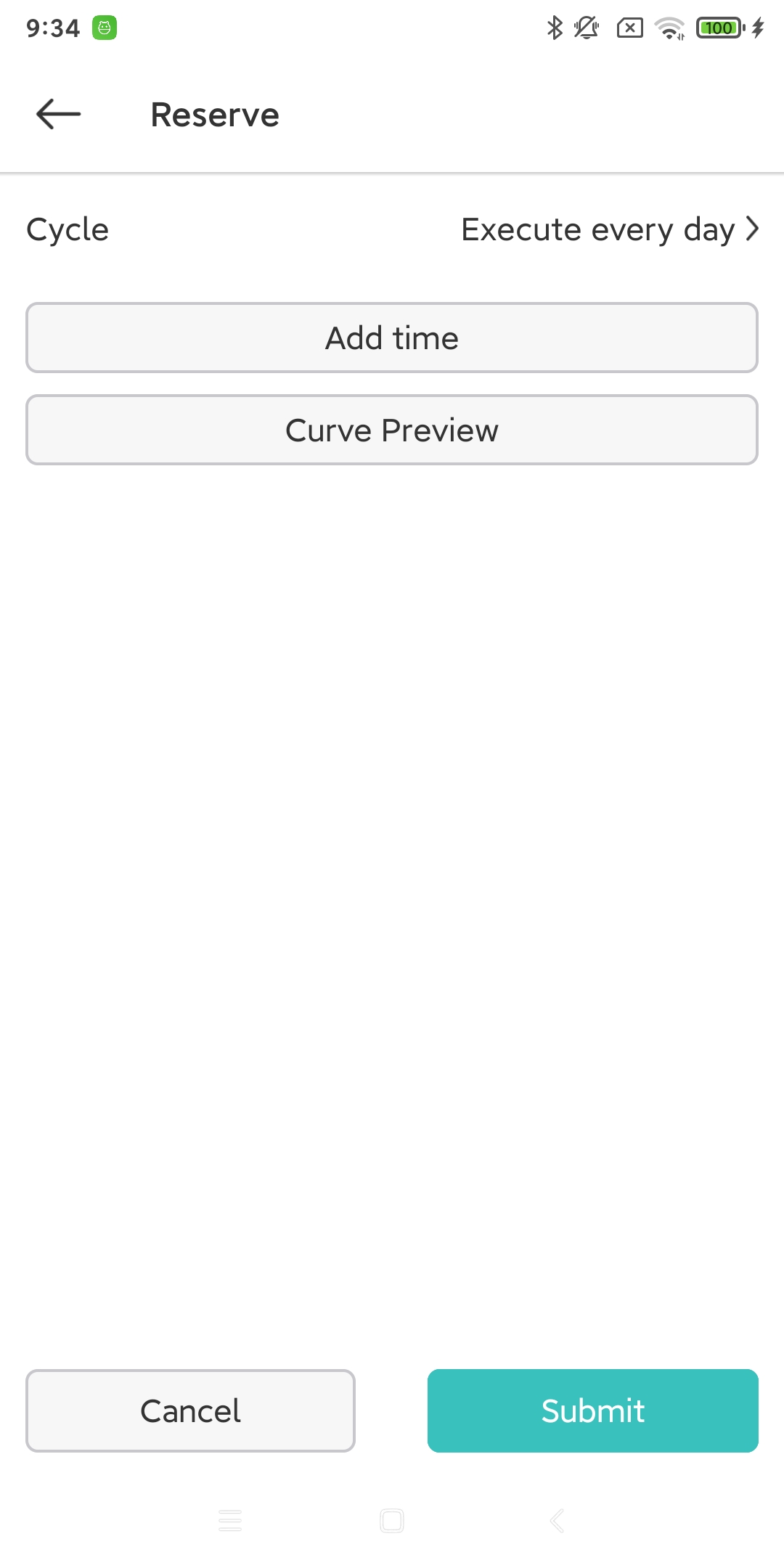
When executing the cycle every day, you need to set the start time and end time. Here is an explanation of the set start time and end time:
The time is a 24-hour format, from 0:00 to 23:59
The end time must be greater than the start time
5.2.3. Weekly cycle execution
When executing the cycle every day, you need to set the start time and end time. Here is an explanation of the set start time and end time:
The time is a 24-hour format, from 0:00 to 23:59
The end time must be greater than the start time