9. Expanded functionality
9.1. Bluetooth connection
9.1.1. Unbound device
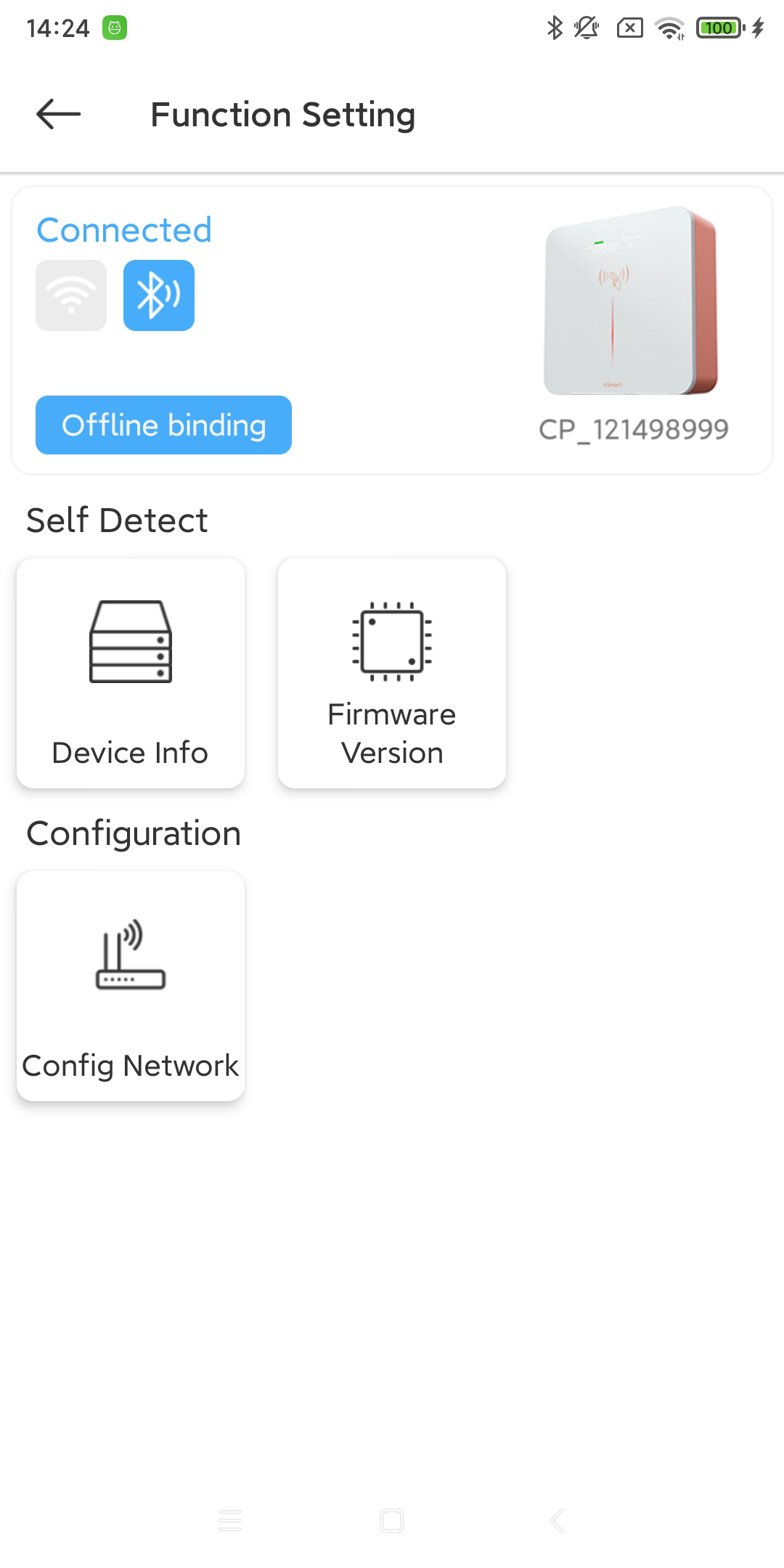
9.1.2. Unbound device
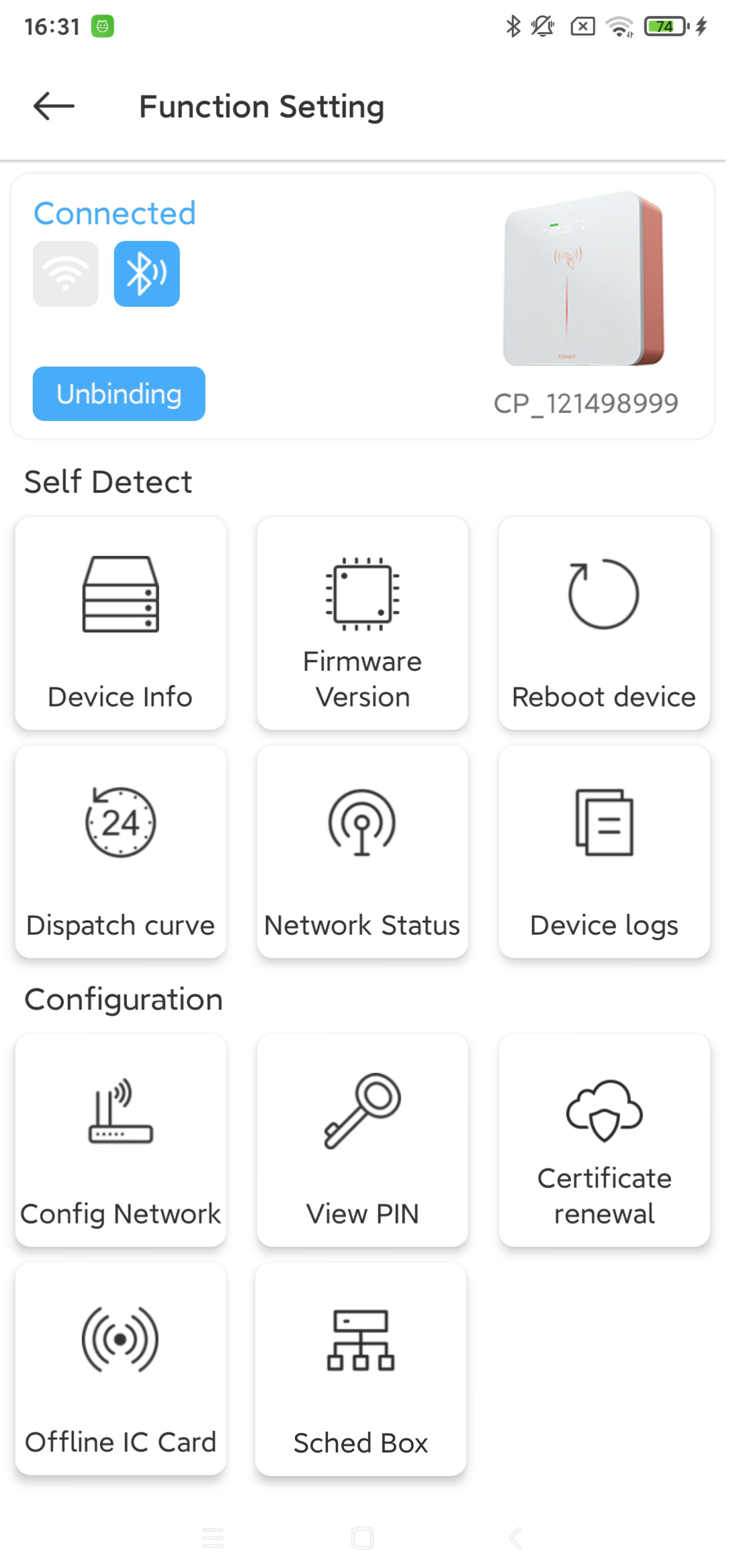
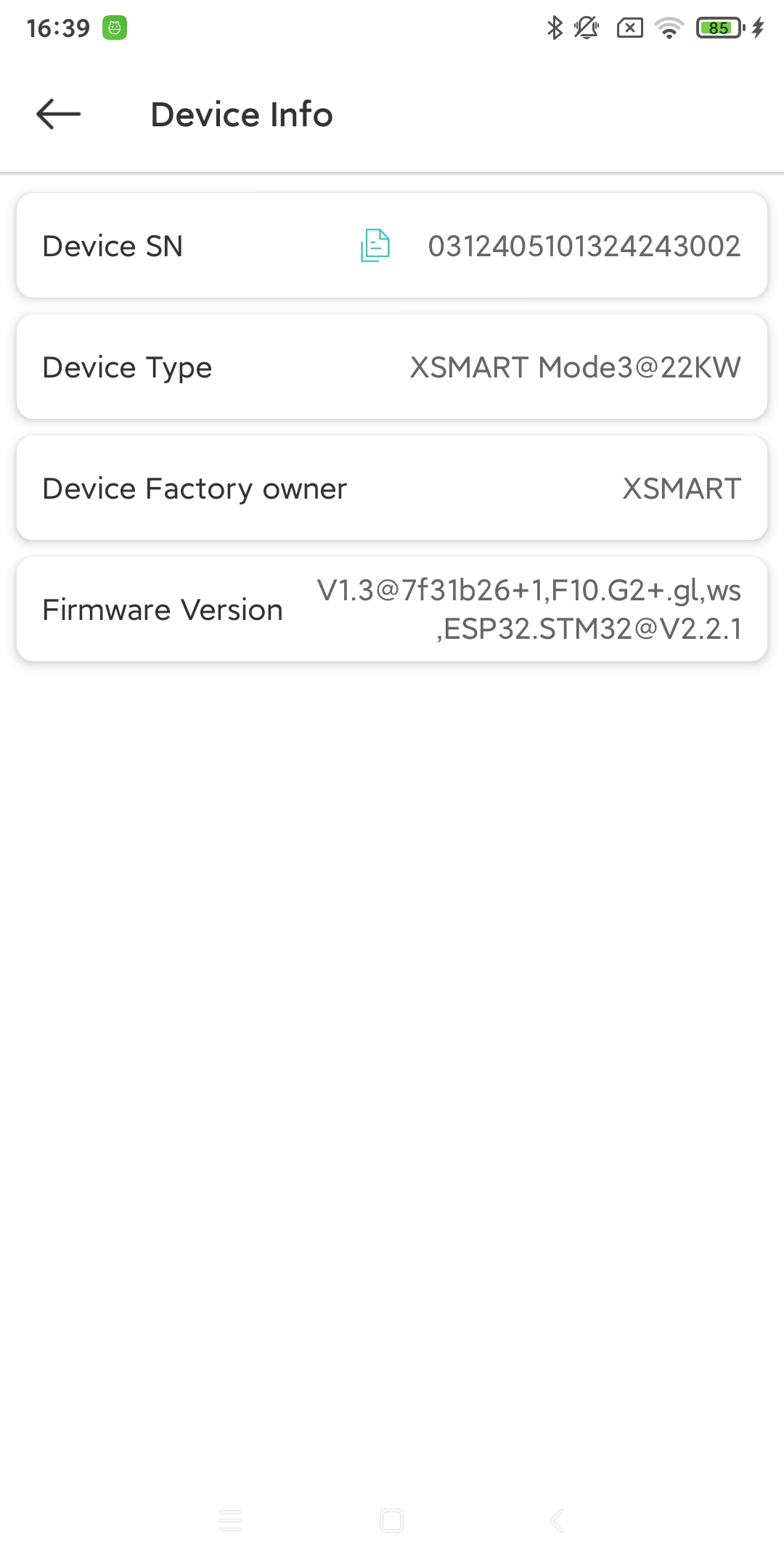
- Device Info:
View the basic information of the current charging pile equipment. [1]
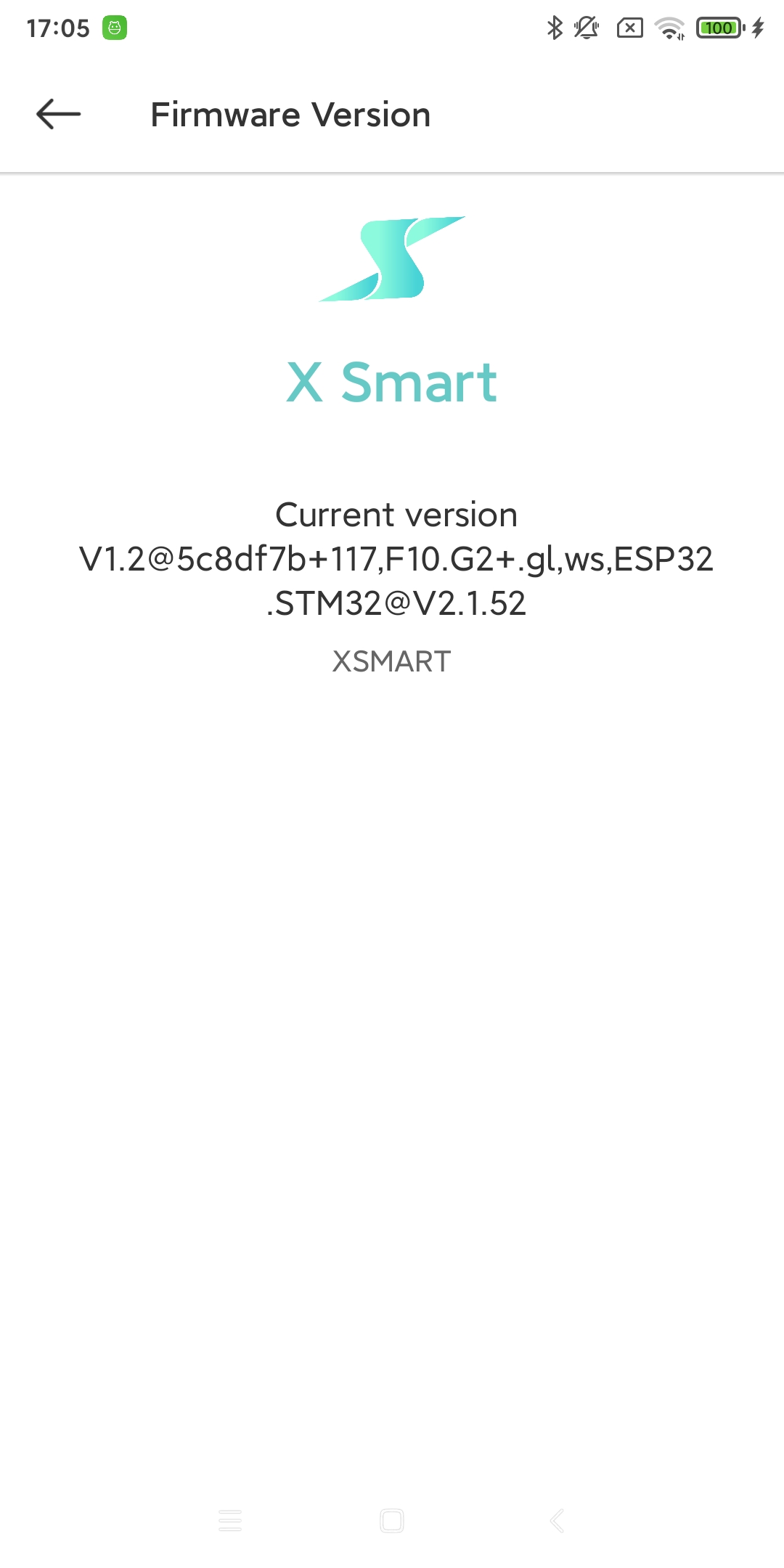
- Firmware Version:
Check the firmware version number of the current charging pile device. [2]
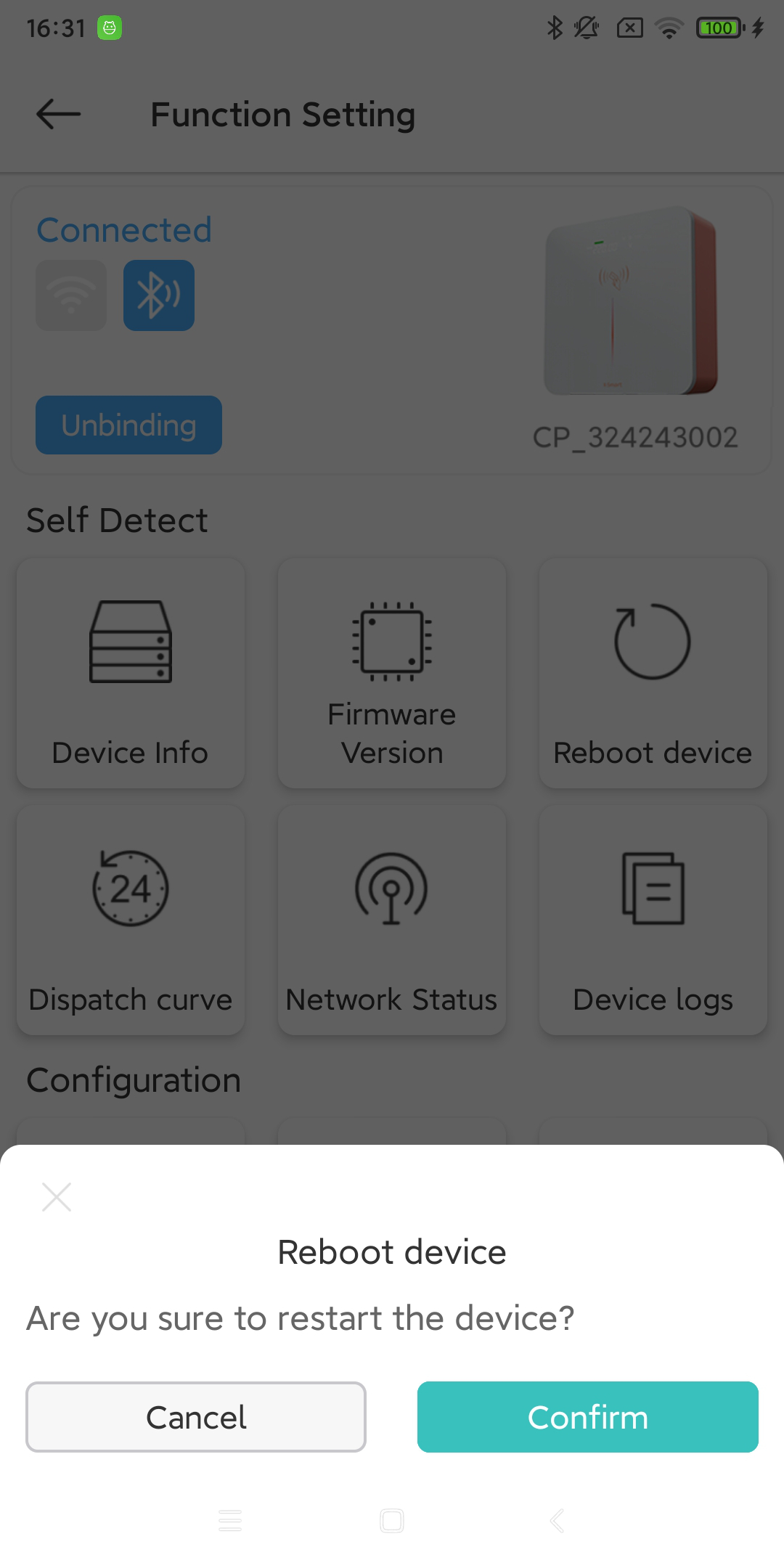
- Reboot device:
Soft restart the current charging pile device. [4]
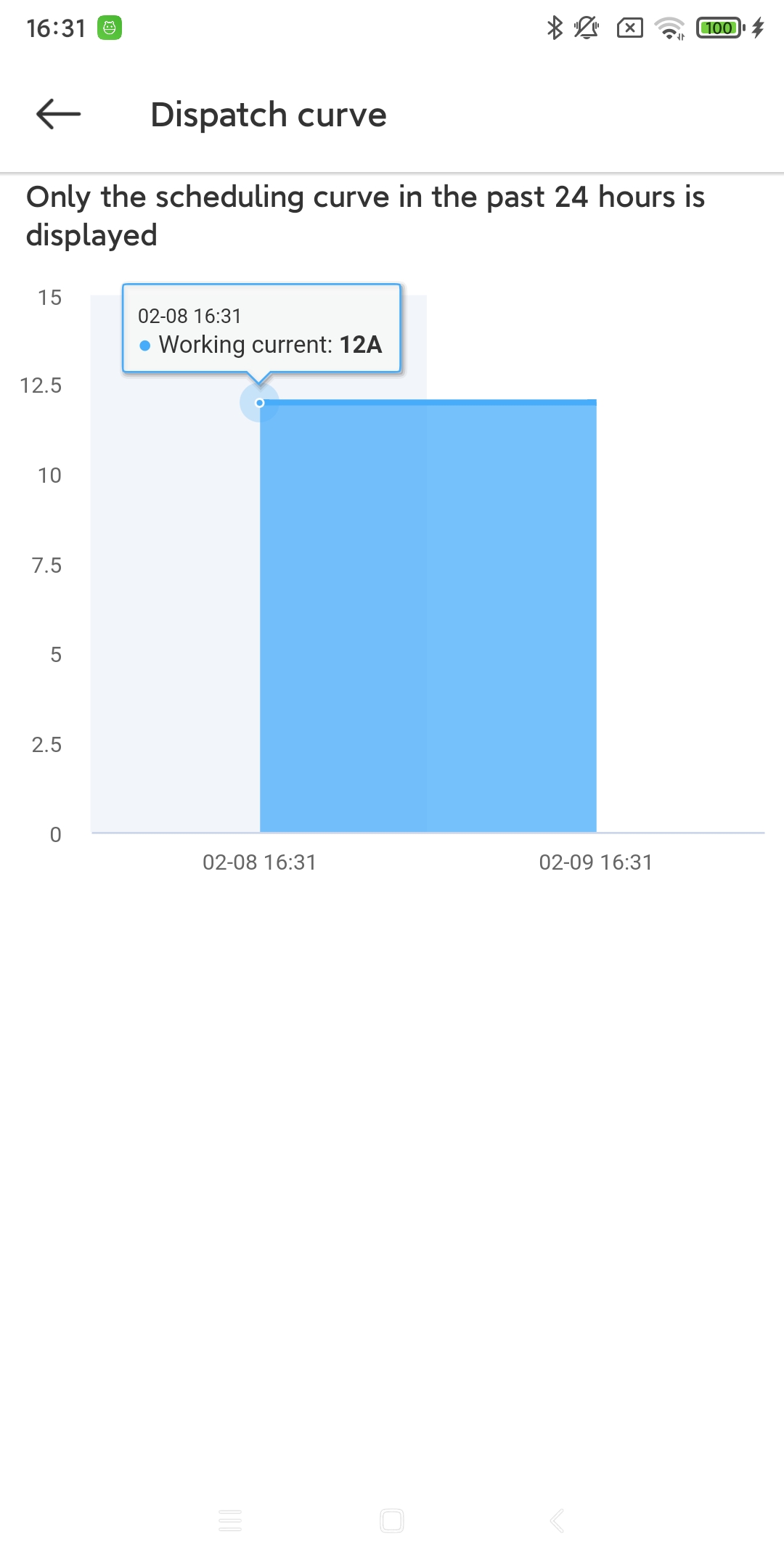
- Dispatch curve:
View the future scheduling curve of the current charging pile equipment. [5]
- Network Status:
Check the current network status of the charging pile device. [6]
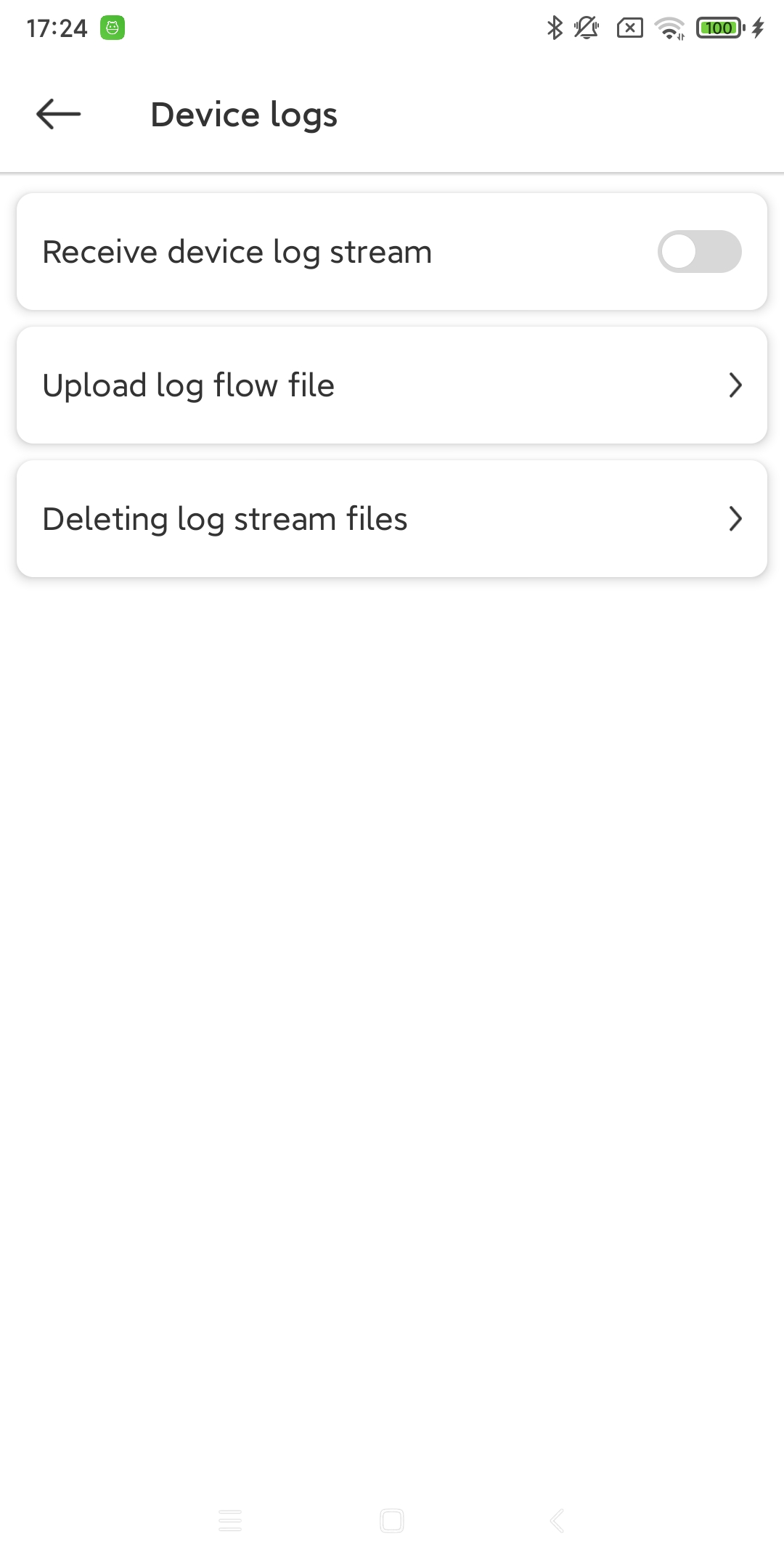
- Device logs:
Set the current charging pile device’s log switch. [7]
- Config Network:
Configure the network for the current charging pile device. [3]
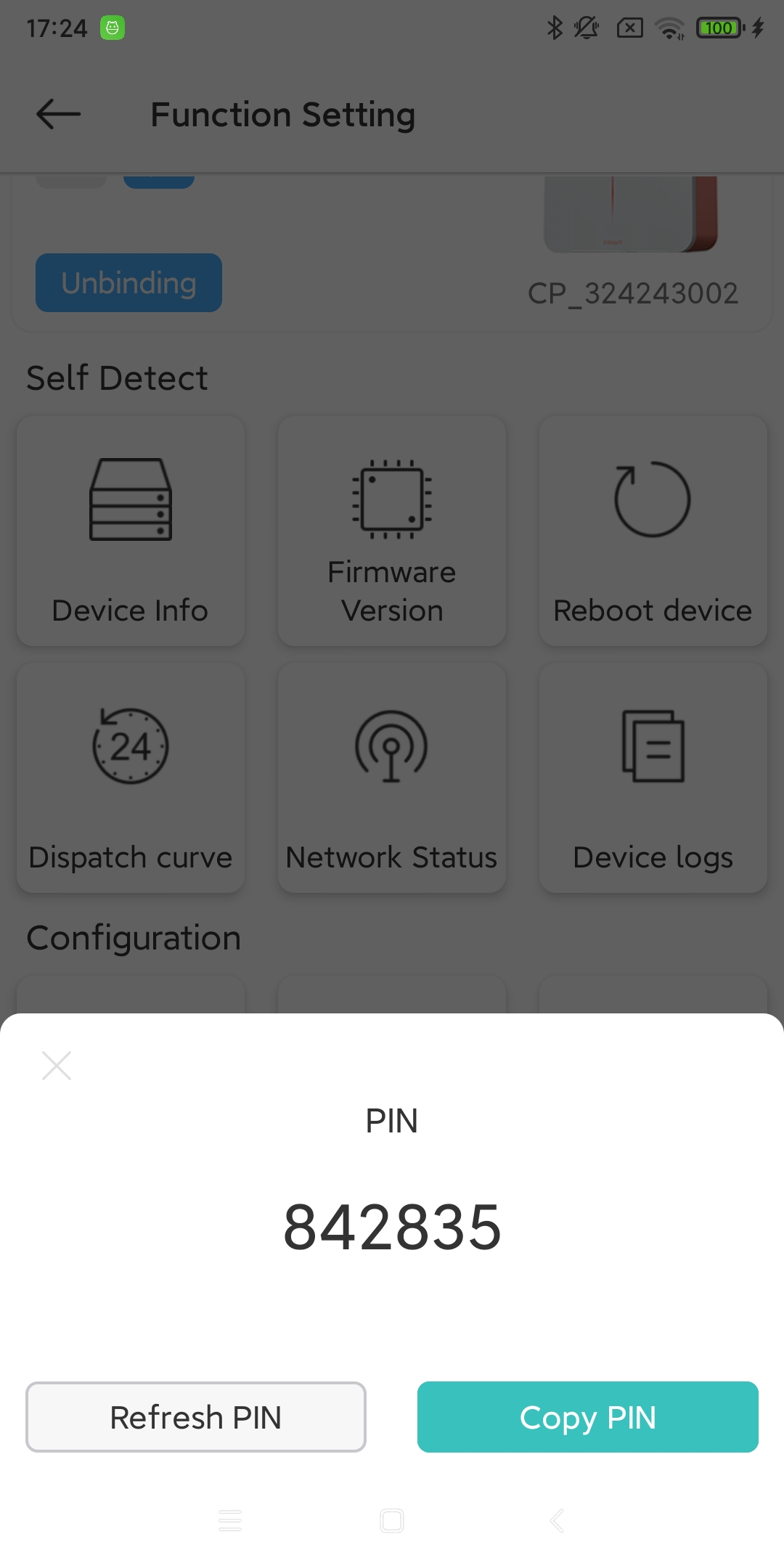
- View PIN:
Check the PIN code of the current charging station device. [8]
- Certificate renewal:
Update the current charging pile’s certificate information. (Only available for OCPP2.0)
- Offline IC Card:
The IC card information used when the current charging pile device is offline. [9]
- Sched Box:
Scheduling Box (second generation) sets the slave address. (Need to be used with Sched Box) [10]
9.2. Network connection
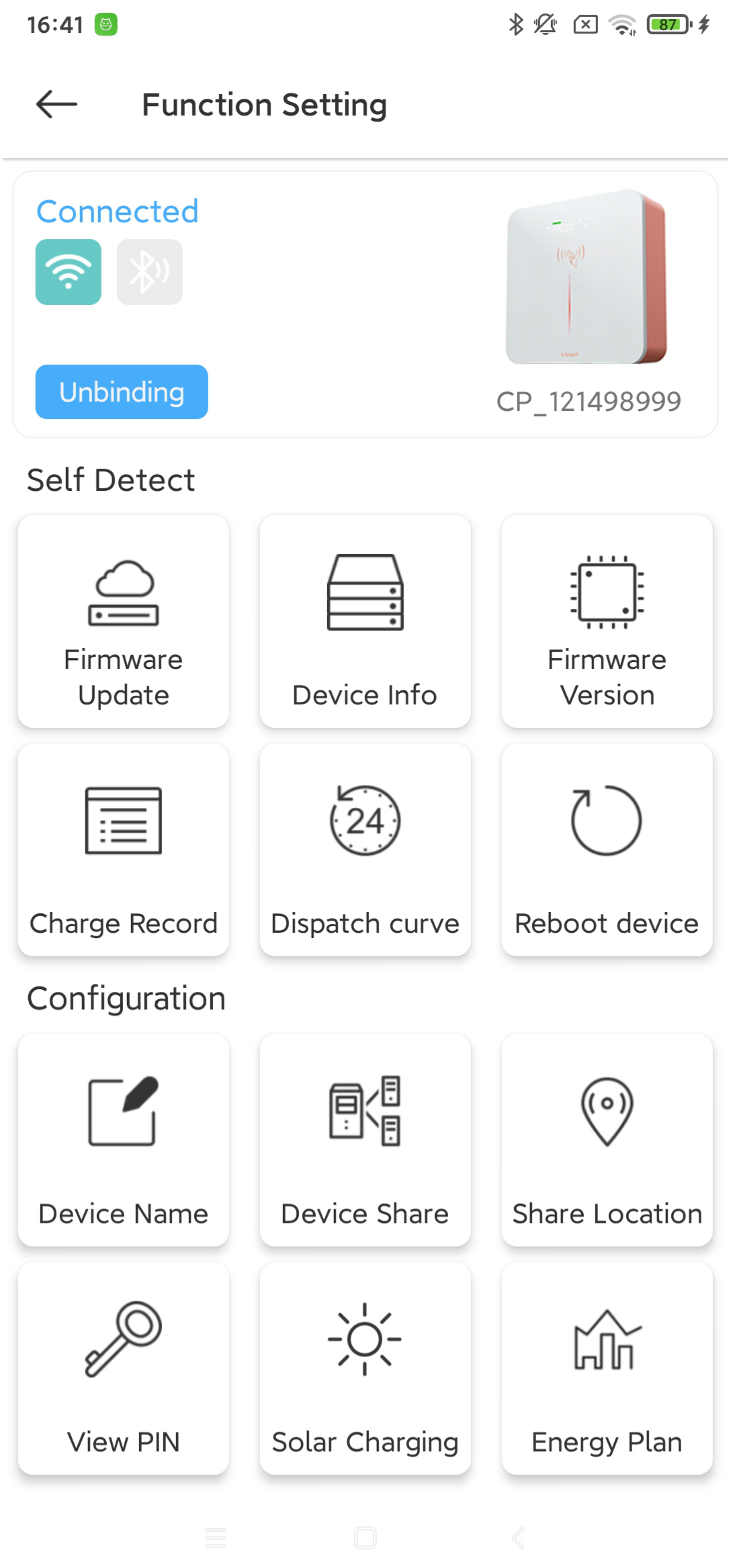
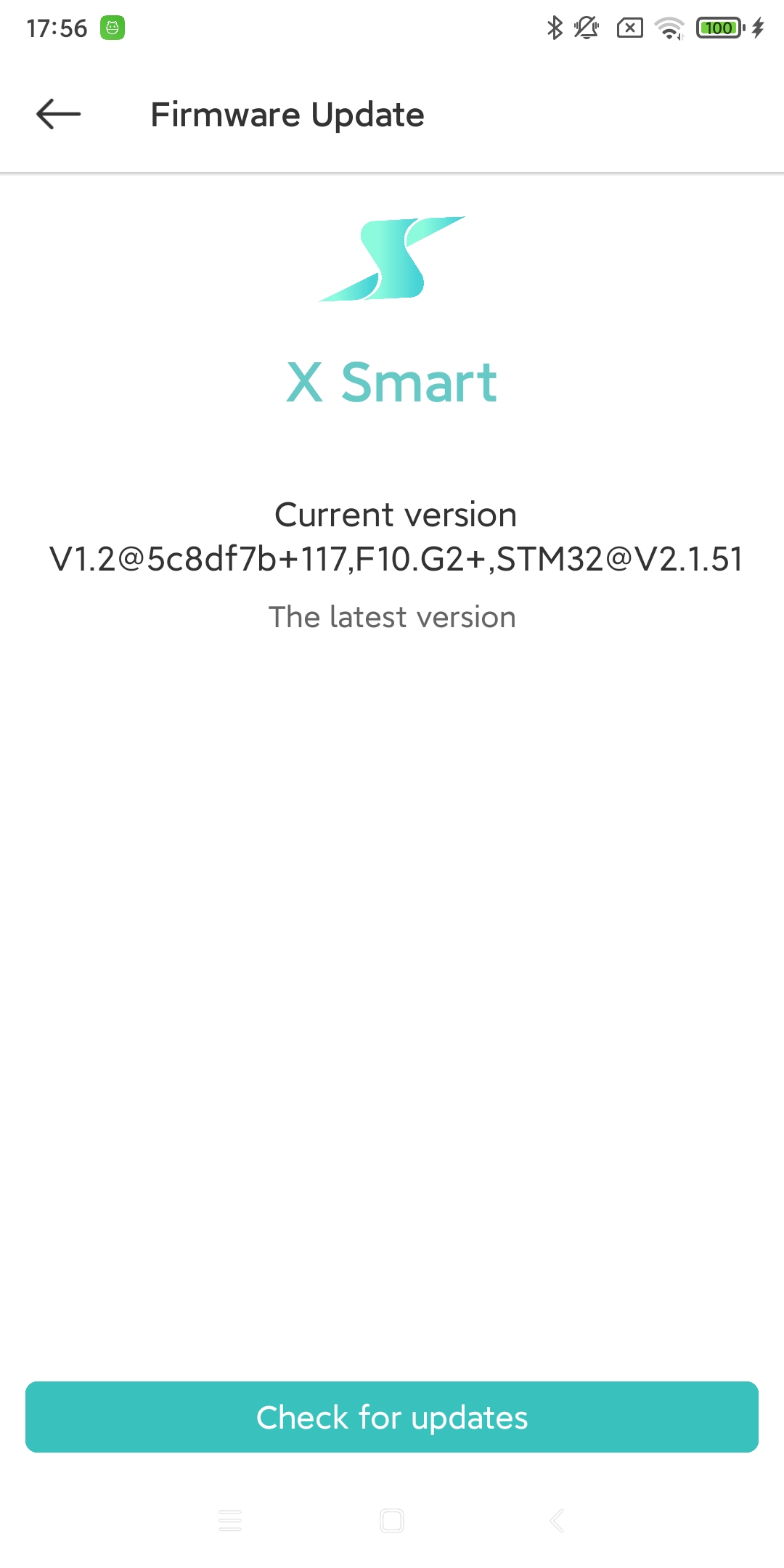
- Firmware Update:
Check and update the firmware version of the current charging pile device. [11]
- Device Info:
View the basic information of the current charging pile equipment. [1]
- Firmware Version:
Check the firmware version number of the current charging pile device. [2]
- Charge Record:
View the charging records of the current charging pile device. [12]
- Dispatch curve:
View the future scheduling curve of the current charging pile equipment. [5]
- Reboot device:
Soft restart the current charging pile device. [4]
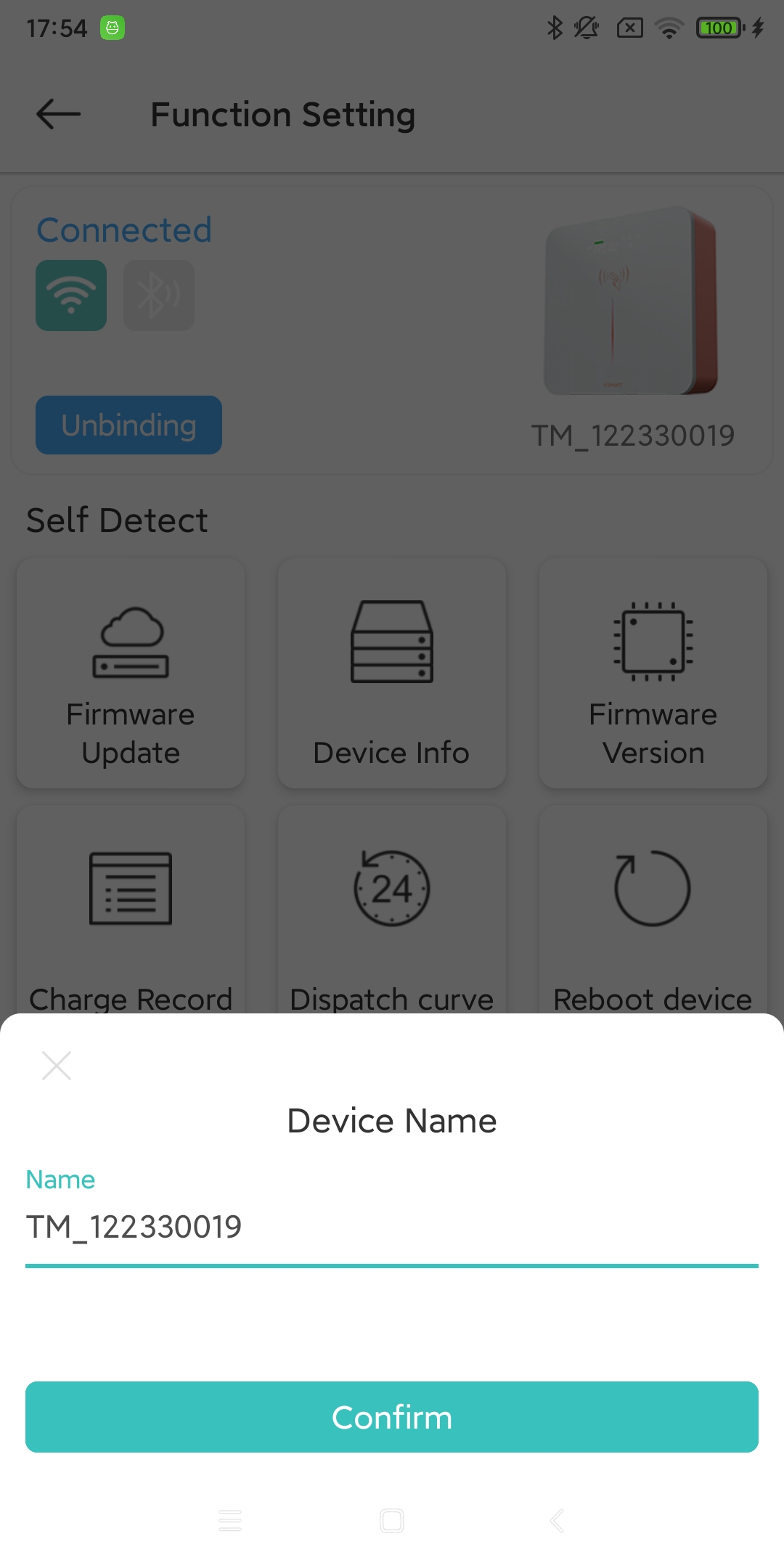
- Device Name:
Set an alias for the current charging pile device. [13]
- Device Share:
Share the current/other charging pile devices with other accounts. [14]
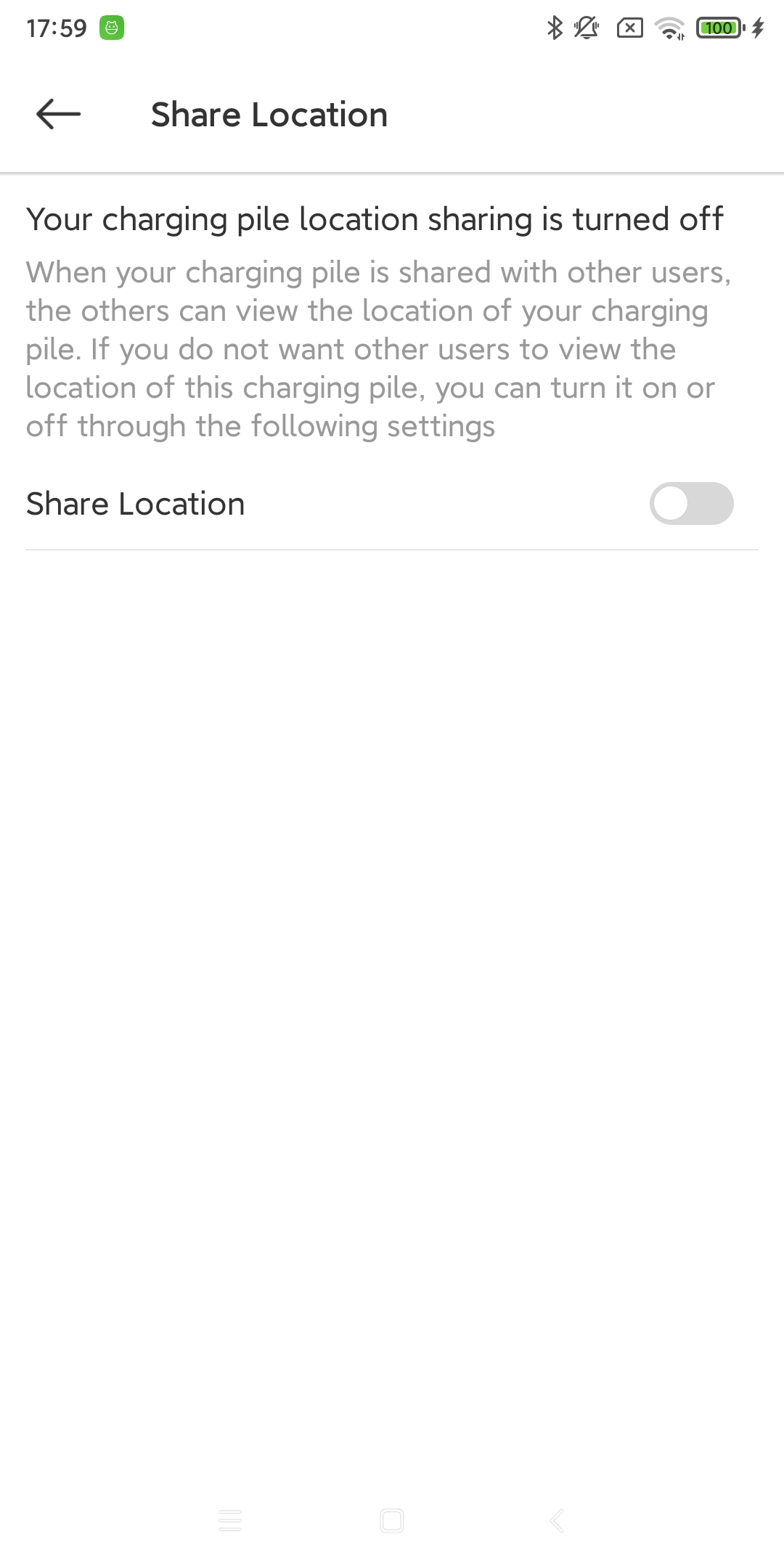
- Share Location:
Set/view the current geographical location of the charging station. [15]
- View PIN:
Check the PIN code of the current charging station device. [8]
- Solar Charging:
Set the solar charging mode for the current charging station. (Need to be used with CT Box/Sched Box) [16]
- Energy Plan:
Set the cost-related value for the current charging station. [17]