12. Use IC card offline
On the ‘More’ page, you can click the ‘Offline IC Card’ to access this feature. (You need to connect to the charging pile device via Bluetooth and bind the device to see this tab.) When your charging pile device environment cannot connect to the network, and if you need to use the IC card to start/stop charging, you can add your IC card in this feature.
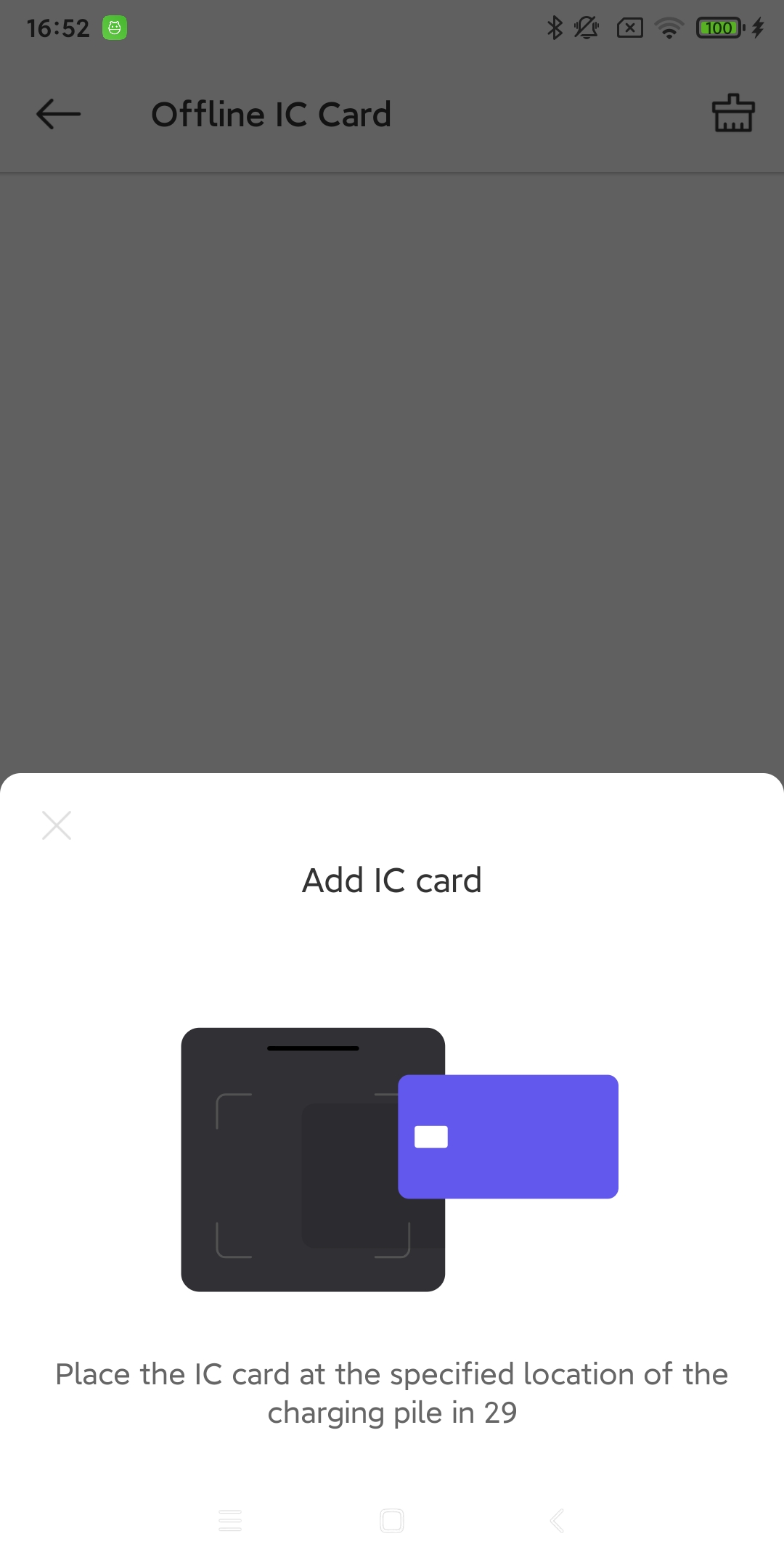
After clicking ‘Add’, within 30 seconds of the pop-up window appearing, you need to hold the IC card and swipe it at the specified location on the charging pile device. Once the charging pile device recognizes the card, it will appear in the IC card list.
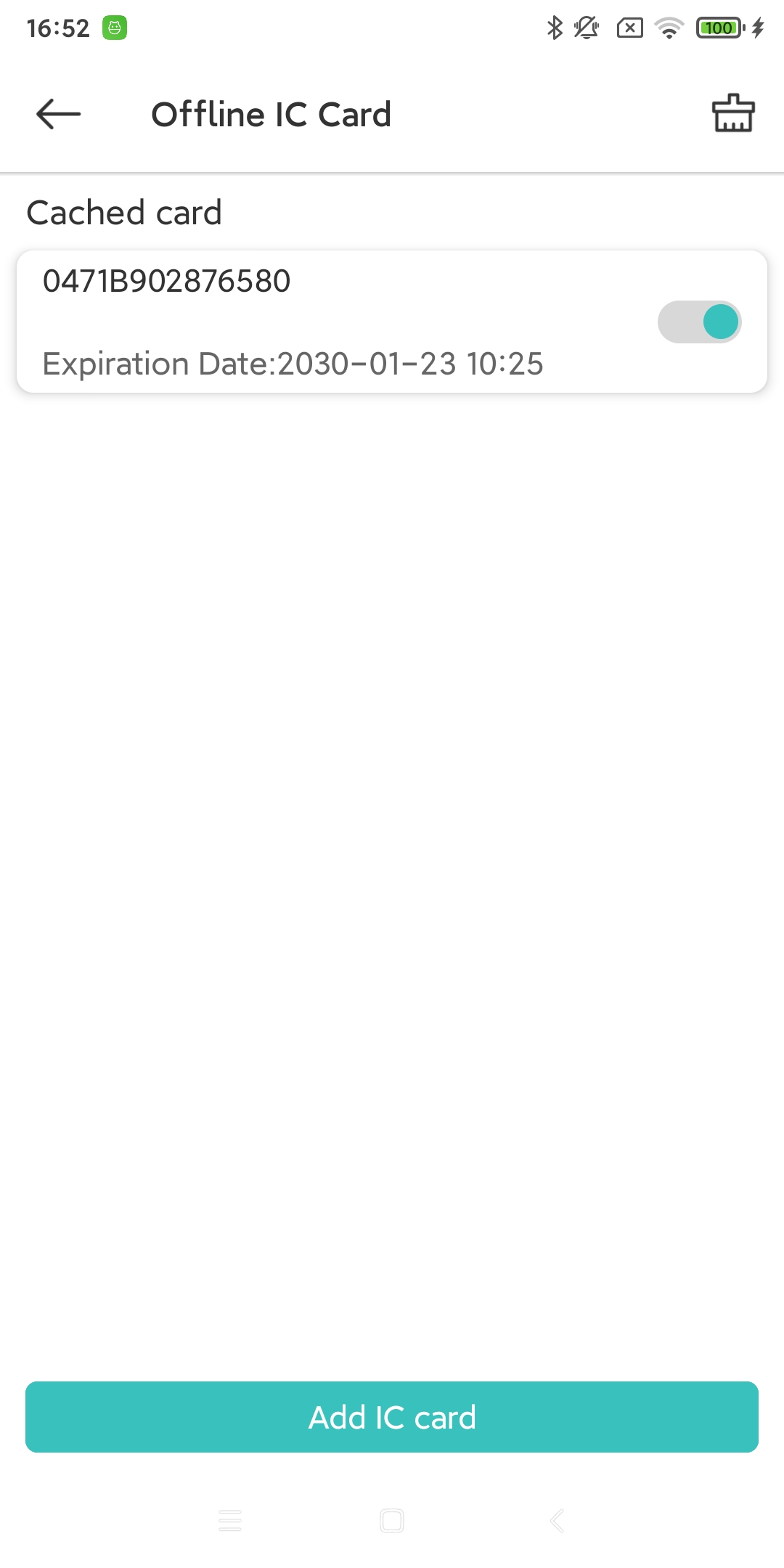
When the card appears in the IC card list, you need to turn on the IC card for it to take effect.
12.1. Delete IC card
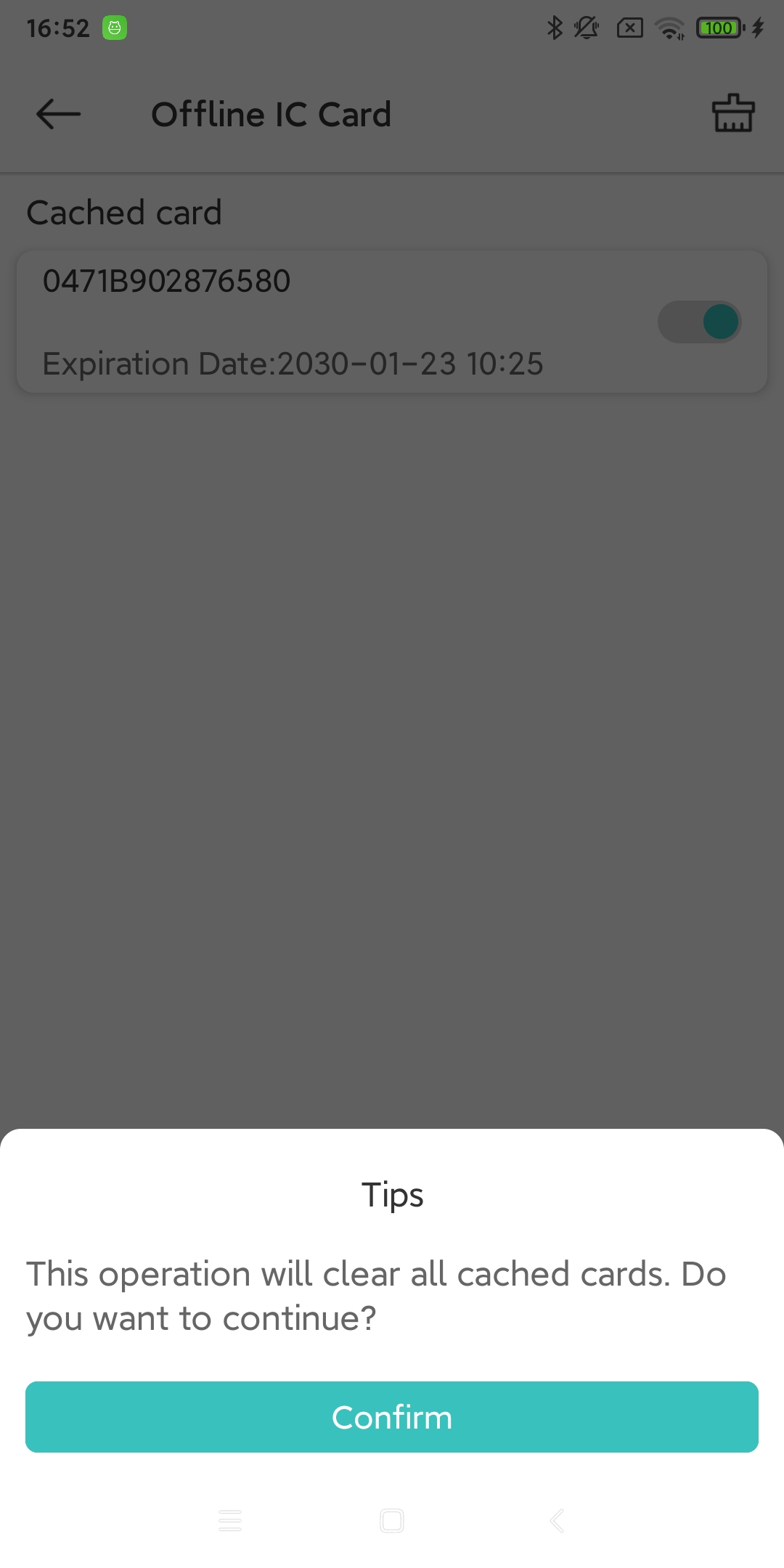
Offline IC cards cannot be deleted individually. If you do not need a card, choose to clear the IC card, and all existing cards will be cleared. Please operate with caution.